
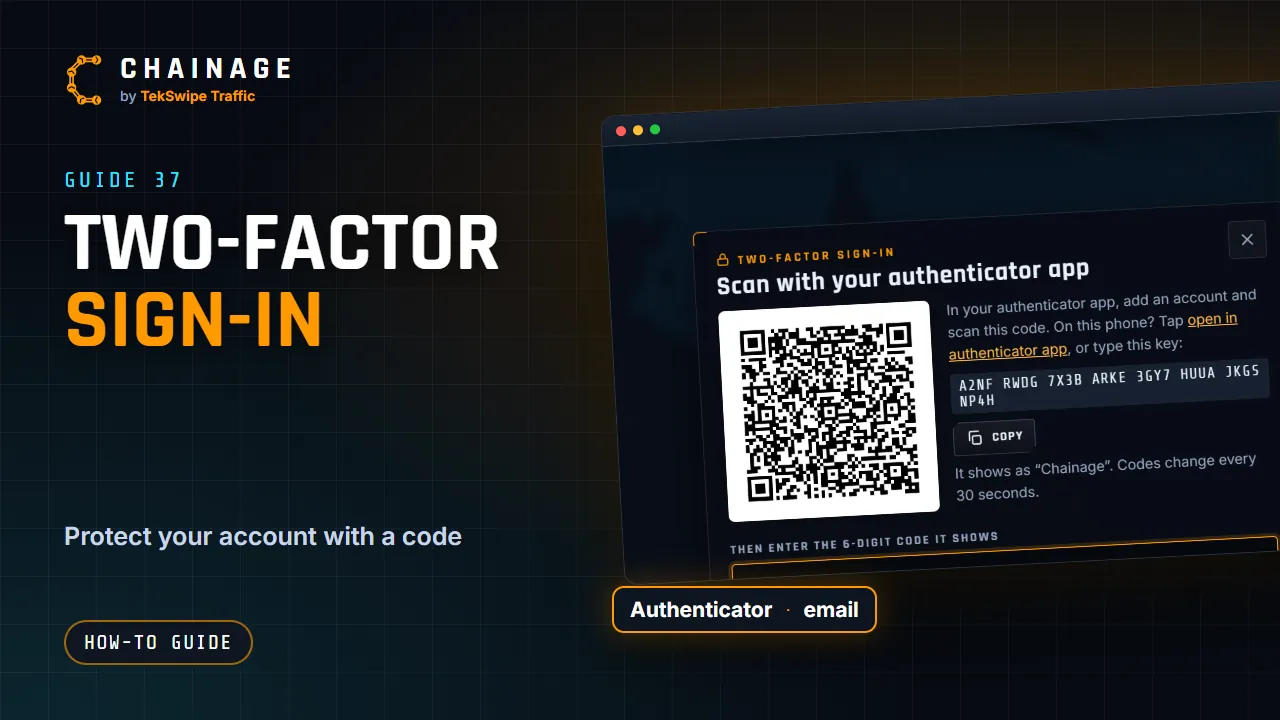
Two-factor sign-in adds a second step when you sign in on a new device: a short code as well as your password. A stolen password on its own then isn't enough.
Choose a method
- Authenticator app (recommended): a code from an app such as Google Authenticator, Microsoft Authenticator, 1Password or Authy.
- Email codes: we email you a 6-digit code when you sign in. Each code works for 15 minutes.
Set it up
- Open the account menu and choose Sign-in & security.
- Tap Use an authenticator app or Use email codes.
- Authenticator app: in your app, add an account and scan the QR code. On the same phone, tap open in authenticator app instead, or Copy the key and type it in. It shows as “Chainage”, and the code changes every 30 seconds.
Email codes: check your email for the code. Send a new code sends another (wait 30 seconds between them). - Enter the 6-digit code and tap Turn on.
- Save your recovery codes (below).
Recovery codes
You get 10 recovery codes. Each works once, for when you can't get a code, such as after losing your phone. They're shown only once, so Copy or Download them and keep them somewhere safe, like a password manager. Tick I’ve saved these codes, then tap Done.
Running low? New recovery codes in Sign-in & security makes a fresh set (you'll need your password). The old ones stop working.
Signing in with two-factor
After your password, Enter your code and tap Verify and sign in. Tick Remember this device for 30 days so that device doesn't ask every time.
No phone? Tap Use a recovery code and enter one of your saved codes (Use a code instead switches back). Using email codes, Send a new code sends another.
Switch, turn off, or when it's required
- Switch to email codes or Switch to an authenticator app changes your method.
- Turn off asks for your password. It isn't available when two-factor is required for you.
A company can require two-factor for all its members. If yours does, you're asked to set it up when you sign in. You can choose Not now — sign in without it, but that company's projects stay hidden until you turn it on. See Company settings and security rules.
Lost access to your codes and recovery codes? If your account is company-managed, an admin there can reset two-factor (see If your account is managed by a company). Otherwise, contact support. See also Signed-in devices.