
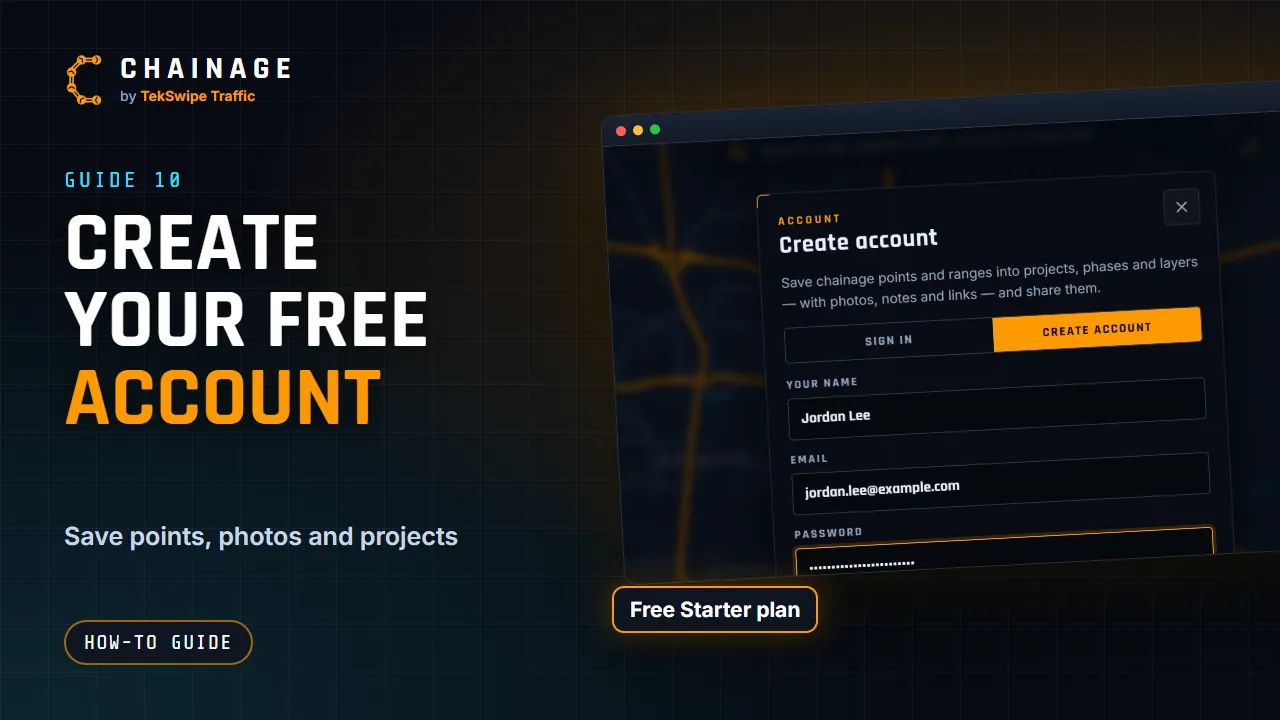
You don't need an account to find chainages. A free account lets you save your work into projects, add photos and files, and share it.
Create your account
- Open Chainage and tap Sign in at the top right (on a phone it's the person icon). Or go straight to create an account.
- Choose the Create account tab.
- Enter Your name, Email and a Password. Passwords need at least 10 characters. A few unrelated words works well, like “gravel kettle orbit lamp”.
- Tap Create account. You're signed in straight away.
Creating an account means you agree to the Terms and Privacy Policy.
Confirm your email address
We email you a confirmation link as soon as your account is created. Open it within 7 days and you'll see Email confirmed.
Until you confirm, your account menu shows Confirm your email and the account button has an alert dot. Tap Confirm your email to send a new link. If it doesn't arrive, check your junk folder.
Projects that people share with you by email, and invitations to join a company, attach to your account once your email is confirmed.
What the free Starter plan includes
- Up to 10 personal projects.
- 50 MB of storage for photos and project files.
- Share links, photos, notes and files.
- Every map tool, the same as on paid plans.
Need more? See Upgrade to Professional and add storage. If your company uses Chainage, ask an admin to invite you instead (see Invite and manage members).
Next steps
- Save your first point to a project.
- Add Chainage to your phone's home screen.
- Turn on two-factor sign-in to protect your account.