
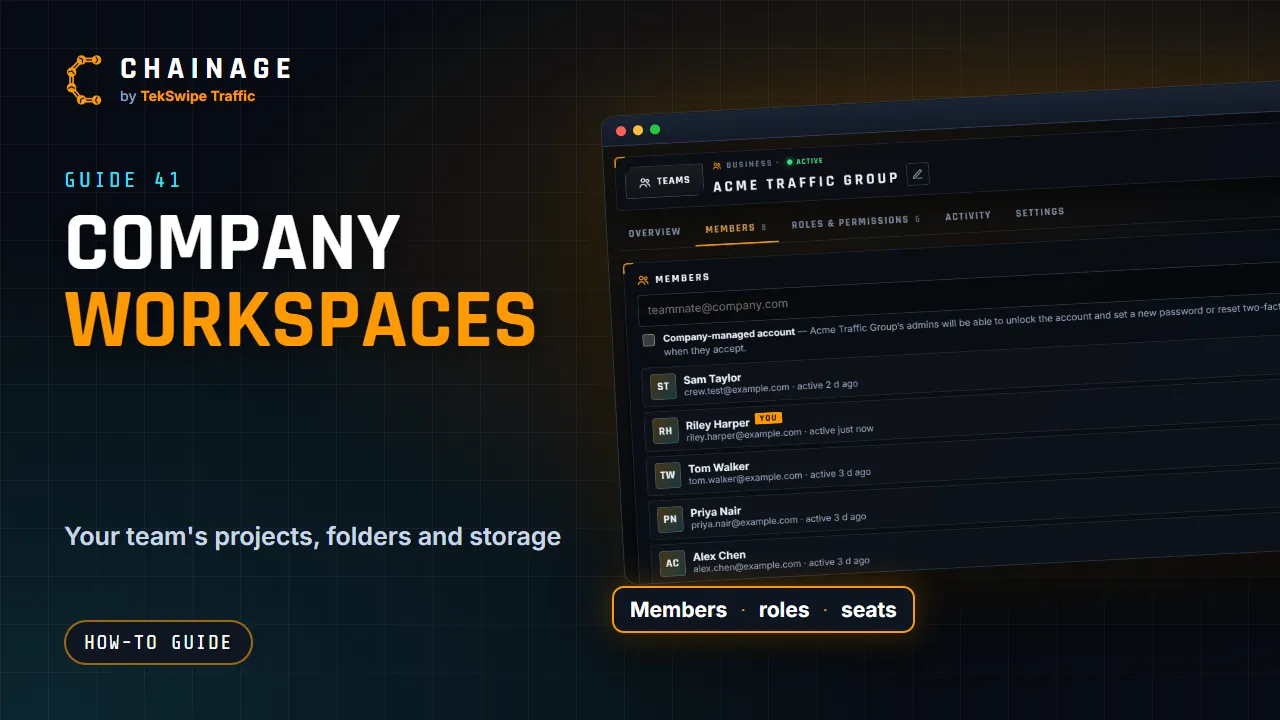
A company workspace lets a team work on the same projects, with each person's access set by their role. It's the Business plan, for companies, councils and government.
What a company gives you
- Company projects and folders the whole team can work in.
- Pooled storage: 30 GB per seat, shared by everyone.
- Roles and permissions, with six built-in roles and your own.
- An activity log of who did what.
- Security rules: require two-factor sign-in, passwords and expiry dates on share links, and company-managed accounts (see Company settings and security rules).
- Export all company data at any time.
Companies, councils and government organisations use the same Business plan at the same price. You choose the organisation type in the company's settings. See Plans and what they include.
How seats work
Every member of the company uses a seat, and so does each pending invitation. The Overview tab shows how many are in use.
People you share a single project with by email, and anyone opening a share link, aren't company members and don't use a seat. People you share with by email just need a free account; share-link viewers don't need an account at all.
To add or remove seats, see Change your company's seats or storage.
One login, many companies
One person can belong to several companies, which is handy if you contract to more than one business. Each company pays for its own seats and keeps its own projects. Teams & companies in the account menu lists your companies and your role in each. Your personal projects stay yours.
If the subscription lapses
If a company's subscription ends or isn't paid, its projects become read-only: “This company's subscription isn't active, so its projects are read-only.” Members can still open and export them. Restarting the subscription brings everything back. See Cancel or change your plan.
A new company is waiting for its first payment until checkout is complete, and company projects can't be created or edited until then.
Getting started? See Create a company and the Company admin tutorial.