
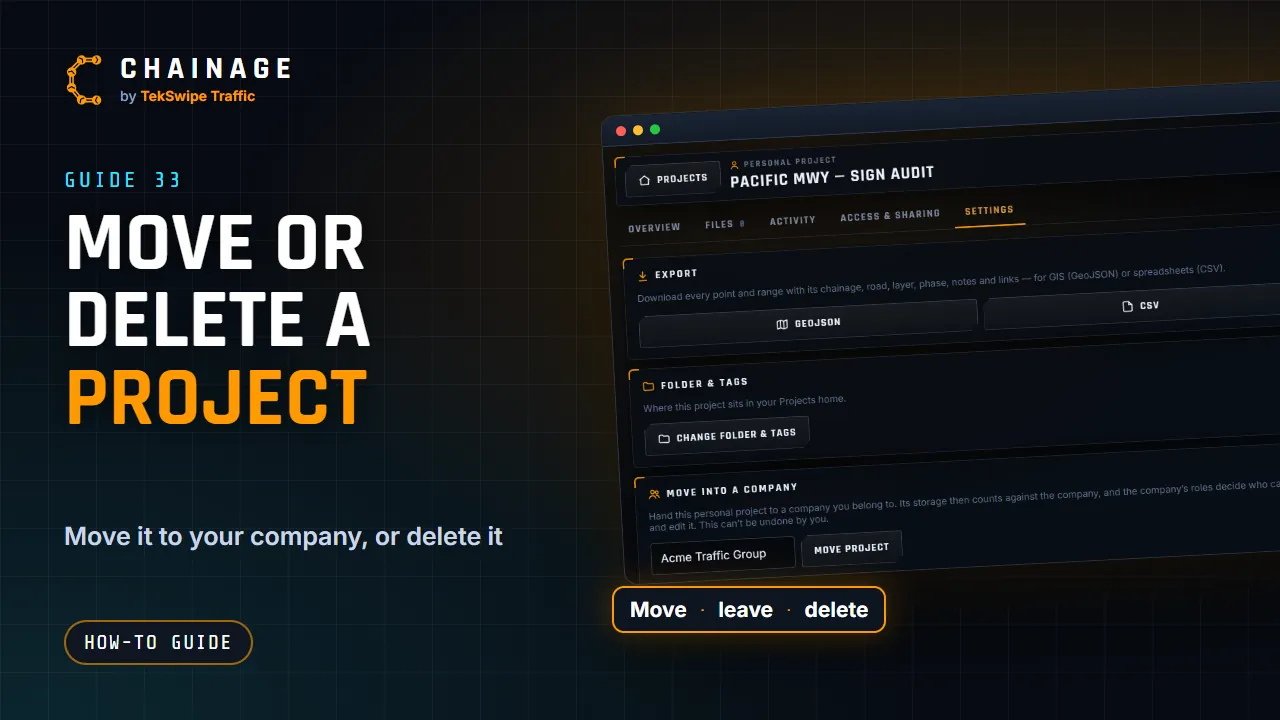
The project hub's Settings tab is where a project changes hands or comes to an end.
Move a project into a company
You can hand a project to a company you belong to where your role can create company projects:
- A personal project you own.
- A company project, to another company you're in, if your role in the company it's in now can delete projects. (Moving it out takes it away from that company.)
- Open the project hub and choose Settings, then tap Move project… under Move into a company or Move to another company. Or tap the move button (four arrows) on the project's card in Projects home.
- Pick the company it's going to.
- Tap Move project.
What changes when it moves:
- Its storage counts against the company it moves to, which needs enough room for it.
- That company's roles decide who can see and edit it. You keep access.
- People who only had it through the old company's roles lose access to it.
- People it's shared with by email, and its share links, keep working.
- It goes to the top of the new company's folders.
- Both companies' activity logs record the move.
A personal project can't be moved back to your personal projects. A company project can move on again, by someone who can delete projects in the company it's now in.
Leave a project shared with you
In Settings, under Leave this project, tap Leave project. It disappears from your Shared with me list, and the owner can add you again. To remove a share link you saved, tap the bin on its card in Projects home.
Delete a project
- In Settings, under Delete project, tap Delete project.
- Read the message and confirm.
This permanently deletes the project with all its saved items, photos and files, and revokes its share links. There's no trash or undo, so export anything you want to keep first. In company projects, deleting needs the Delete projects permission.
Finished with a job but want to keep it? Set its Status to Archived on the Overview tab instead of deleting it.
Deleted something by mistake? Email support@tekswipe.com.au as soon as you can. We keep backups and may be able to help, but we can't promise.
Change folder and tags
Change folder & tags files the project in a folder and sets its tags. Company folders are shared with the whole company; how you file a project shared with you is private to you. See Projects home: folders, tags and search.