
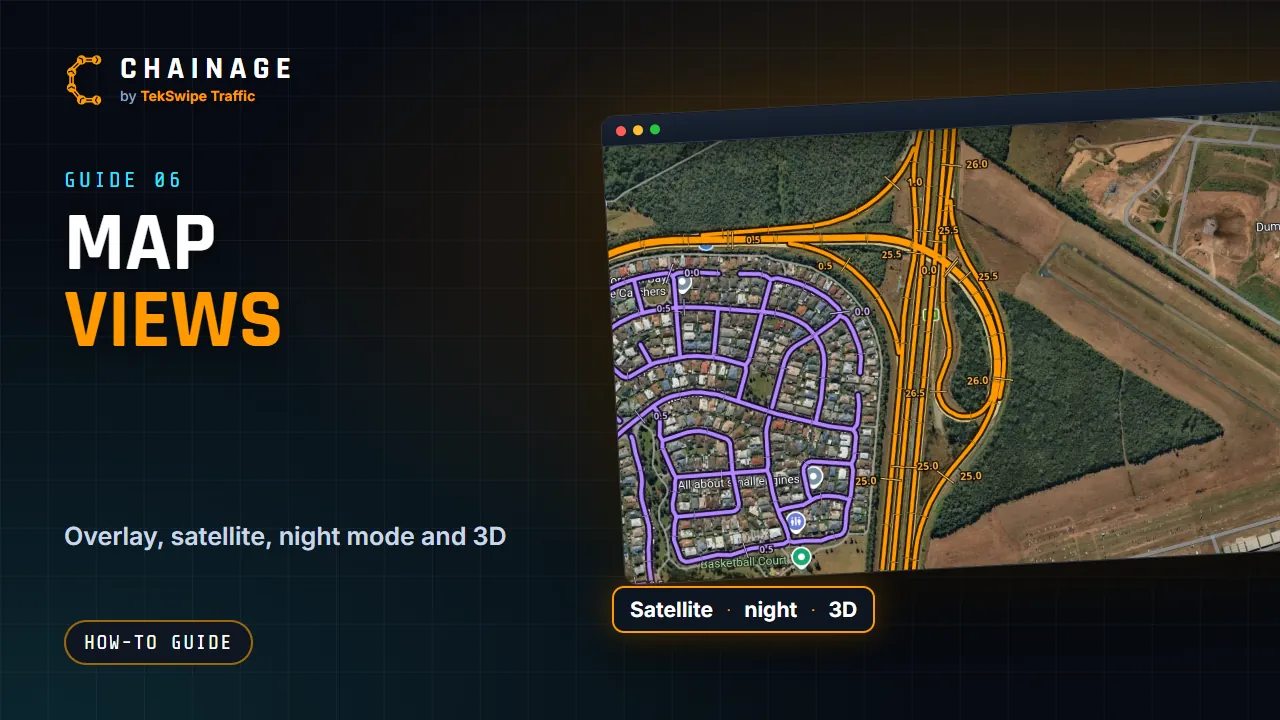
The toolbar down the right-hand side of the map changes how the map looks.
The map tools
From top to bottom:
- Base map: choose the background map (below).
- Main Roads overlay: highlights state-controlled roads. See The Main Roads overlay and chainage marks.
- Projects on the map (two circles, when you're signed in). See See several projects on the map.
- Day / night map.
- Full screen.
- Reset north.
- 3D.
- Zoom in and Zoom out (on a computer; on a phone, pinch).
Base map
Tap Base map and choose:
- Map: OpenStreetMap (the default).
- Google Maps: Google's road map.
- Satellite: Google's aerial imagery.
If Google's map can't load, you'll see “Couldn’t load Google Maps — staying on OpenStreetMap.” Your choice isn't remembered: every visit starts on Map.
Day and night
The sun and moon button switches between a light map and a dark night map (“Night map” or “Day map”). Your choice is remembered on this device. Only the map changes: the buttons and cards stay dark. On Google Maps, night mode uses Google's own dark map. Satellite has no night version.
3D, rotating and reset north
Tap 3D to tilt the map. Buildings stand up when you're zoomed in, and so do a project's signs. You can also tilt and turn the map by hand: with two fingers on a phone, or by right-clicking and dragging (or holding Ctrl and dragging) on a computer.
While the map is tilted with signs standing up, tap 3D once to draw the signs flat again (their stand and picture) and keep the tilt. Tap it again for the flat map.
Reset north puts north back at the top and flattens the map. On Google Maps, how far you can tilt depends on the zoom, and some devices show “3D isn’t available for Google Maps on this device.”
Full screen and the readout
Full screen hides your browser's toolbars. Some browsers, such as Safari on iPhone, don't support it, so the button doesn't appear. Instead, add Chainage to your home screen.
On a computer, the readout at the bottom left shows the LAT and LON under the mouse (where it last was on the map, once it moves off it), the chainage there (CH, from zoom 10 in — a quick estimate that gets more exact as you zoom in; click the map for the exact chainage), the zoom level (ZM) and the bearing (BRG). Map credits are behind the small (i) button.