
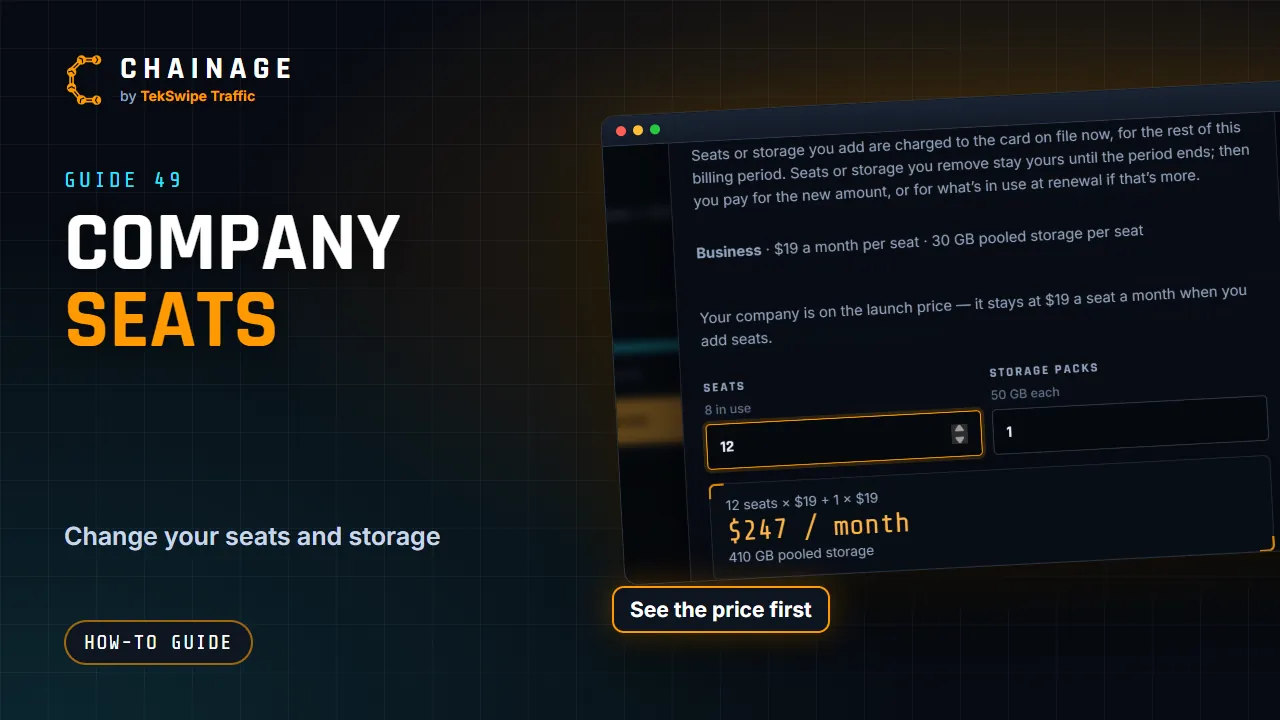
Change seats and storage whenever your team changes. Chainage shows the new price, and what it costs now, before you confirm.
Who can change them
The owner, and anyone whose role has Change the plan, buy seats and storage, update payment details, such as the Accounts role. Others see “Ask the owner or your accounts team to change seats or storage.” See Roles and permissions.
Change seats or storage
- Open the account menu, choose Teams & companies, then your company.
- On the Overview tab, tap Change seats or storage.
- Set the number of Seats (it shows how many are in use) and Storage packs (50 GB each).
- Check the new monthly total and pooled storage, and the note about what it costs now.
- Tap Update subscription.
You can also tap Add seats on the Members tab. When you invite someone and every seat is taken, Chainage offers Add seat and invite. After you remove someone, it asks Remove the spare seat too?
How charges work
- Seats or storage you add are charged now for the rest of the current billing period: to the card on file, or on an invoice if you pay by invoice. Any credit you have is used first.
- Seats you remove aren't refunded. They stay yours, ready to use, until the billing period ends. From the renewal you pay for the new number, or for the seats in use on that day if that's more. For example, cut 15 seats to 12 and then have 13 people when the period ends, and you renew with 13.
- Storage packs work the same way: ones you remove stay until the period ends, and from the renewal you pay for the new number, or for enough packs to hold the storage in use then if that's more.
- Until the renewal, the Overview tab shows the change coming, with Keep to undo it.
- A company on the launch price keeps it for seats it adds.
Complimentary companies change seats at no charge, with Change seats and Update seats.
Pooled storage
A company's storage is 30 GB for each seat plus 50 GB for each storage pack, shared by all its projects. The Overview tab shows Pooled storage and Seats in use. See also Pay by invoice and Plans and what they include.