
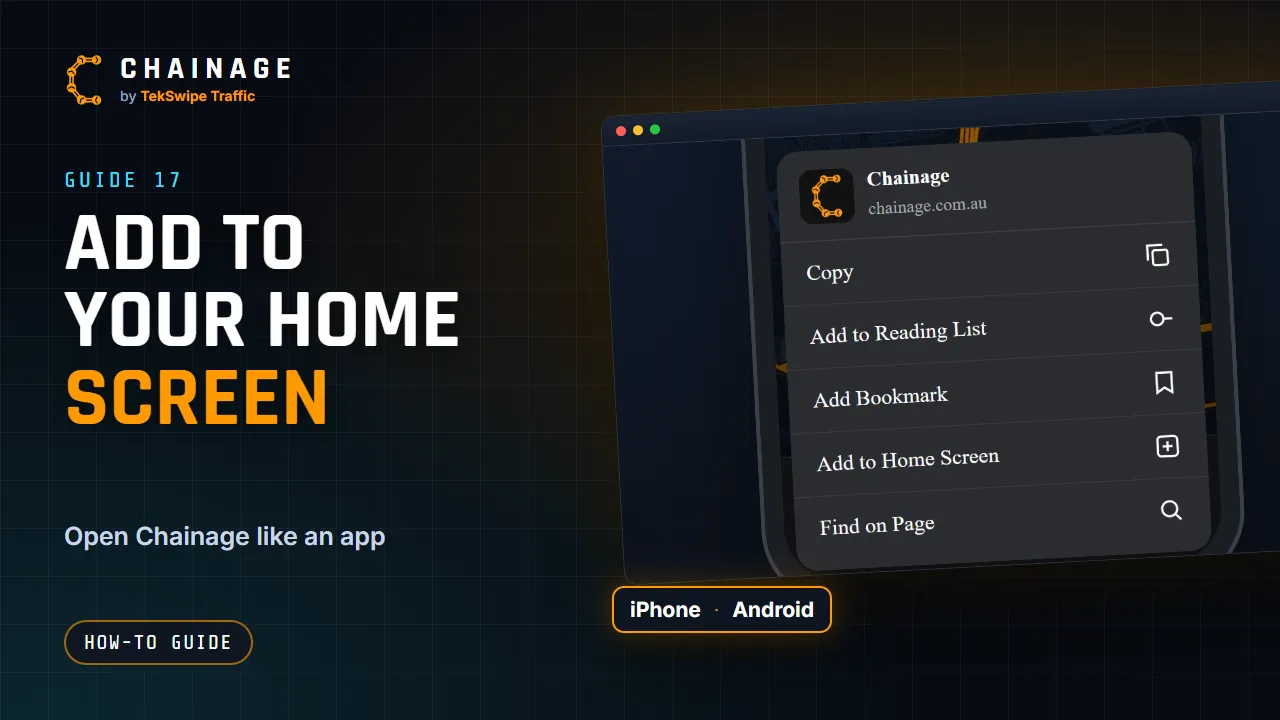
Chainage is a website, but you can add it to your home screen so it opens from its own icon, full screen, like an app. There's nothing to download from an app store.
iPhone and iPad
- Open chainage.com.au in Safari.
- Tap the Share button (the square with an arrow).
- Scroll down and tap Add to Home Screen.
- Tap Add.
Android
- Open chainage.com.au in Chrome.
- Tap the ⋮ menu.
- Tap Install app (or Add to Home screen).
- Confirm.
What you get
- A Chainage icon that opens straight to the map, without the browser's toolbars.
- The same account and projects as on any other device.
- Updates arrive automatically. There's nothing to update yourself.
On an iPhone, the home-screen version keeps its own sign-in and settings, so you may need to sign in and allow location access once more. See Turn on location access.
You still need a connection
Chainage doesn't have an offline mode. Looking up a chainage and loading the map need an internet connection. With no signal you'll see “Lookup failed — check your connection.” In weak reception, results can take a little longer.
More handy tricks are in Tips and keyboard shortcuts.