
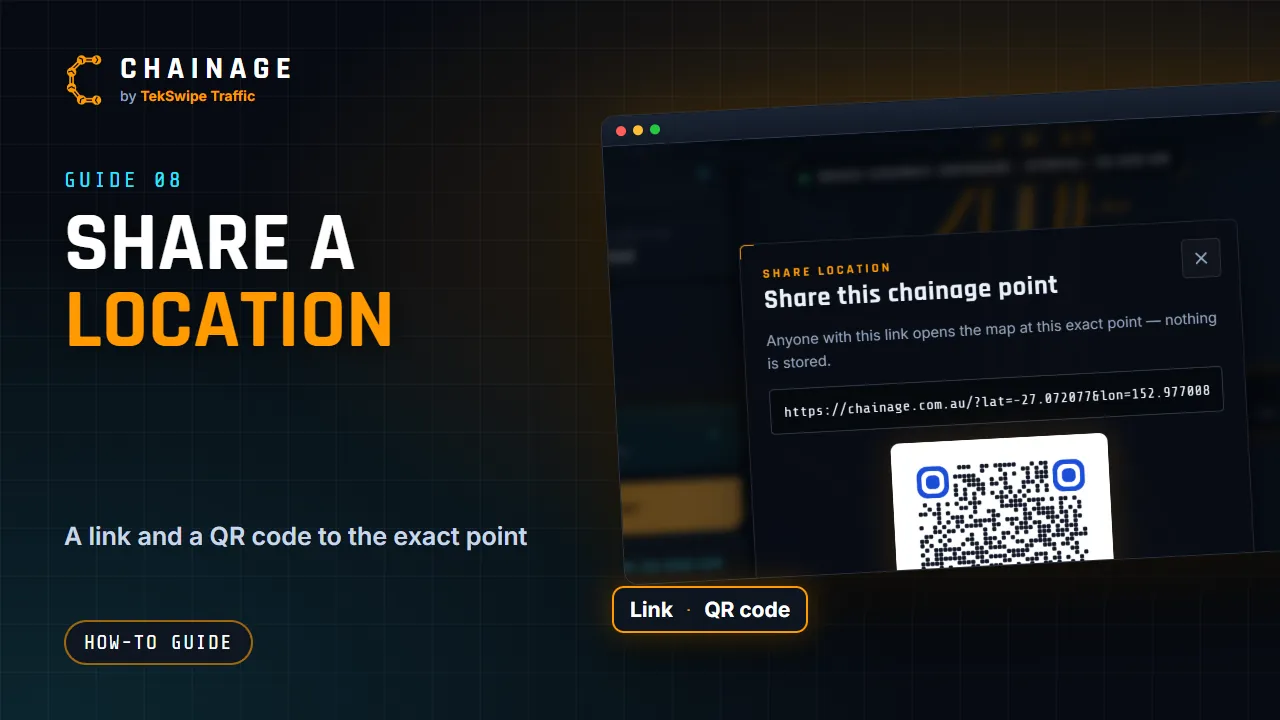
Share any chainage point as a link or QR code. Whoever opens it sees the same point on the map, with no account needed.
What the other person sees
The link opens Chainage at that exact point, with the pin dropped and its card open, marked Shared location. They can do everything on the map that you can, such as Street View and directions.
Nothing is stored when you share this way. The link simply carries the coordinates, for example https://chainage.com.au/?lat=-27.470500&lon=153.026000.
Share a saved point or sign in its project
A saved point or sign has its own Share button on its card. When its project has a share link, the box offers Open it in the project: pick the link, and the link and QR code open that shared project with this item's card showing. Choose Just this location for a plain map link instead. A link whose phases or layers leave the item out is listed but can't be picked.
Dropping a pin while a project is open works the same way: the link can open the project at that spot. Anyone opening a project link needs its password, if it has one.
Sharing more than one point
To share saved points with their photos and notes, share the project instead. See Share a project with a link. To build location links yourself, for example in a spreadsheet, see Direct lookup links.