
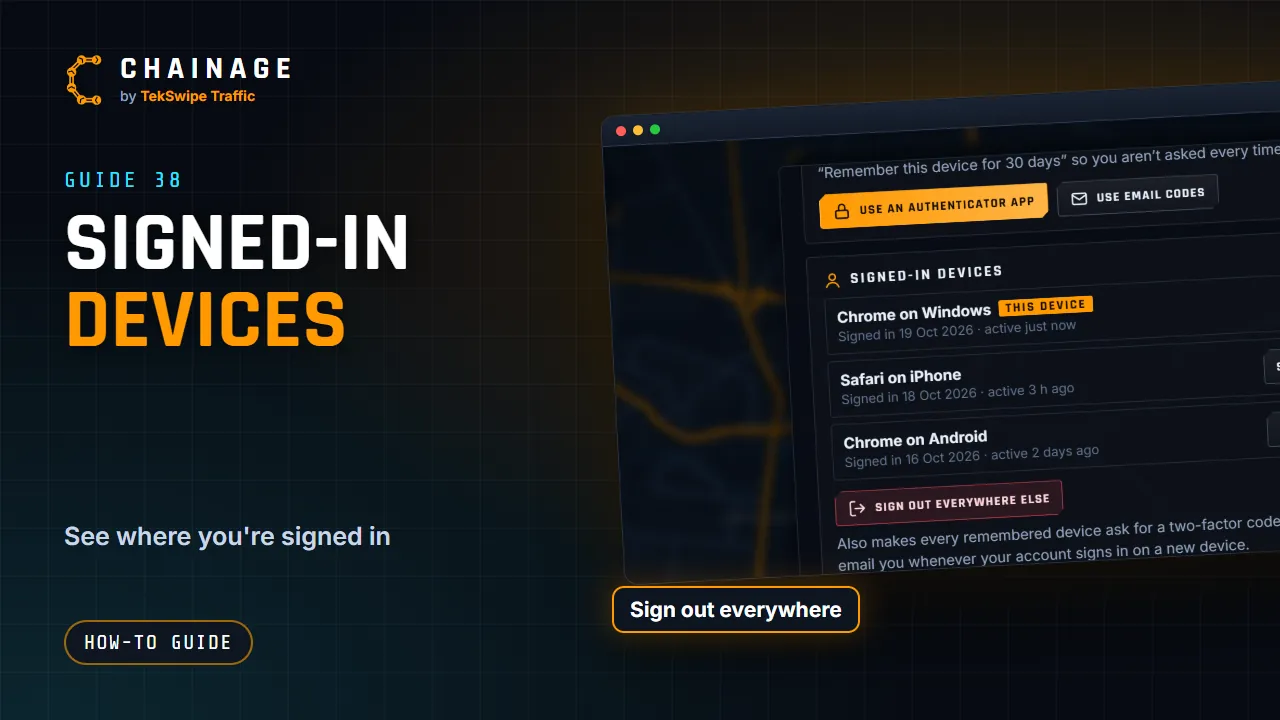
You can see every device that's signed in to your account and sign any of them out.
See your devices
Open the account menu, choose Sign-in & security, and look under Signed-in devices. Each device shows its browser and device, when it signed in, when it was last active and whether two-factor was used. THIS DEVICE marks the one you're using, and REMEMBERED marks devices that skip the two-factor code for up to 30 days.
Sign devices out
- Sign out next to a device signs just that one out.
- Sign out everywhere else signs out every other device straight away, and makes remembered devices ask for a two-factor code again. This device stays signed in.
Changing your password also signs out every other device.
Security emails
We email you whenever your account signs in on a new device. We also email you about repeated wrong passwords, a locked account, and changes to your password or two-factor sign-in. If you didn't expect one of these emails, act straight away.
If a device is lost or you don't recognise one
- Tap Sign out everywhere else (or Sign out next to that device).
- Change your password.
- Turn on two-factor sign-in, or make New recovery codes if your old ones might have been seen.
- If you're worried, email support@tekswipe.com.au.