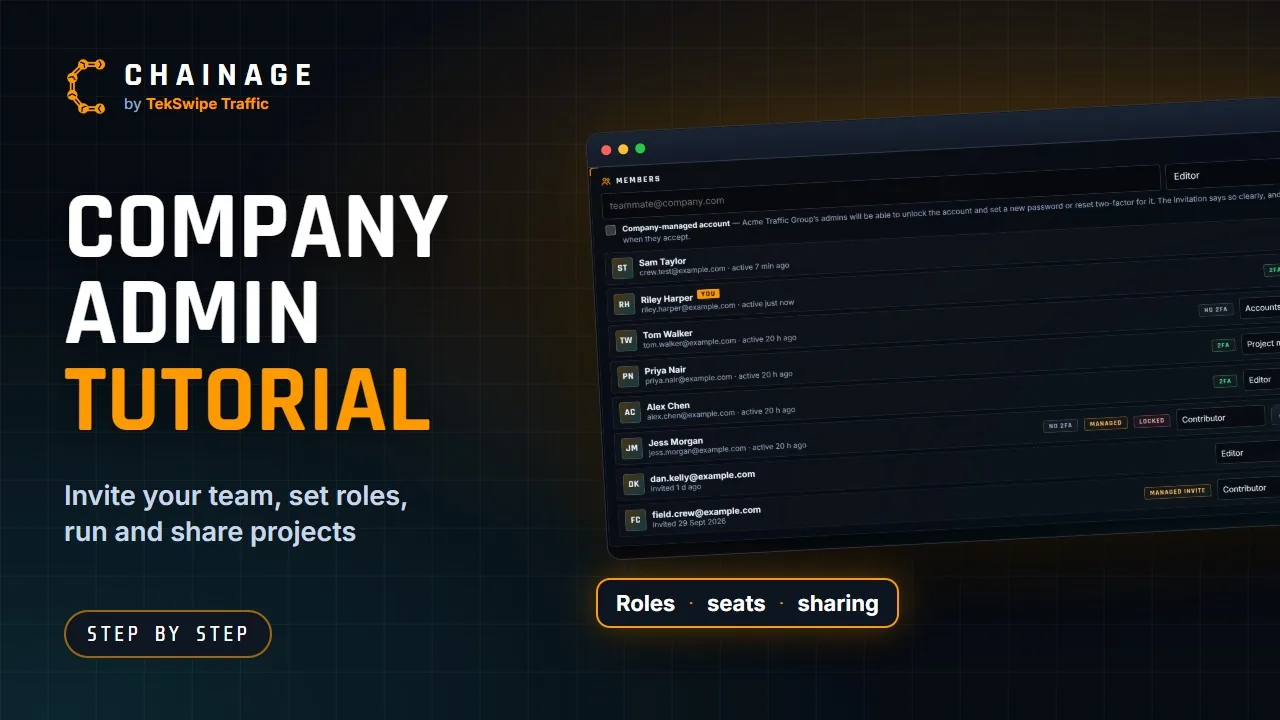
New to running your company in Chainage? This tutorial, about 9½ minutes long, covers everything an admin does: joining, two-factor sign-in, inviting your team and choosing roles, company settings, and setting up and sharing projects. Pause it at any step and follow along, or jump to a chapter below.
Chapters
Who it's for
Company owners and admins setting up a team in Chainage, and anyone who'll manage members, roles or projects. Each step is also written up in the knowledge base:
Company workspaces explained▶What a company workspace gives your team, how seats work, and what happens to company projects if the subscription lapses.
Create a company▶Set up a company workspace on the Business plan: name it, choose company or government, pick seats and storage, and pay.
Invite and manage members▶Invite people to your company, choose their role, resend or cancel invitations, change roles and remove members.
Roles and permissions▶The six built-in company roles, every permission you can switch on or off, and how to create roles of your own.