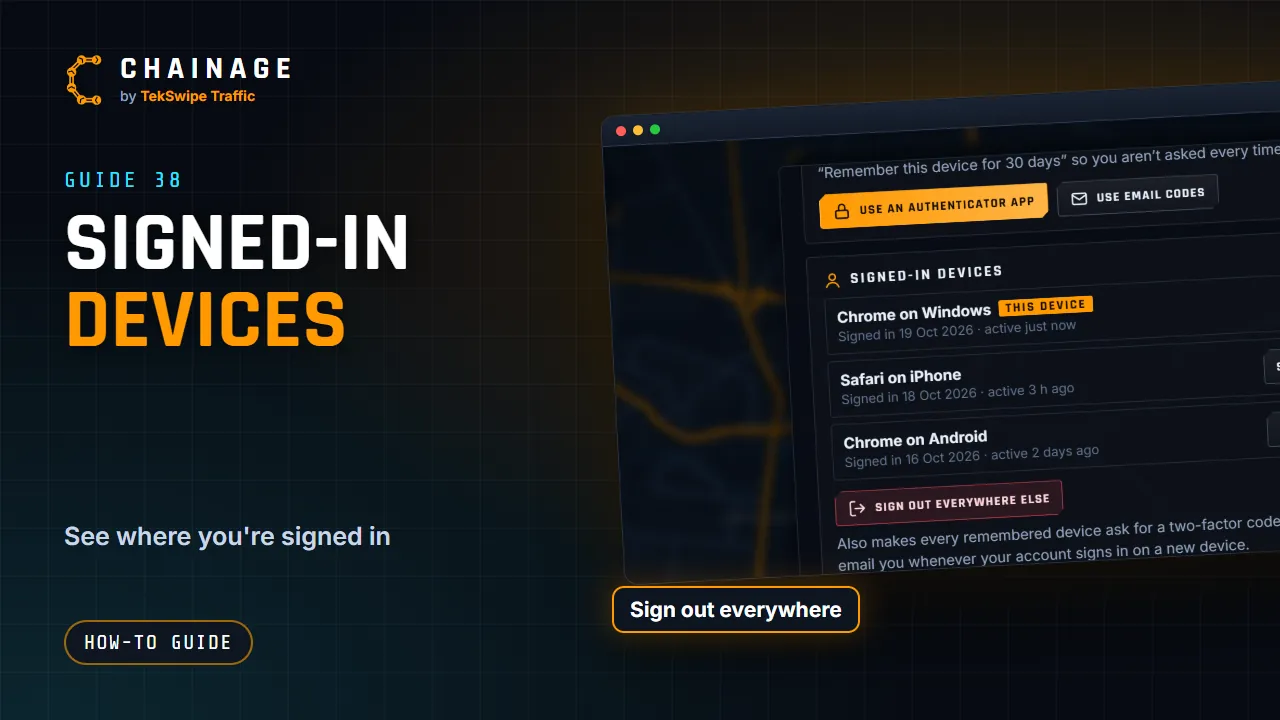
Turn on two-factor sign-in
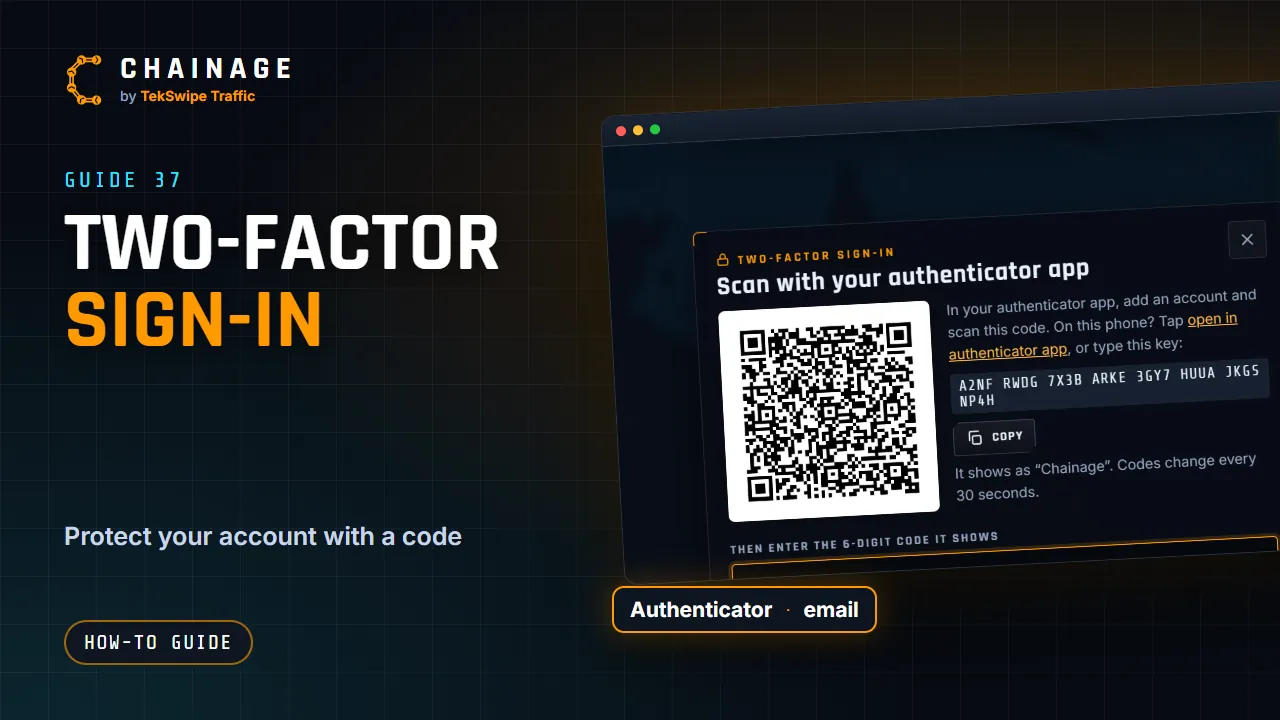
Protect your account with a code from an authenticator app or email, save your recovery codes, and manage two-factor settings.
Transcript
Two-factor sign-in protects your account with a code, as well as your password. Open the account menu, then Sign-in and security. Choose Use an authenticator app. Scan the code with an app like Google or Microsoft Authenticator, type in the six-digit code, and tap Turn on. Or choose Use email codes, to get your codes by email. Save your recovery codes somewhere safe.
Each one works once, if you ever lose your phone. When you sign in, you can tick Remember this device, to skip the code there for thirty days.
The full guide: Turn on two-factor sign-in