
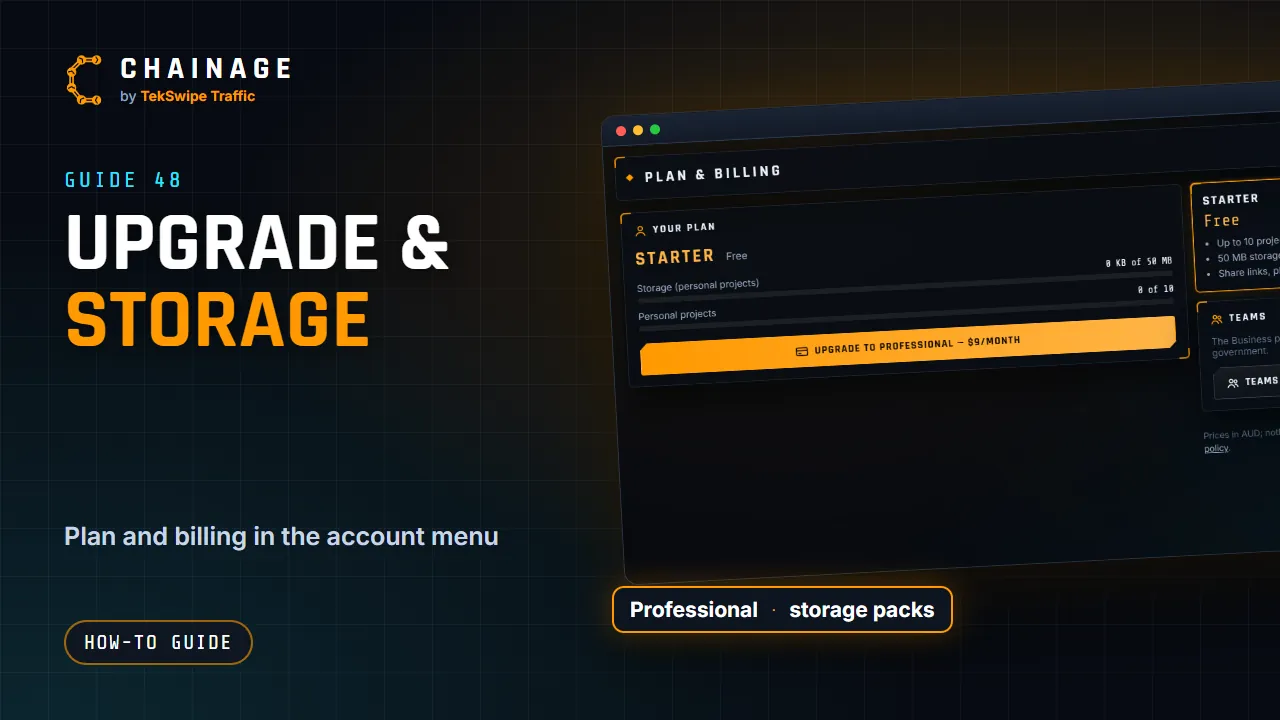
Your personal plan lives under Plan & billing in the account menu. Company billing is separate: see Change your company's seats or storage.
Your plan
The Your plan card shows your plan and what it costs, when it renews or ends, a Storage (personal projects) bar, and how many personal projects you have (out of 10 on Starter, or unlimited).
Upgrade to Professional
- Open the account menu and choose Plan & billing.
- Tap Upgrade to Professional — $9/month.
- Pay with the secure card checkout.
Back in Chainage you'll see “Payment received — activating…”, then “You’re all set — thanks!”. You now have unlimited personal projects and 10 GB of storage. If you leave checkout early, you'll see “Checkout cancelled — nothing was charged”.
Add storage packs
On a paid plan, tap Change storage packs, enter how many 50 GB packs you want ($19 per month each) and tap Update.
Packs you add are charged now for the rest of the billing period. Packs you remove aren't refunded: they stay until the period ends, and from the renewal you pay for the new number, or for enough packs to hold your storage then if that's more. Plan & billing shows the change coming, with Keep to undo it.
Card, receipts and cancelling
Payment details, invoices & cancel opens the secure billing portal, where you can update your card, download receipts and cancel. See Cancel or change your plan.
When your storage is full
Photos and project files count towards your storage. When it's full, new uploads stop with a message like “Your storage is full … — upgrade your plan or add a storage pack”. Nothing is deleted: your projects, photos and files stay as they are. Free up space by deleting photos or files you don't need (this is permanent), upgrade, or add a pack.
Company projects use the company's pooled storage instead of yours. Compare plans in Plans and what they include.