
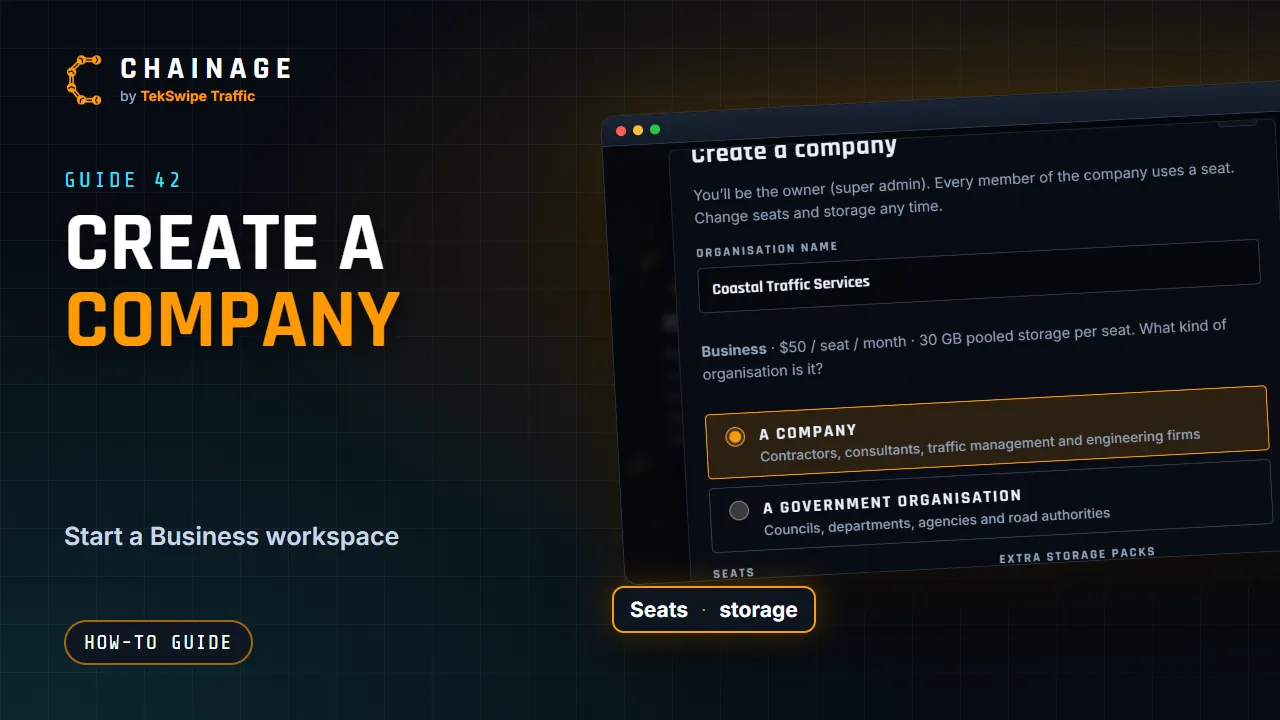
Creating a company sets up a shared workspace for your team on the Business plan. You become its owner.
Create it
- Open the account menu and choose Teams & companies.
- Tap the Create a company card.
- Enter the Organisation name.
- Choose A company (contractors, consultants, traffic management and engineering firms) or A government organisation (councils, departments, agencies and road authorities). It's the same Business plan and price either way.
- Set the number of Seats, including you. Every member and pending invitation uses a seat.
- Add Extra storage packs if you need them (50 GB each).
- Check the price summary: the monthly total and how much pooled storage you get.
- Tap Continue to payment and pay with the secure card checkout.
Back in Chainage you'll see “Payment received — activating…”, then “You’re all set — thanks!”. You're the company's owner (super admin).
What it costs
- Seats: $50 per seat per month.
- Launch price: $19 per seat per month for companies that subscribe by 30 November 2026. You keep it while your subscription stays active, including for seats you add later.
- Storage packs: $19 per month for each extra 50 GB.
Prices are in Australian dollars and are the final price. You can change seats and storage any time. See Plans and what they include.
If you leave checkout before paying (“Checkout cancelled — nothing was charged”), the company waits for its first payment. Finish it with Complete payment on the company's Overview tab.
Prefer to pay by invoice?
Any Business organisation can ask to pay by invoice instead of card, which suits many councils and government teams. Email support@tekswipe.com.au. See Pay by invoice.
Next steps
- Invite your team.
- Check the roles and permissions.
- Set your security rules.
- Watch the Company admin tutorial.