
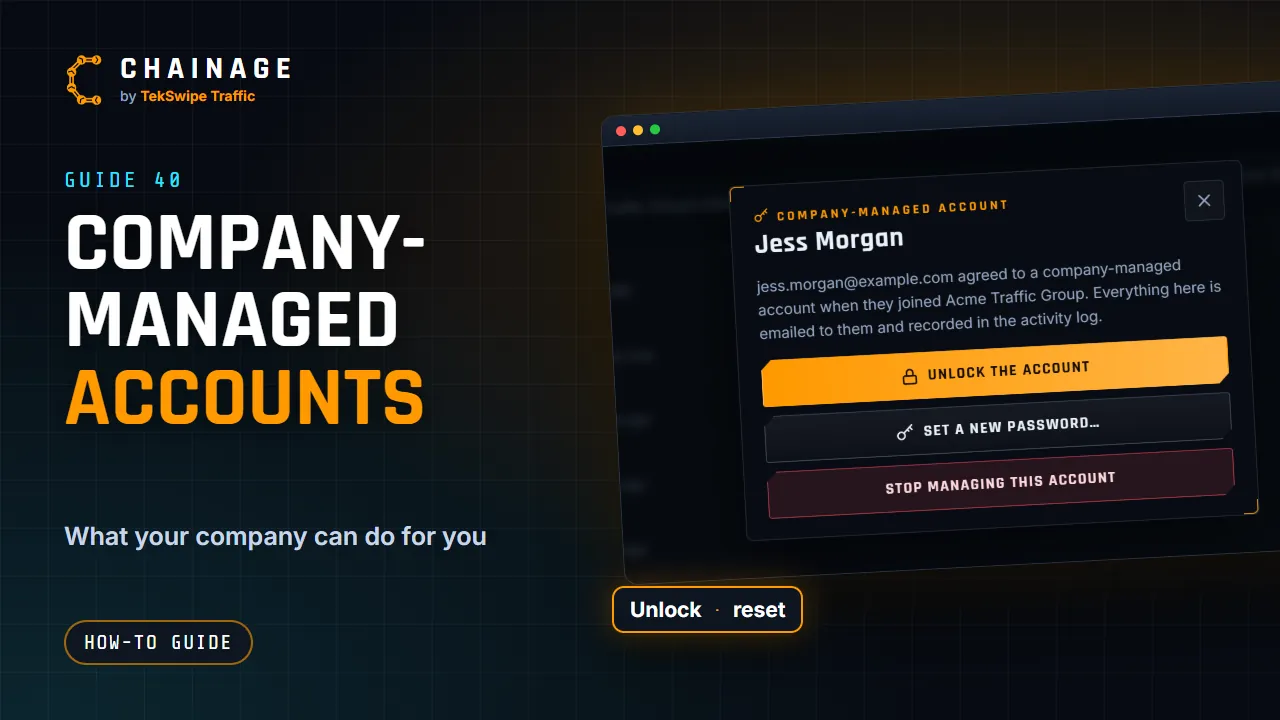
A company can invite you with a company-managed account, so its admins can help if you get locked out. It only happens if you agree.
Agreeing to it
The invitation says clearly that it's for a company-managed account. When you accept, you'll see what it means and a box: “I agree that” the company manages this account. Tick it and join, or leave it unticked to join without company management.
What the company's admins can do
- Unlock the account if it's locked after too many wrong passwords.
- Set a new password. You're signed out everywhere and need the new password to sign in. They should tell you it in person or by phone, and you should change it once you're in.
- Reset two-factor sign-in. Two-factor is turned off and you're signed out everywhere, so you can sign in with your password and set it up again.
- Stop managing this account.
You're emailed every time they do any of these, and it's recorded in the company's activity log.
What they can't do
- See your password.
- Touch your personal projects: they stay yours.
Check it, and how it ends
Open the account menu and choose Sign-in & security. If your account is managed, a Company-managed account section names the company and the date it started. It ends if you leave the company or its admins stop managing your account.
For admins: managed members show a Managed badge and an Account button on the Members tab. See Invite and manage members.