Share a location with a link or QR code
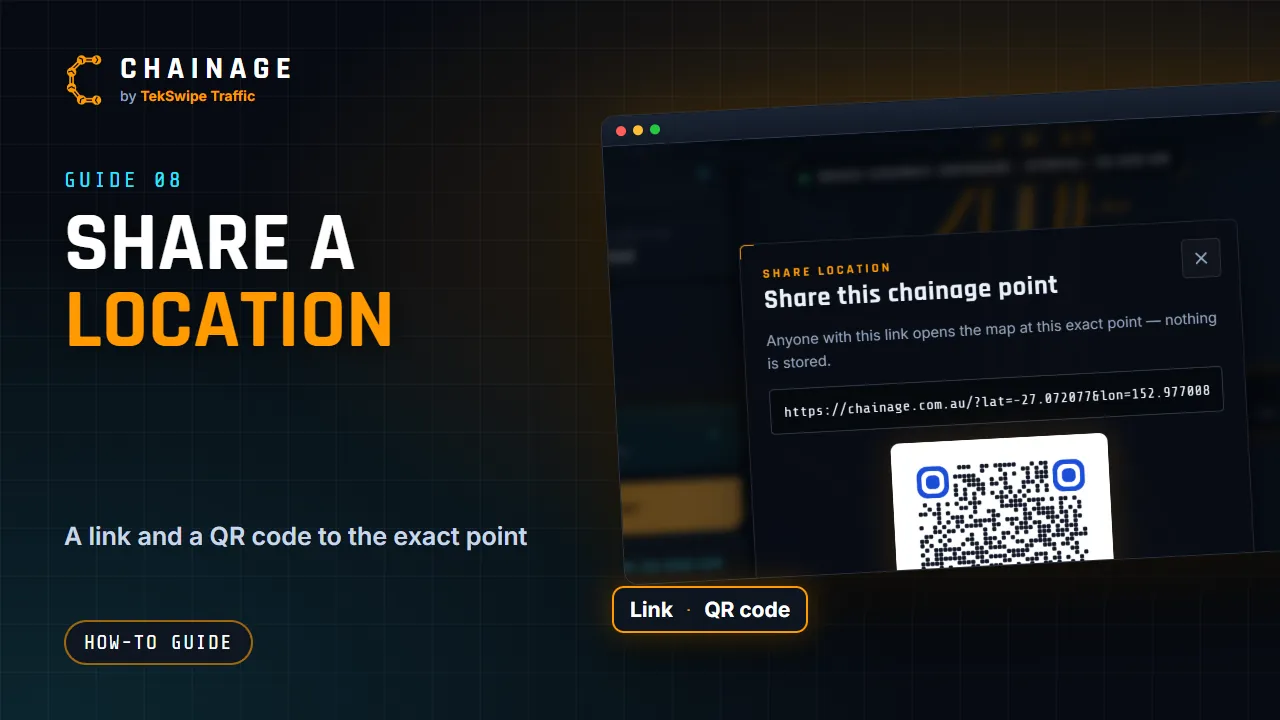
Send anyone a link or QR code that opens the map at an exact chainage point, with no account needed and nothing stored.
Transcript
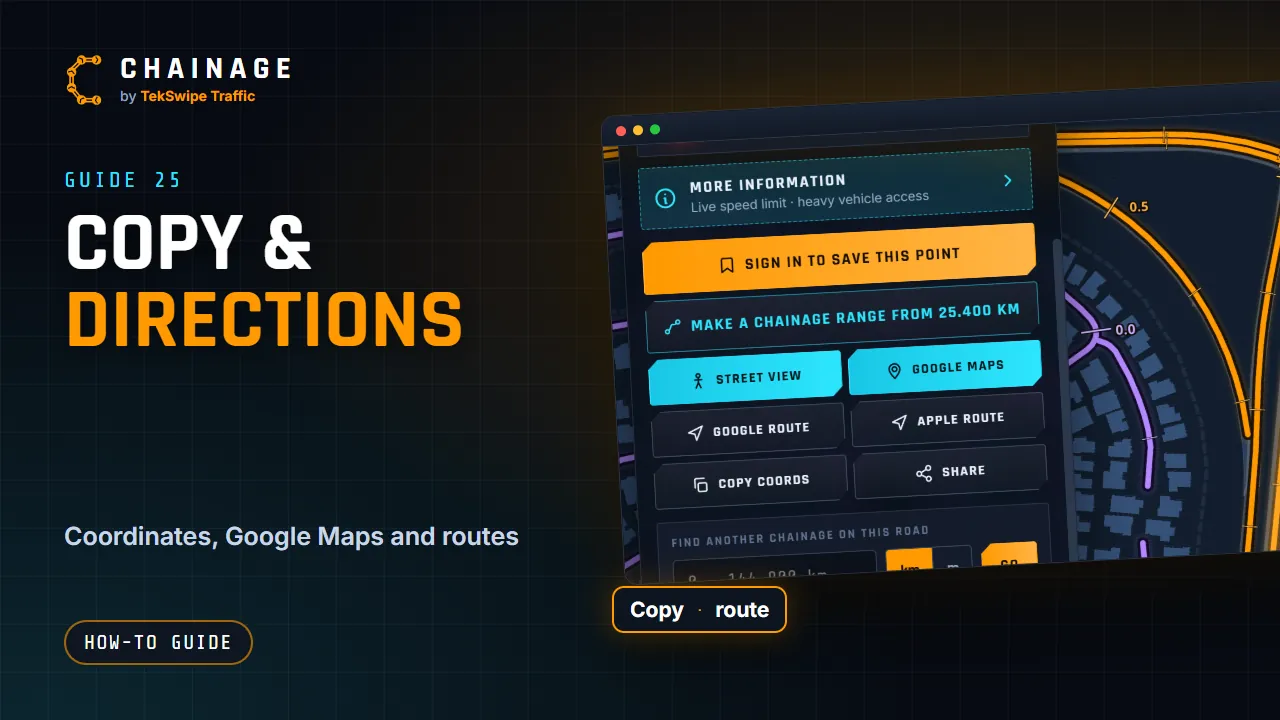
Need to show someone exactly where to meet, or where a sign goes? Share the location. On the result card, tap Share. You get a link that opens the map at that exact point, and a QR code. Copy link puts it on your clipboard. On a phone, Share sends it through your usual apps. Download QR saves the code as an image, ready to print on a plan or a site sign.
Whoever opens it sees the pin, with its full chainage details. They don't need an account. Nothing is saved when you share a location like this. To share saved work, use a project share link.
The full guide: Share a location with a link or QR code