Move a project into a company, leave or delete it
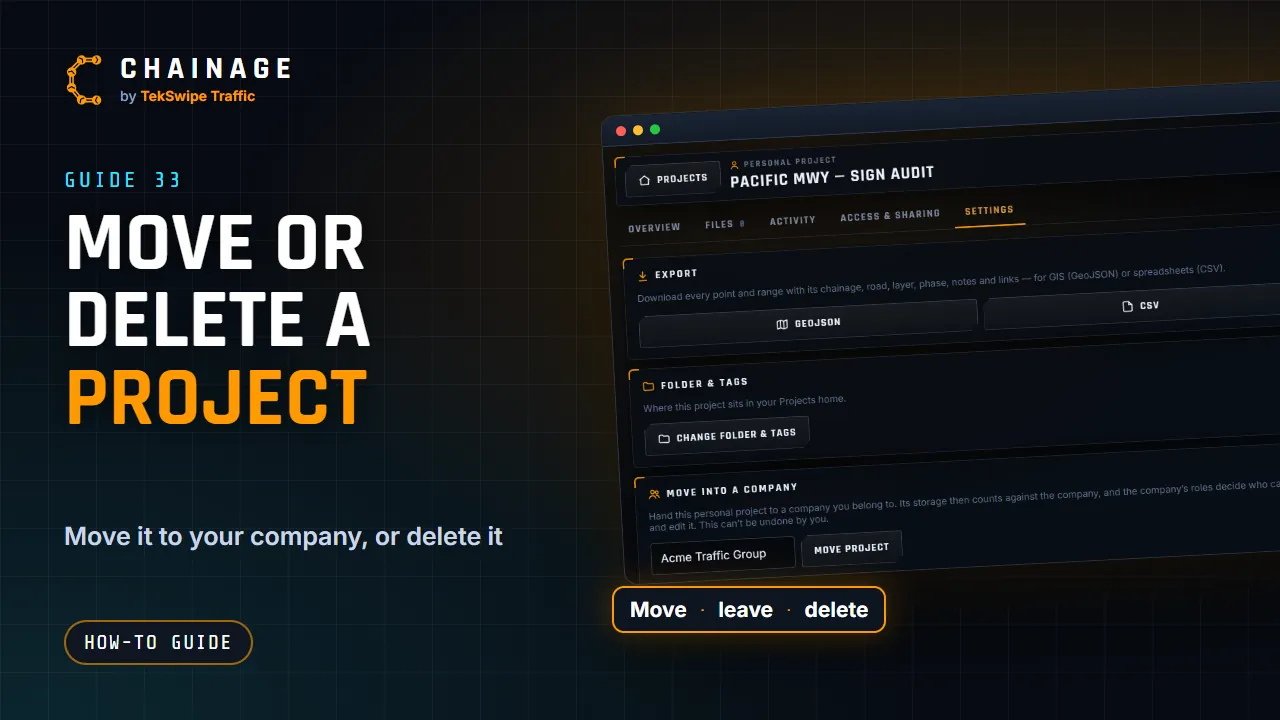
Hand a project to one of your companies (or move it between them), leave a project shared with you, change its folder, or delete it.
Transcript
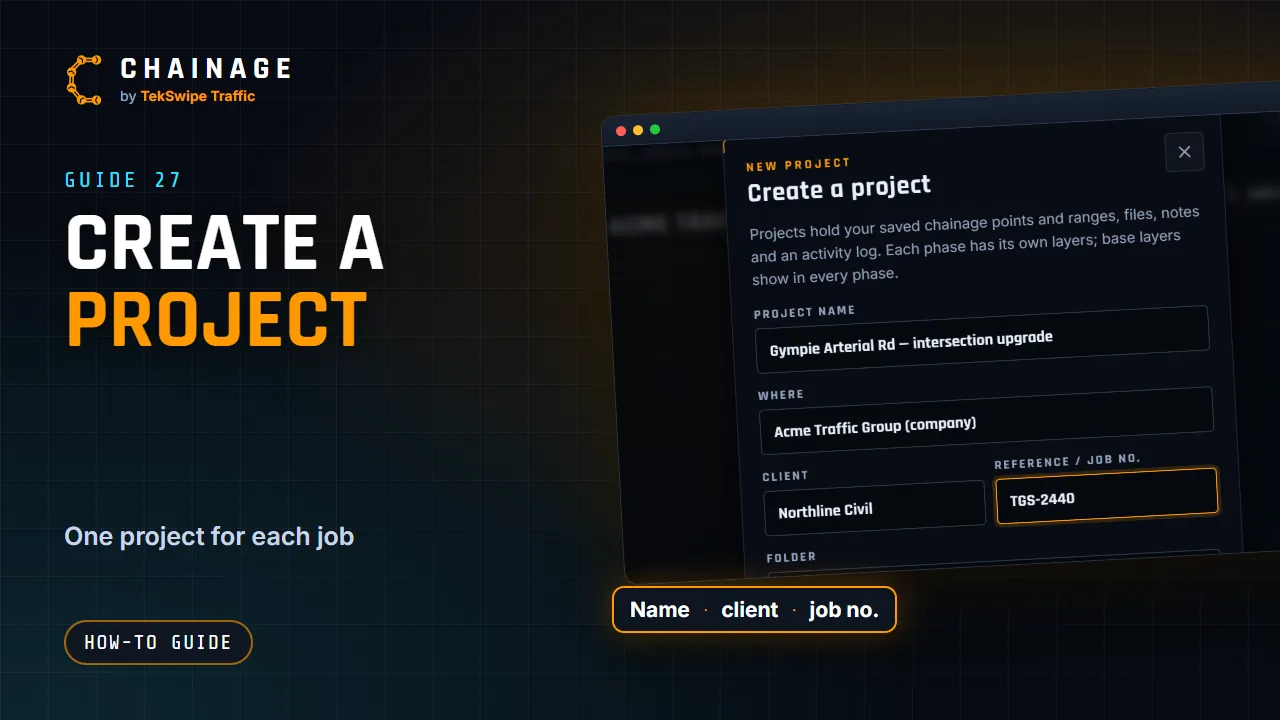
A personal project's Settings tab can move it into your company, so your team can work on it. Once it's moved, it belongs to the company. Delete project removes it for good, with its items, photos and files, and its share links stop working. There's no undo, so export anything you need first. If a project was shared with you, Leave this project takes it off your list.
The full guide: Move a project into a company, leave or delete it