Add Chainage to your phone's home screen
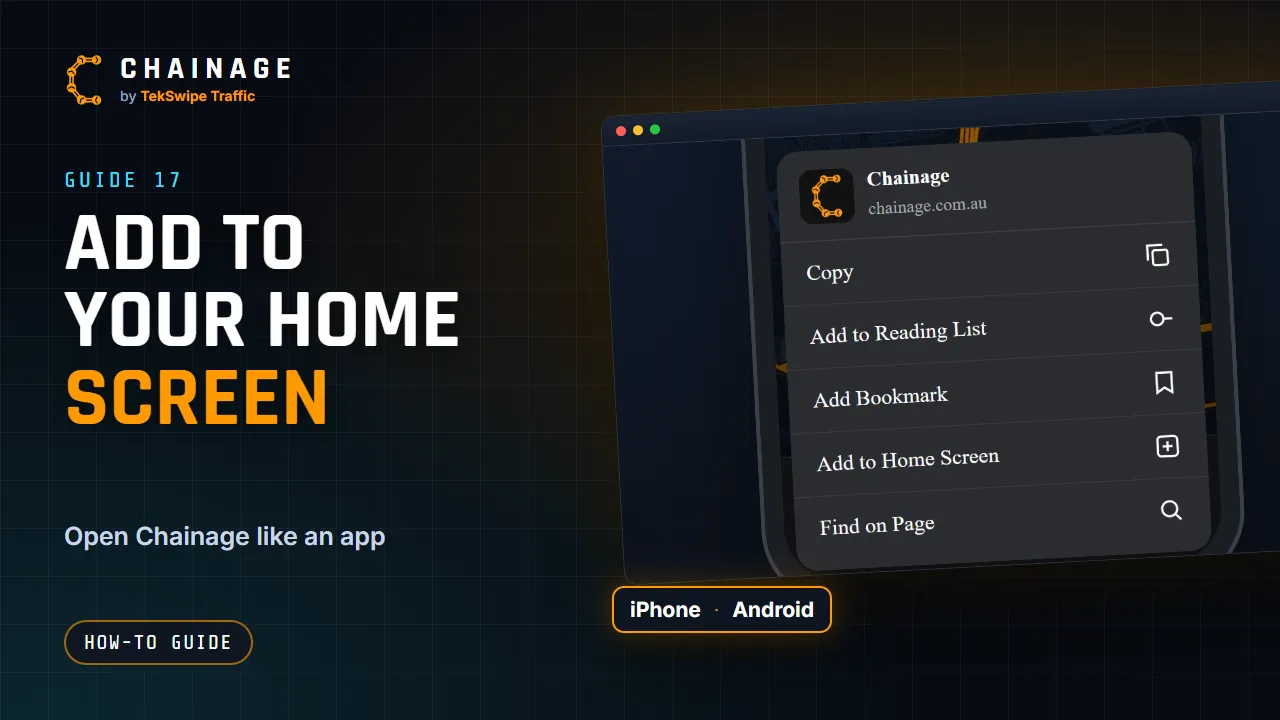
Add Chainage to your iPhone or Android home screen so it opens full screen like an app, with no app store download.
Transcript
Chainage runs in your browser, so there's nothing to download. But you can add it to your home screen, so it opens like an app. On an iPhone, open chainage dot com dot au in Safari. Tap the Share button, then Add to Home Screen. On Android, open it in Chrome. Tap the menu, then Install app, or Add to Home screen.
Chainage then opens full screen from its own icon. It still needs a connection to look up chainages.
The full guide: Add Chainage to your phone's home screen