Change your company's seats or storage
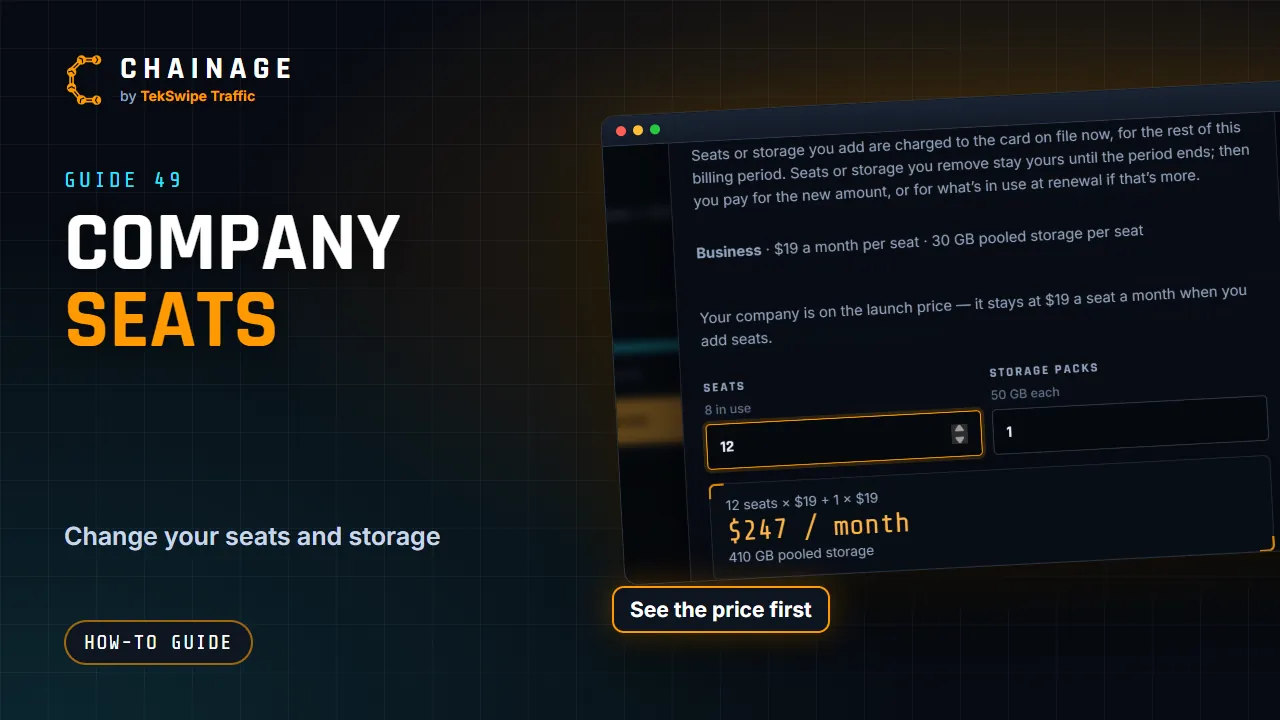
Add or remove seats and storage packs for your company and see what it costs first. What you add is charged now; what you remove stays until the renewal.
Transcript
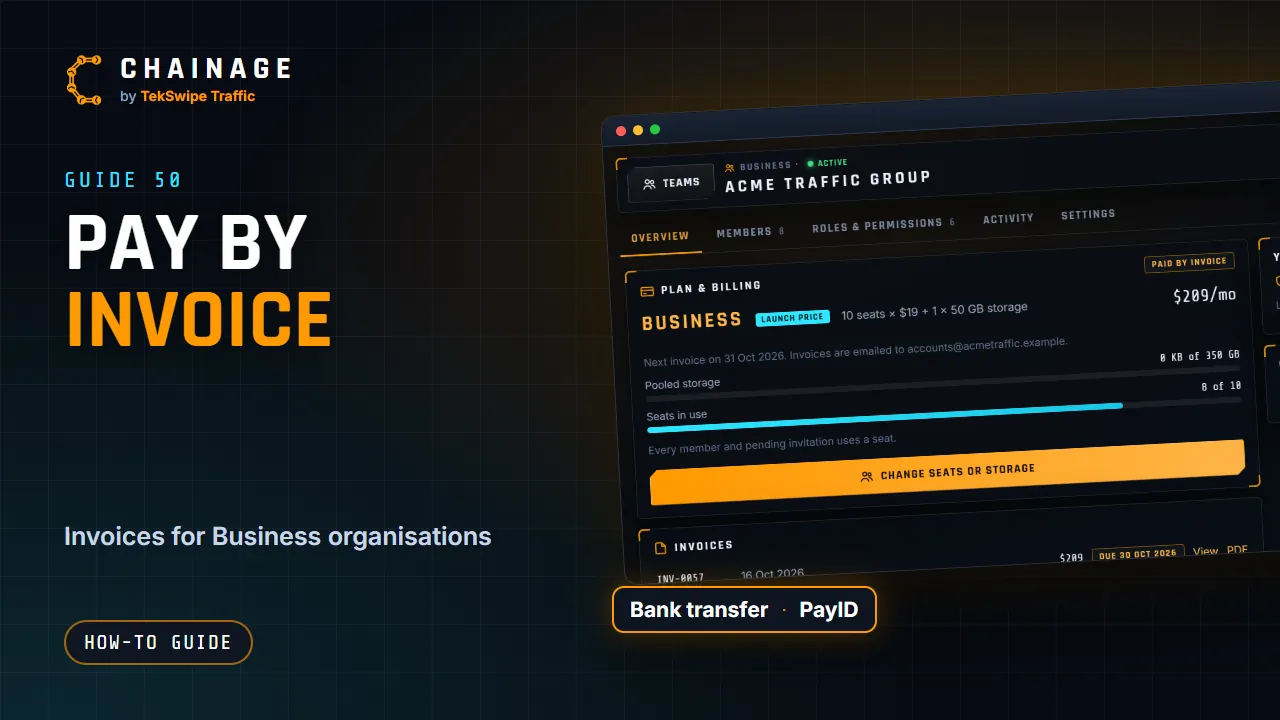
The owner, or anyone whose role includes billing, can change the company's seats or storage. On the company's Overview tab, tap Change seats or storage. Choose the number of seats and storage packs. Chainage shows the new monthly price, and what it costs today. Seats or storage you add are charged now, for the rest of the billing period. Seats or storage you remove aren't refunded.
They stay yours, ready to use, until the billing period ends. From the renewal, you pay for the new amount, or for what's in use on that day, if that's more. Until then, the Overview tab shows the change coming, and Keep undoes it.
The full guide: Change your company's seats or storage