Knowledge base
Video guides
70 short how-to videos for Chainage, by topic. Each has captions, a transcript and its written guide.
Getting started
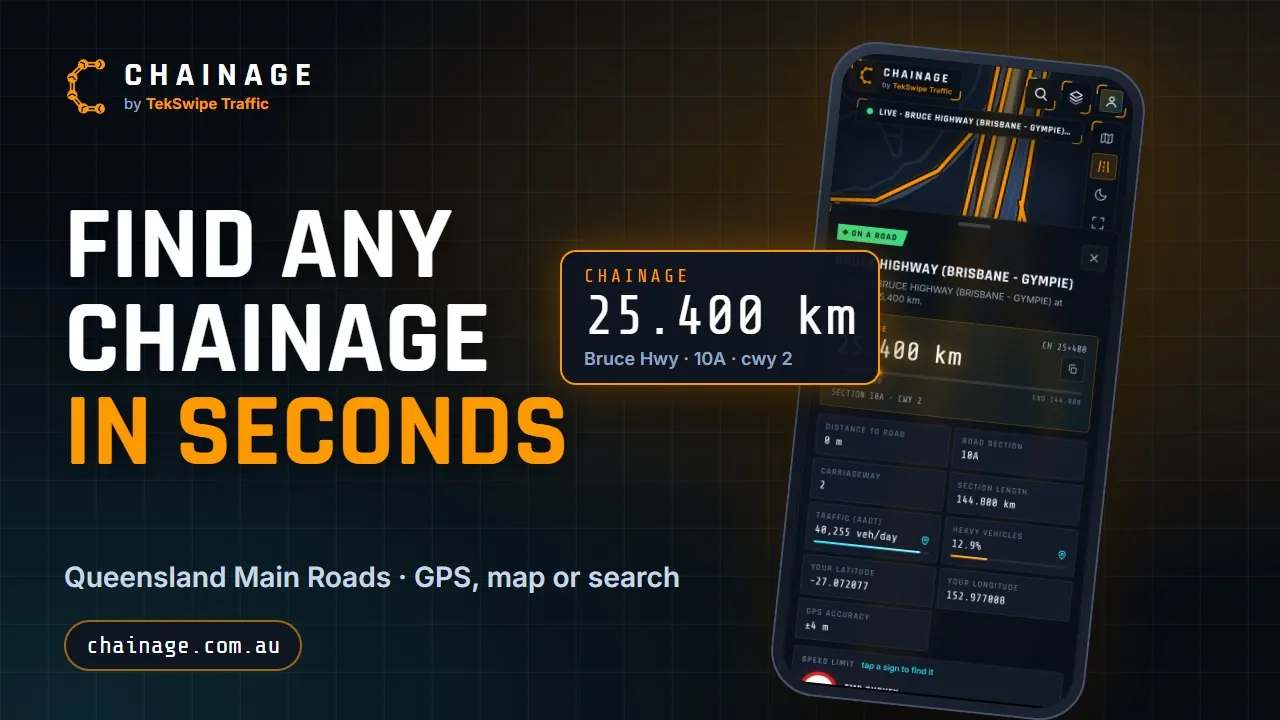
Find a chainage
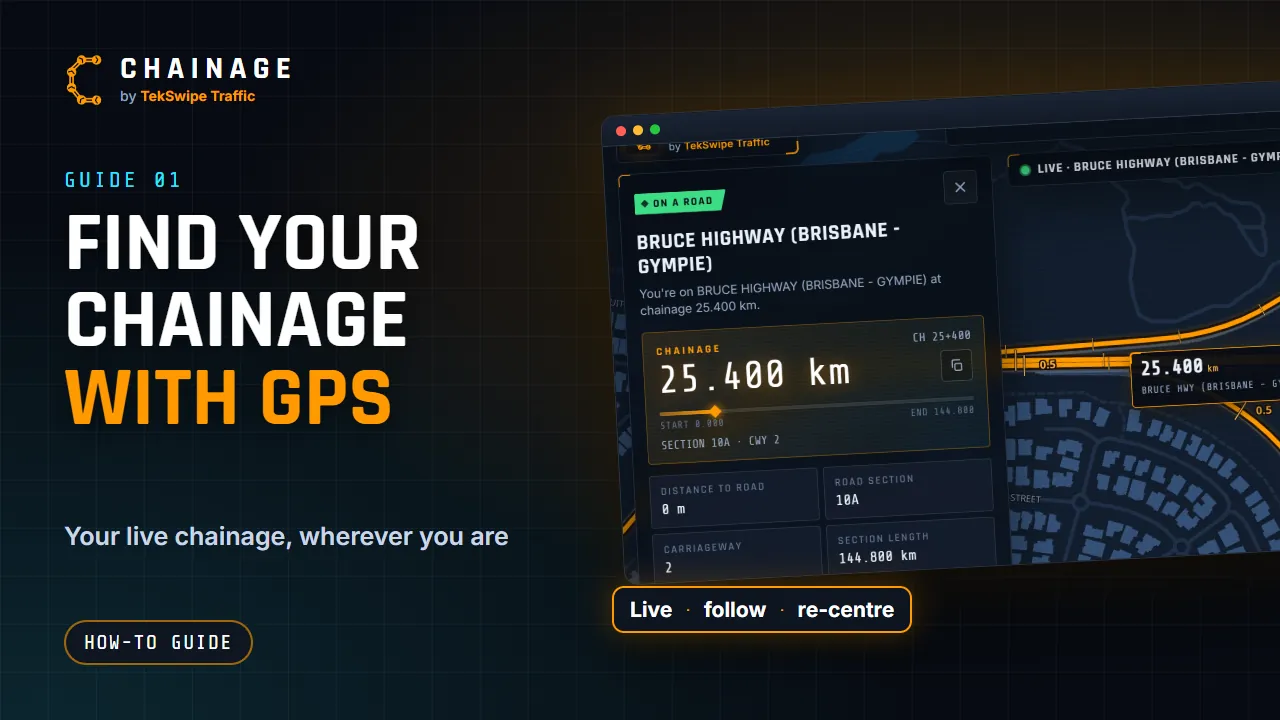
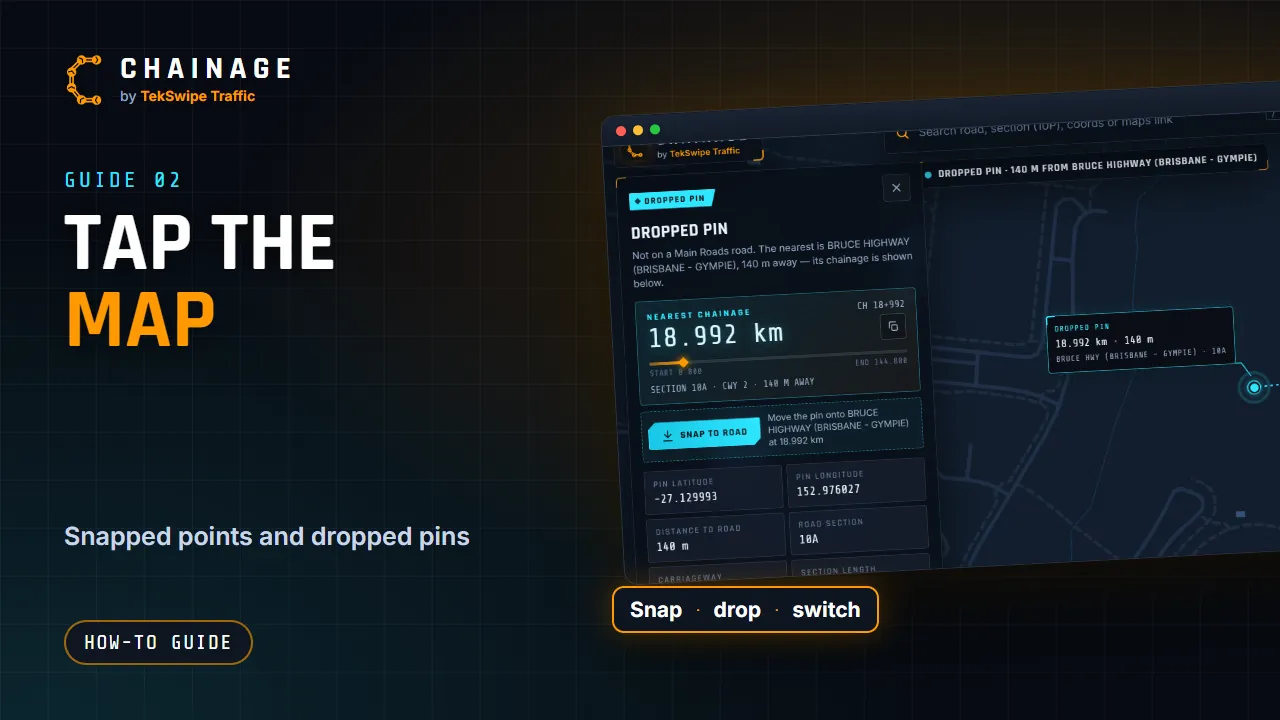
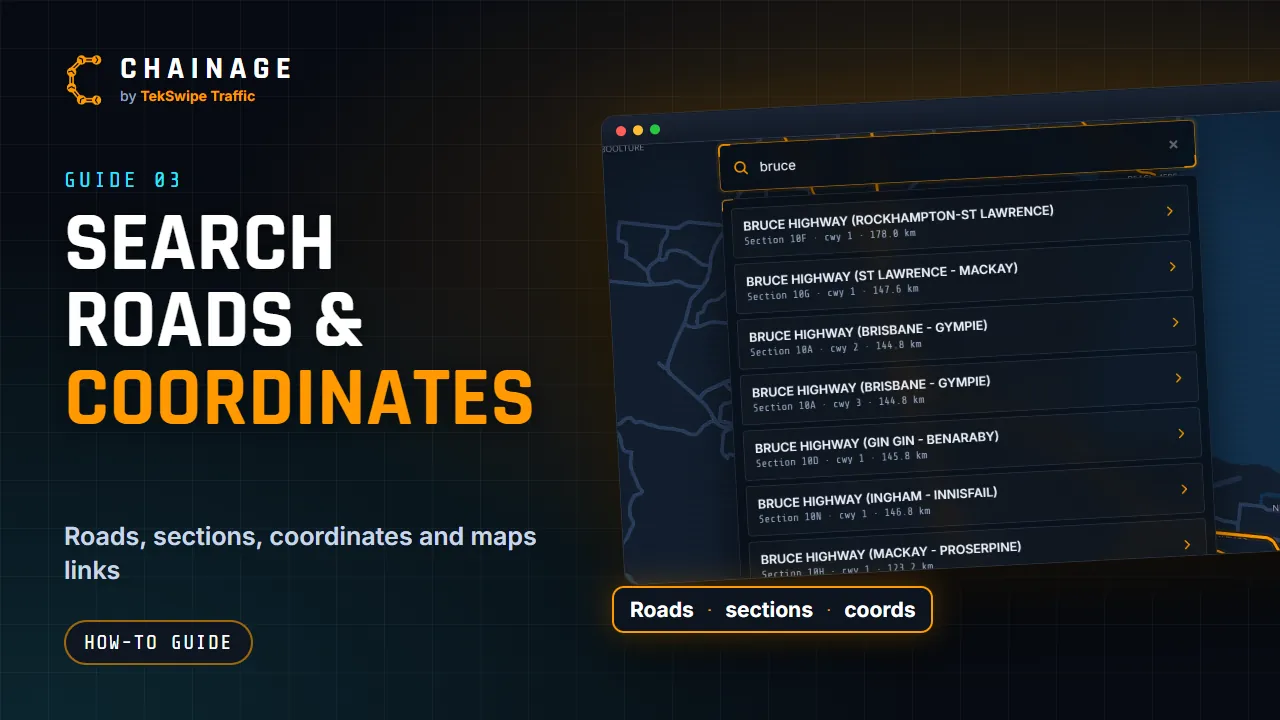
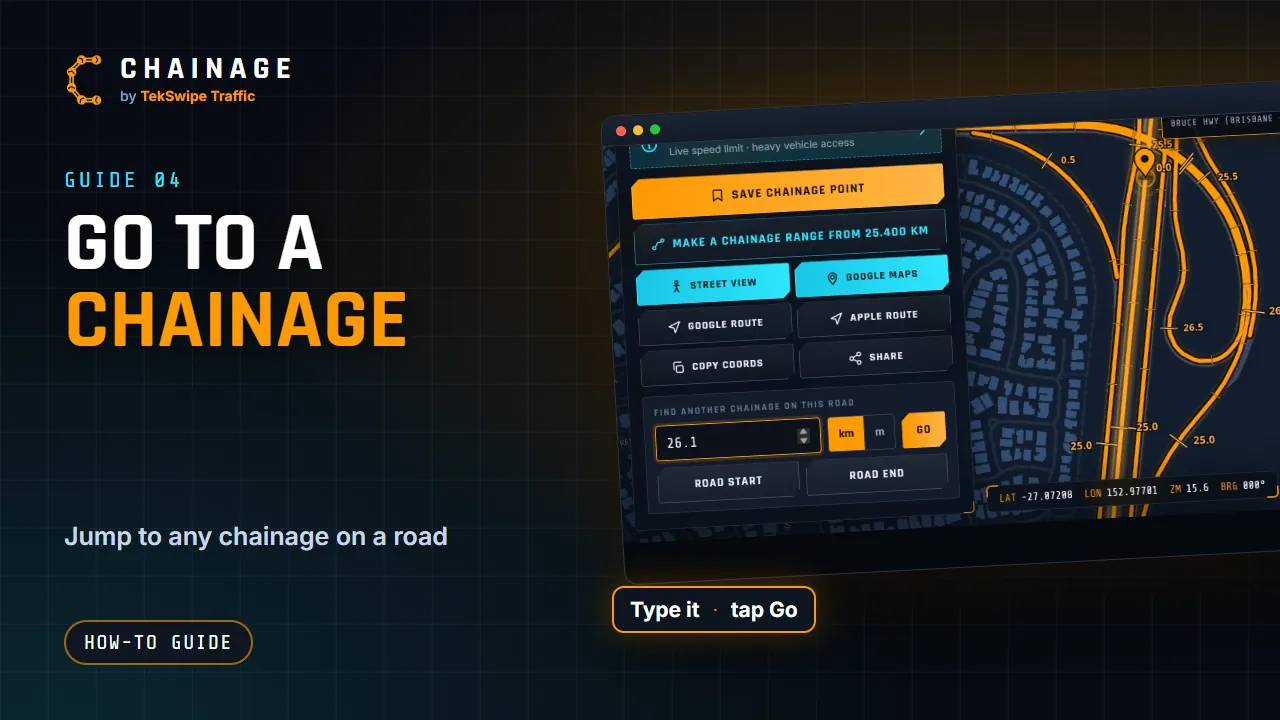
Read the result
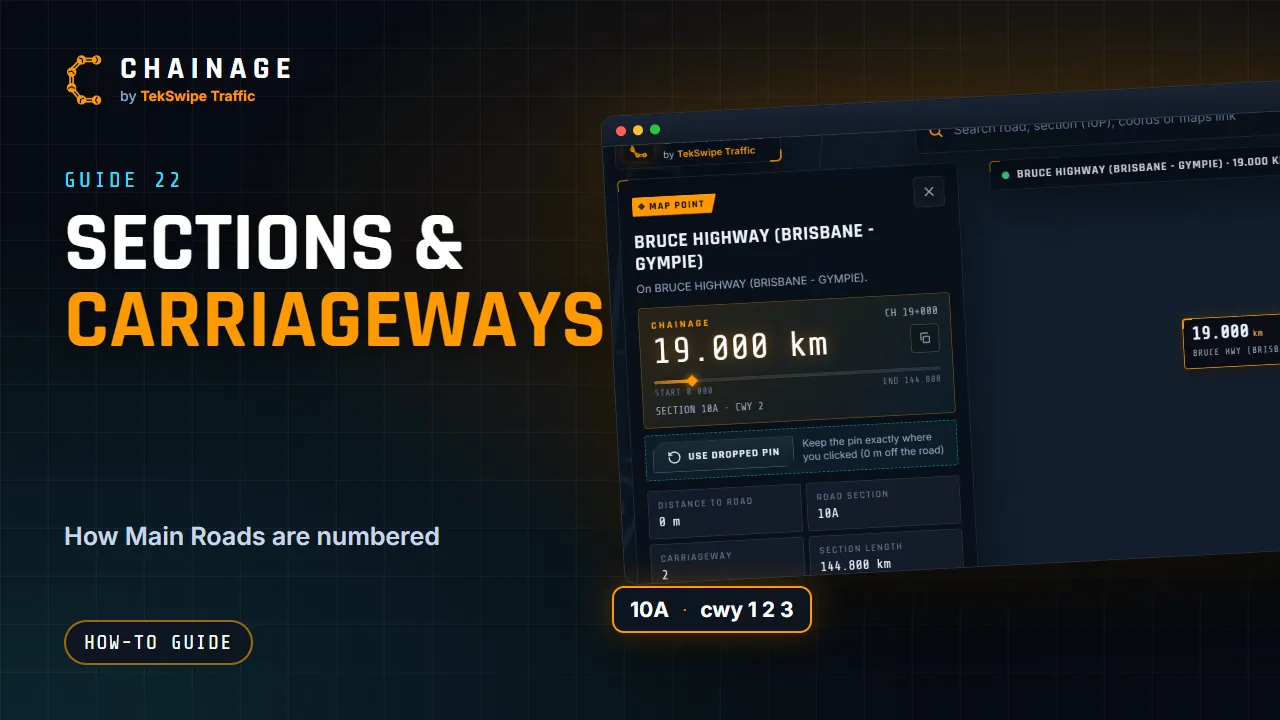
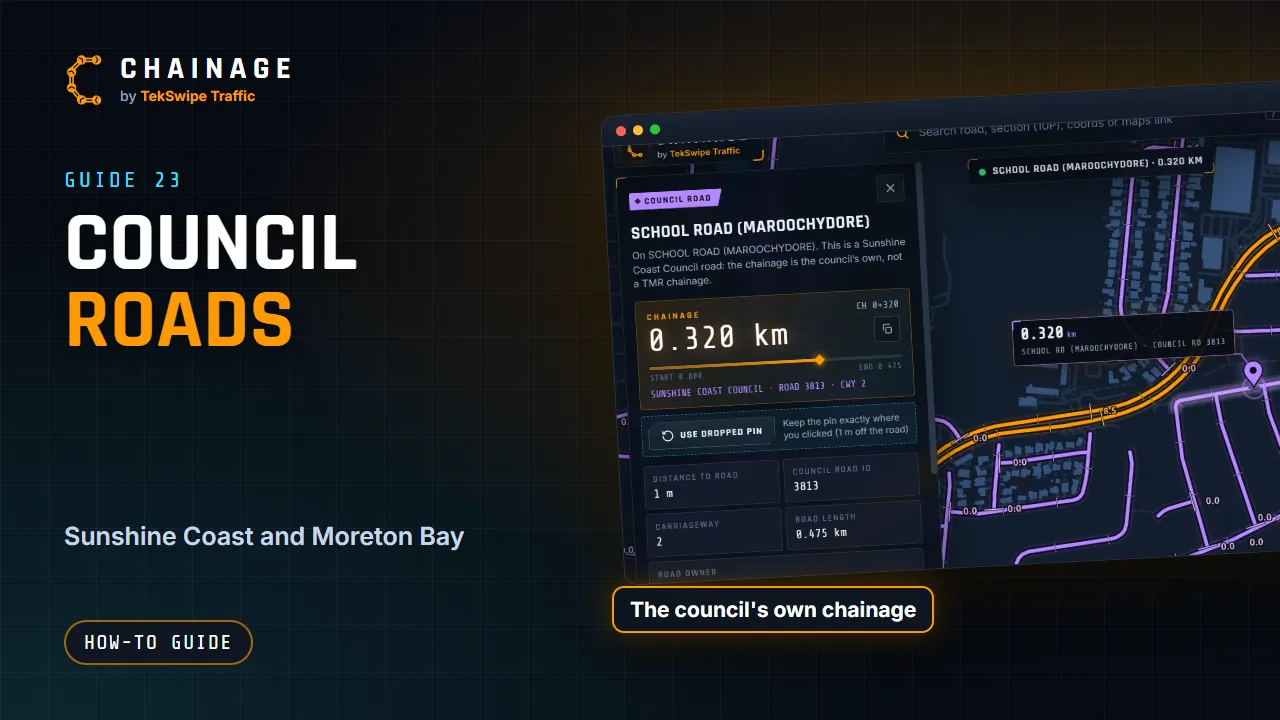
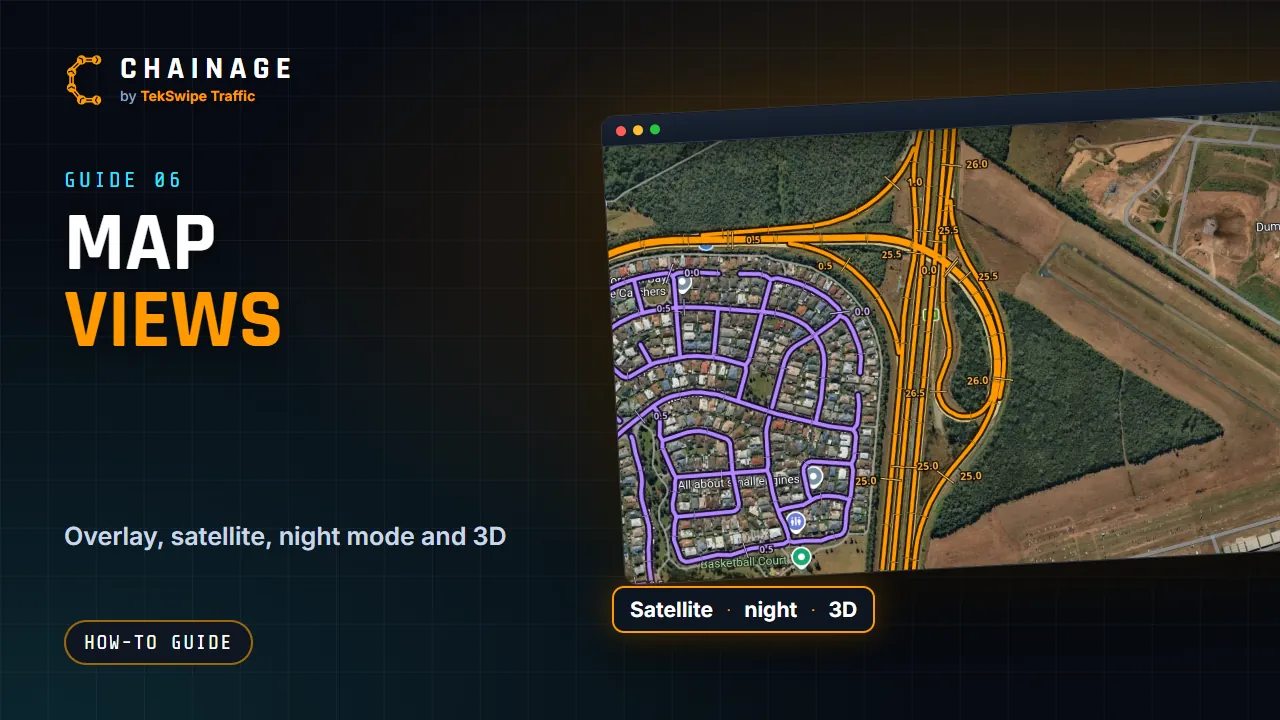
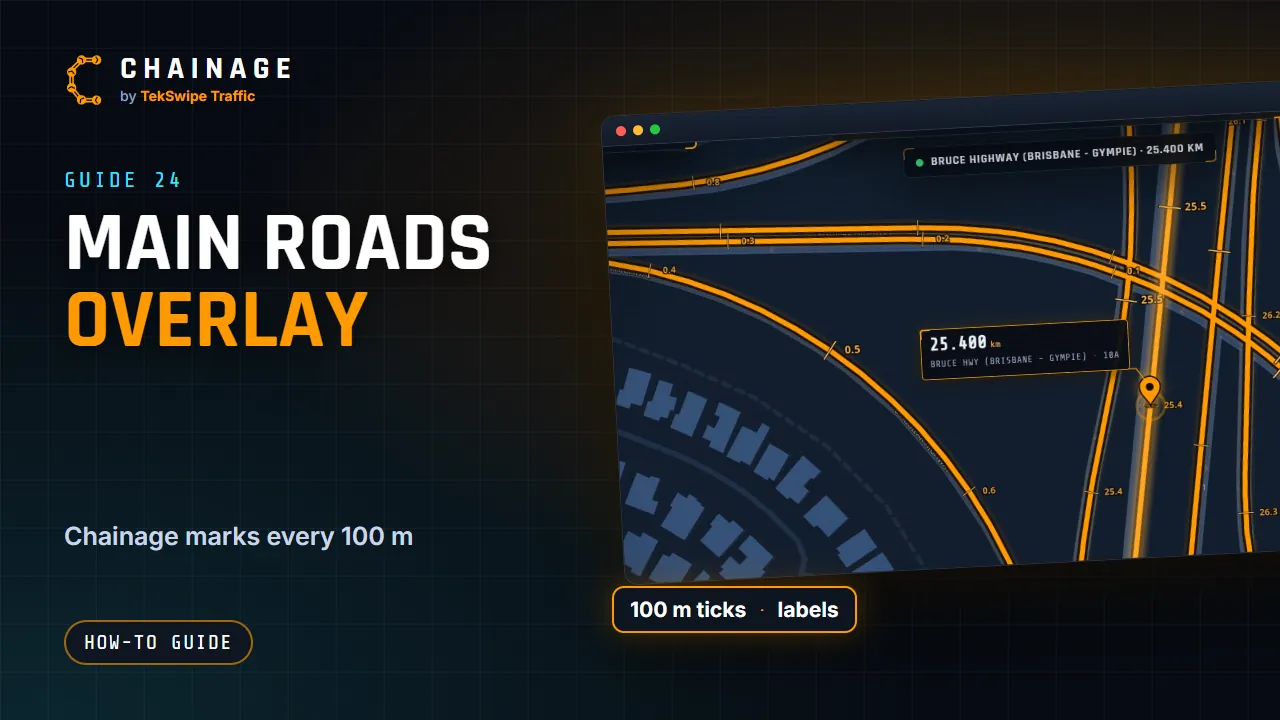
Map and Street View
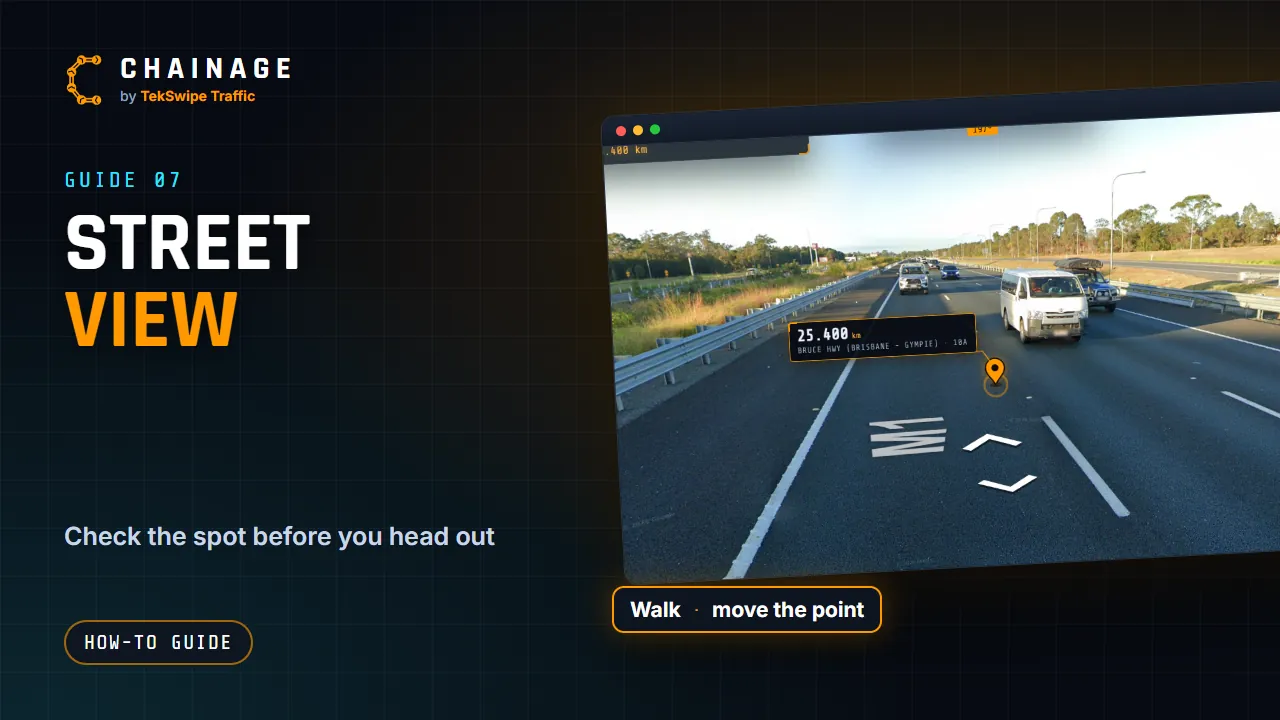
Share and capture
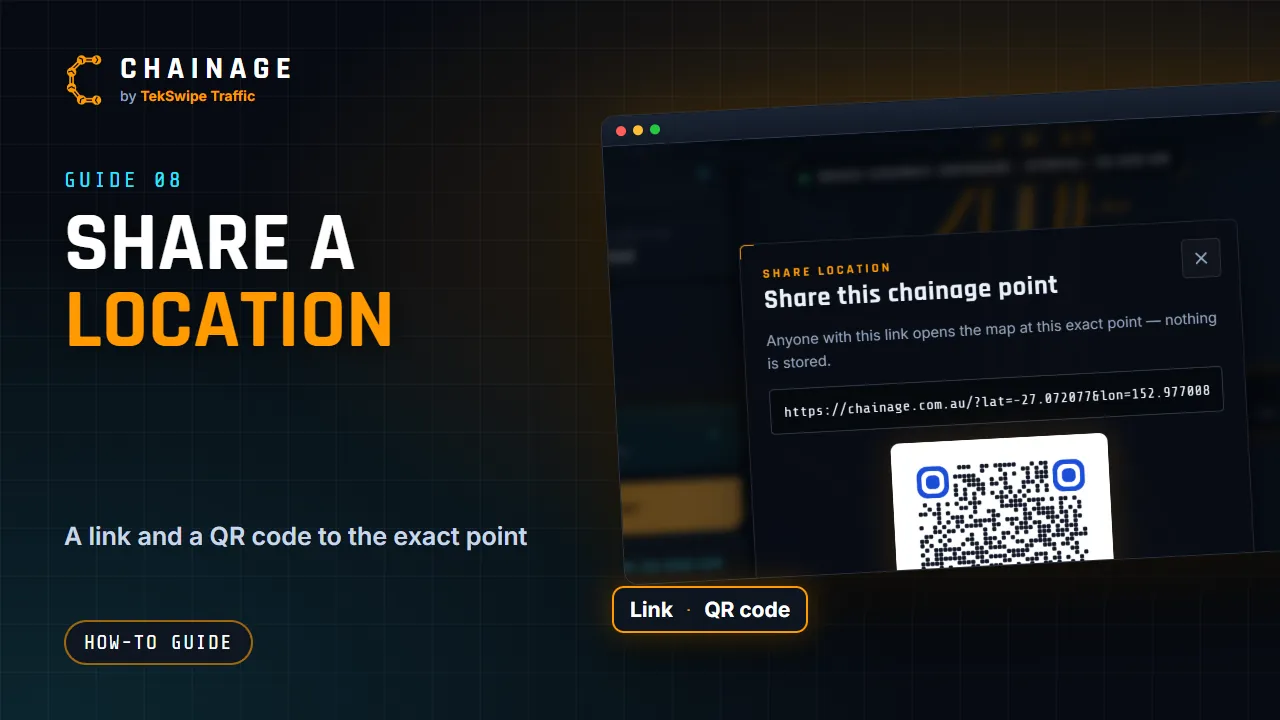
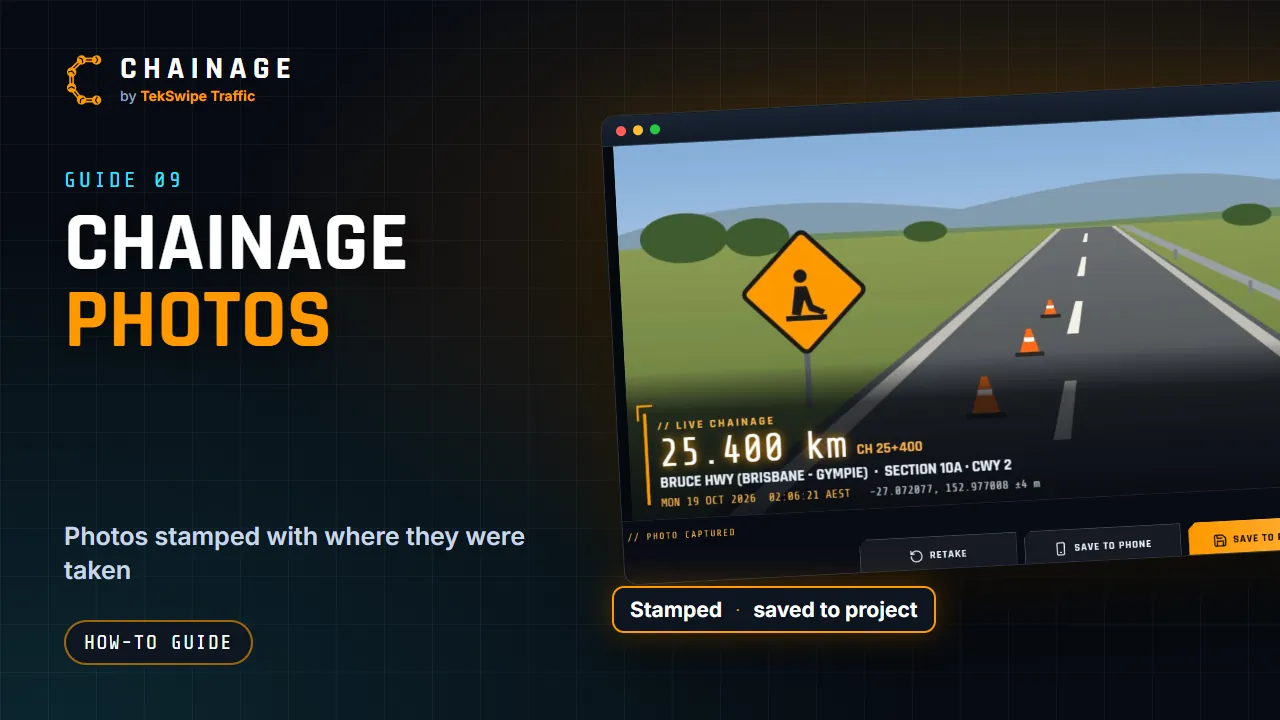
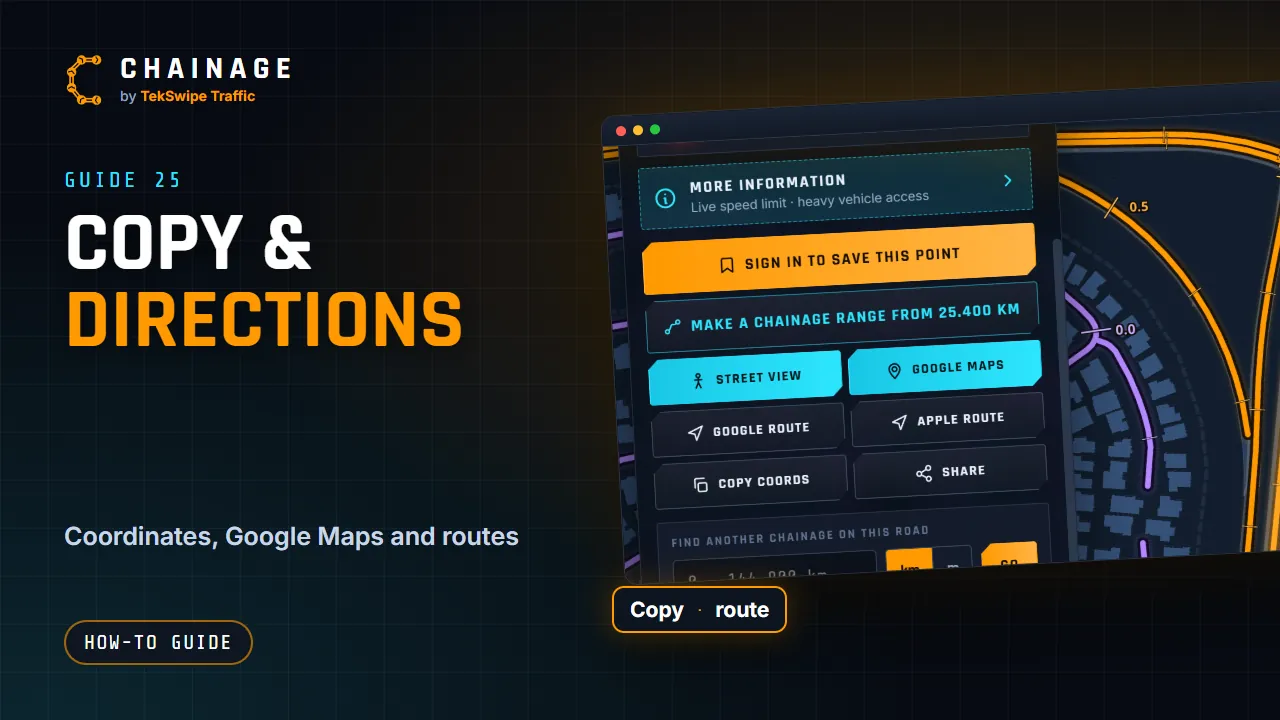
Projects
-
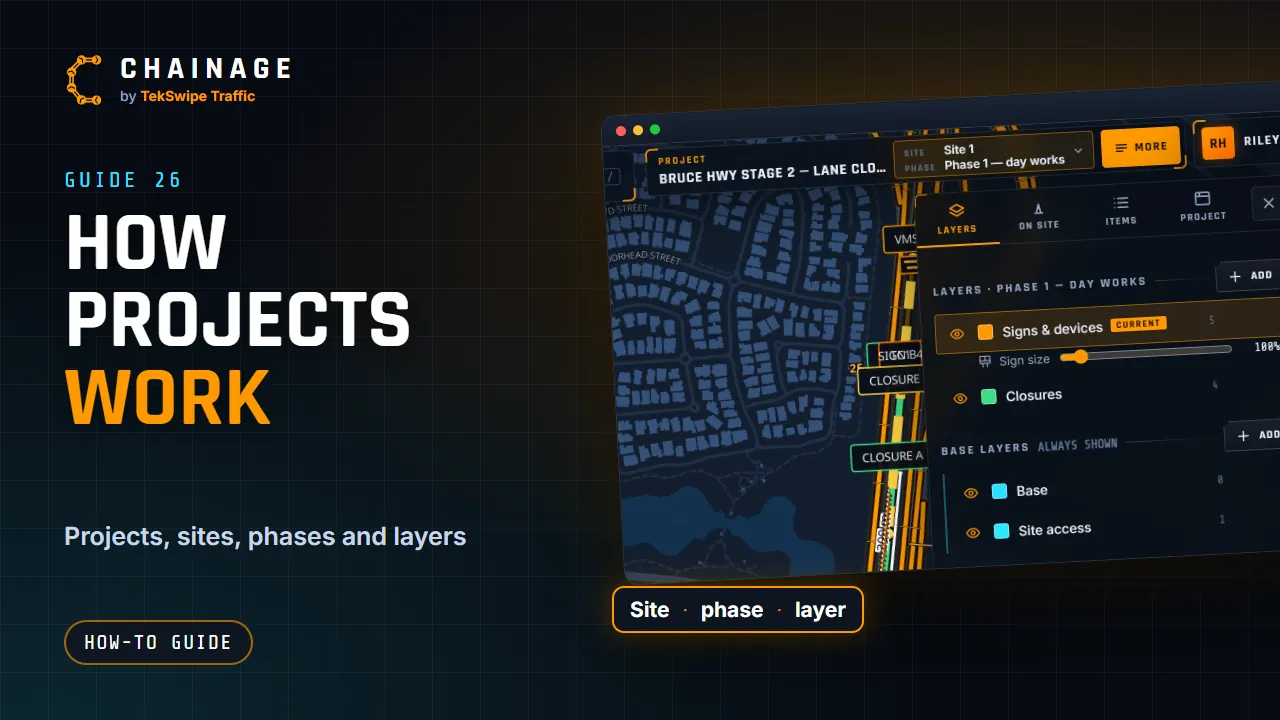 ▶ 0:59
How projects work
-
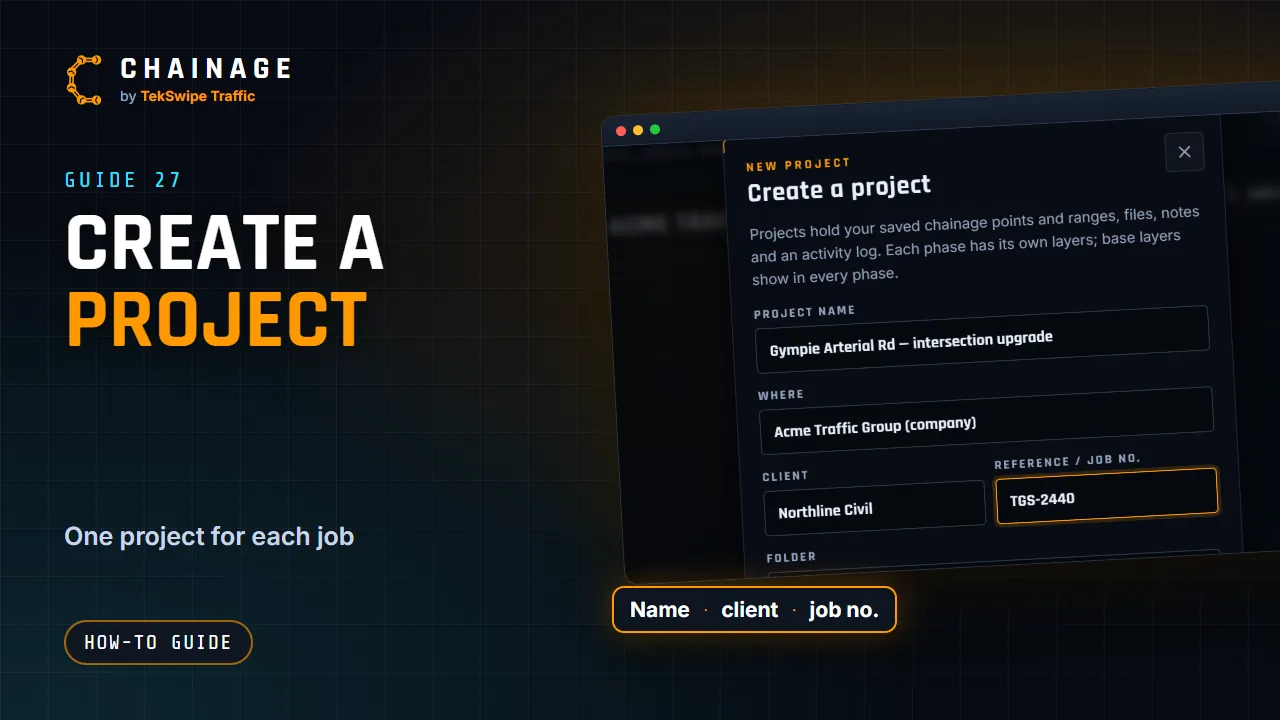 ▶ 0:39
Create a project
-
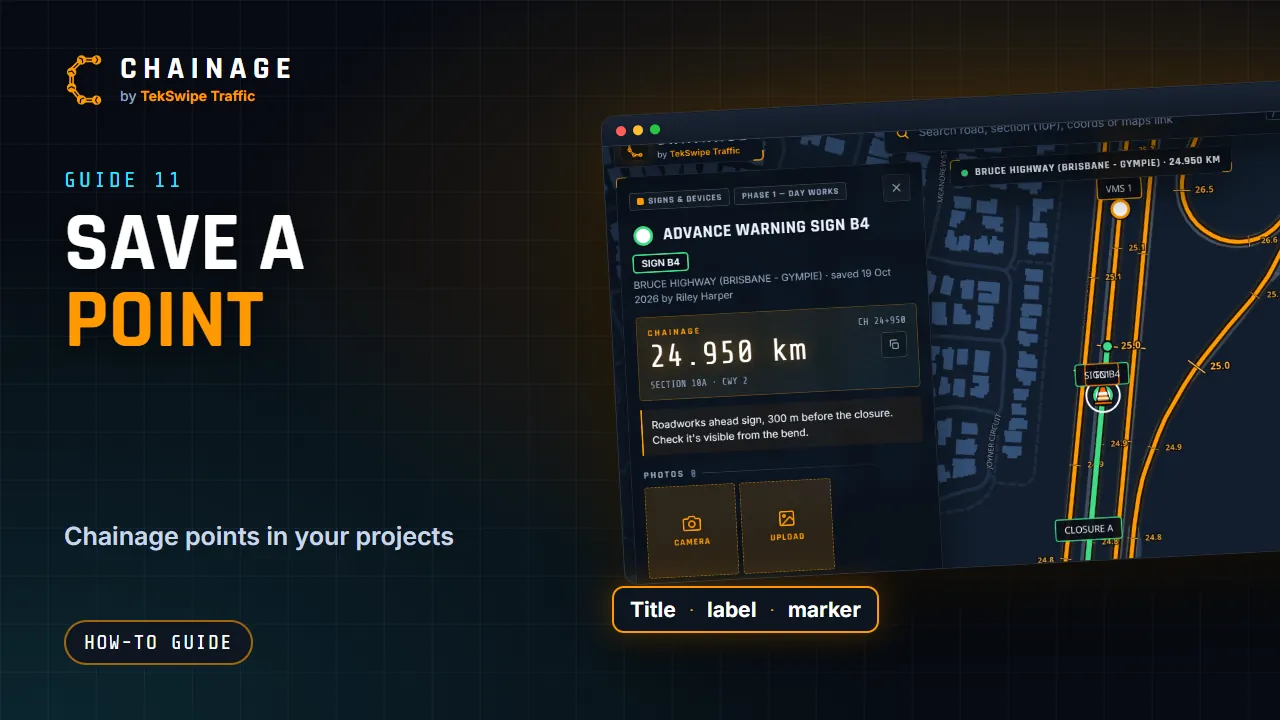 ▶ 0:49
Save a point to a project
-
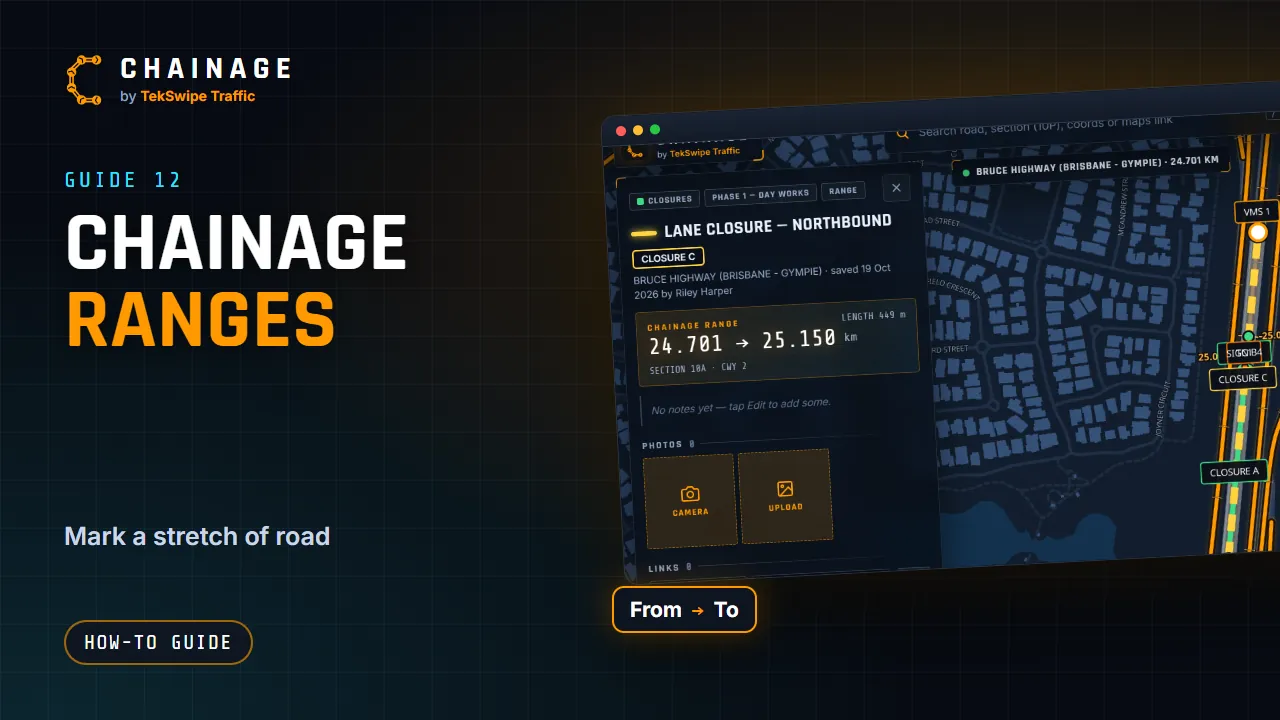 ▶ 0:53
Mark a stretch of road with a range
-
 ▶ 1:08
Edit, move and add photos to saved items
-
 ▶ 1:04
Organise a job with sites, phases and layers
-
 ▶ 0:38
See several projects on the map
-
 ▶ 0:39
Projects home: folders, tags and search
-
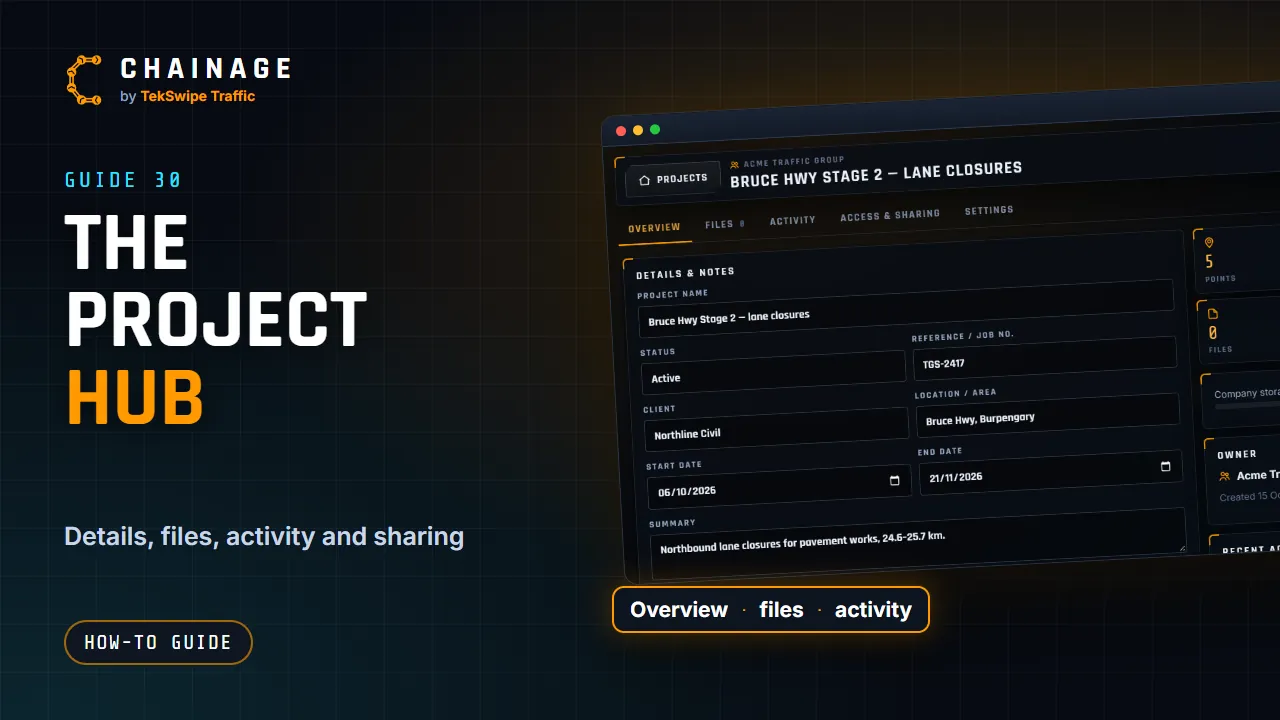 ▶ 0:42
The project hub
-
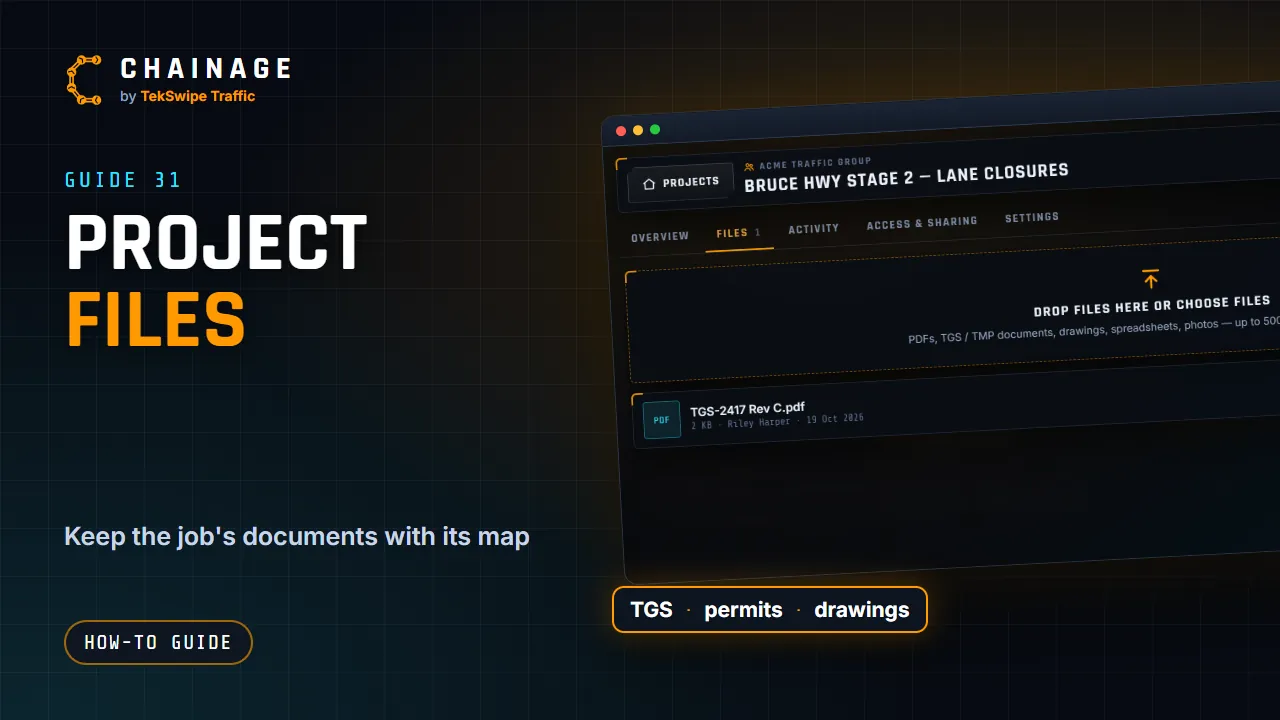 ▶ 0:37
Keep files with the job
-
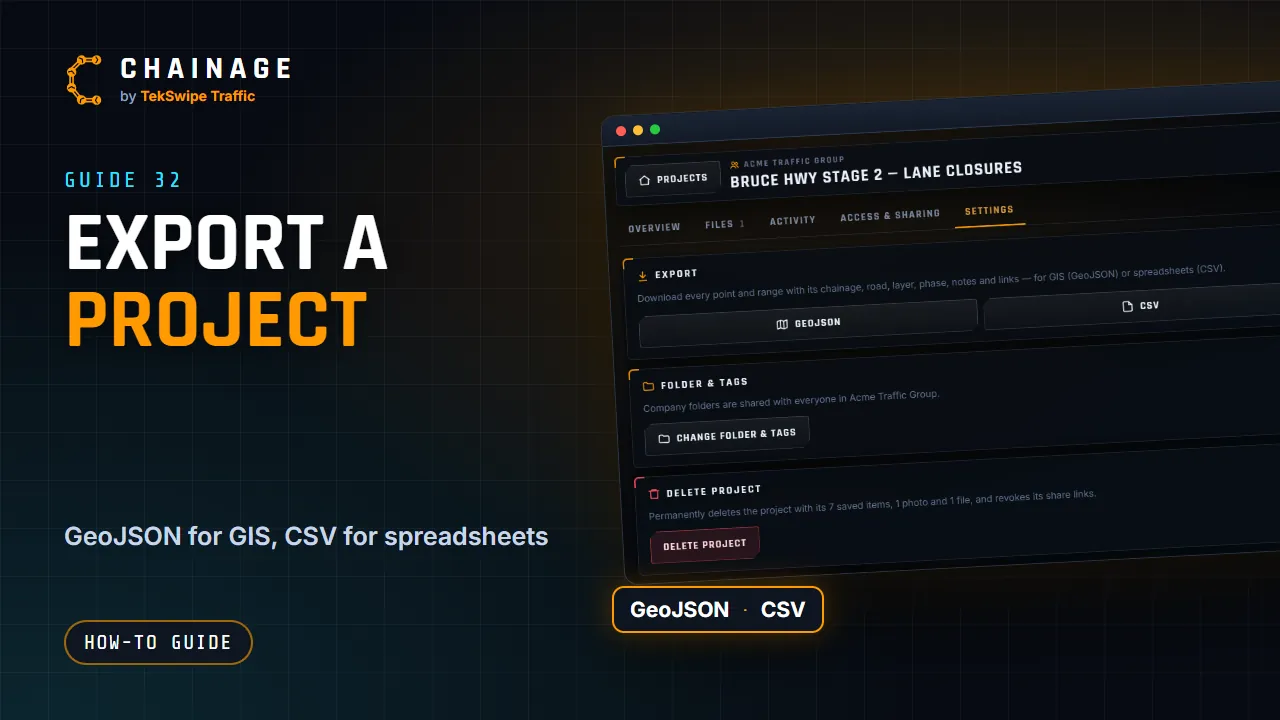 ▶ 0:36
Export a project to GeoJSON or CSV
-
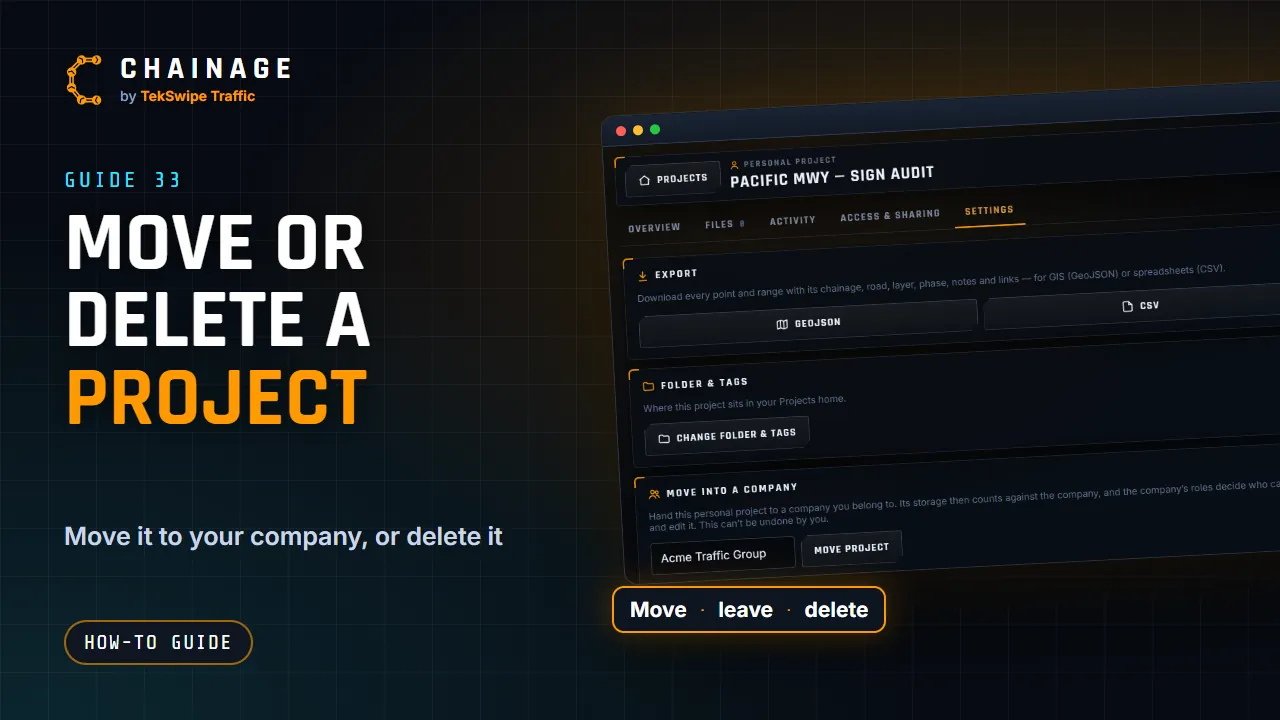 ▶ 0:36
Move a project into a company, leave or delete it
Signs and traffic control
-
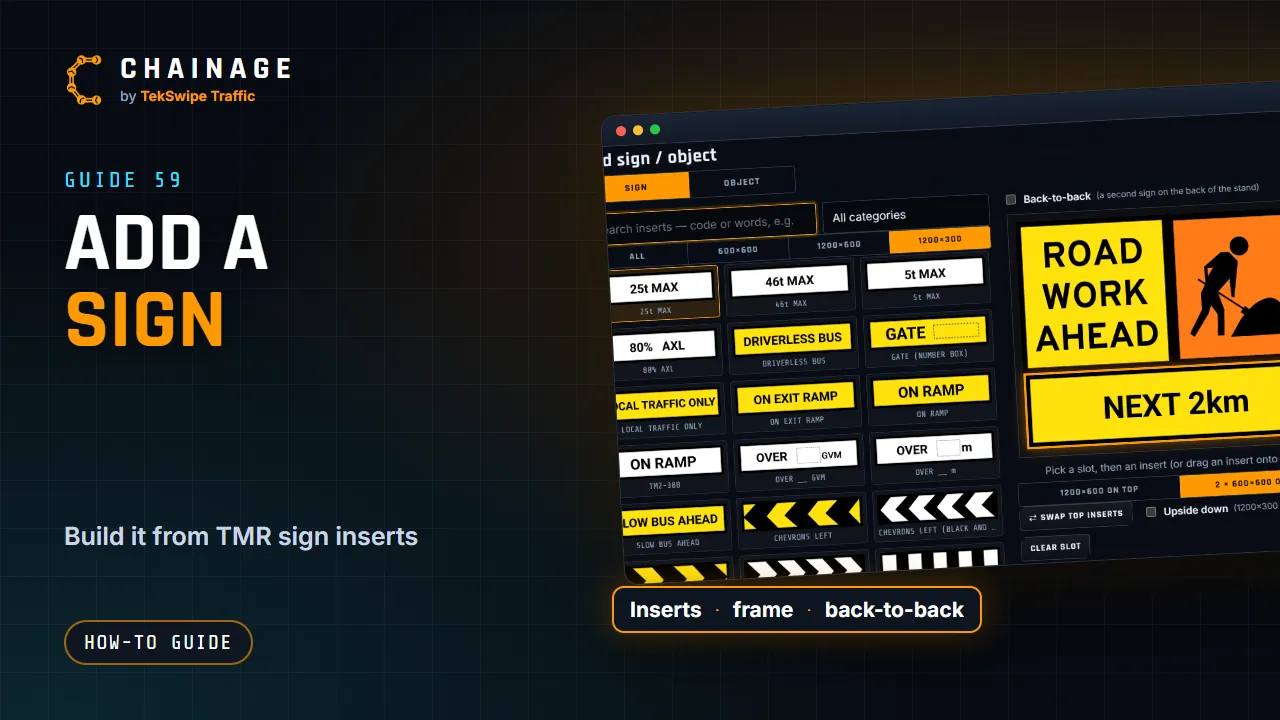 ▶ 1:05
Add a sign
-
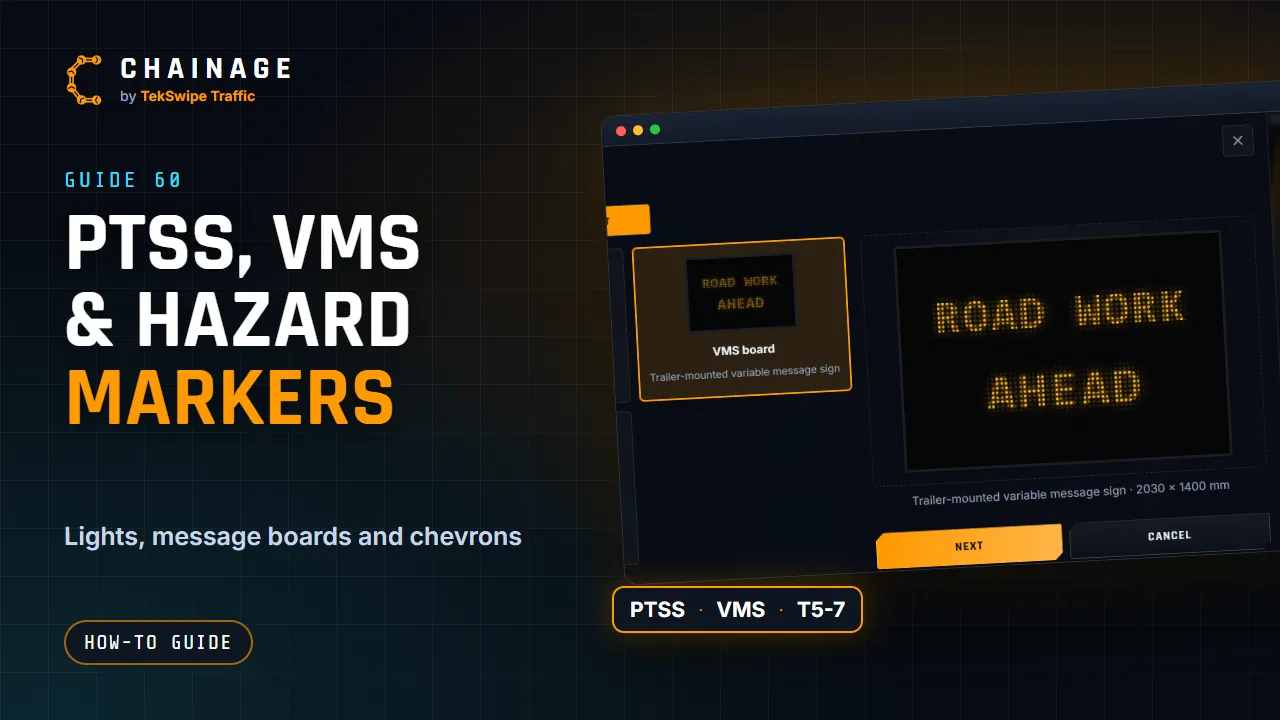 ▶ 0:53
PTSS lights, VMS boards and hazard markers
-
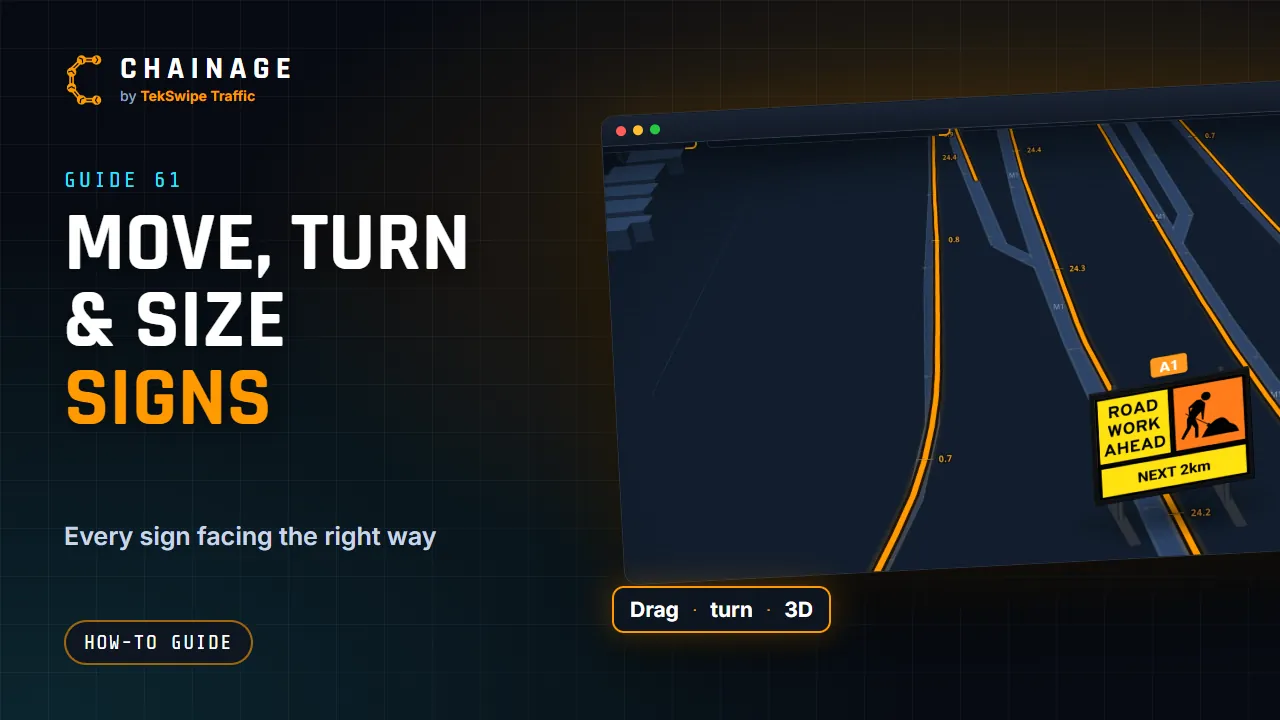 ▶ 1:07
Move, turn and size signs
-
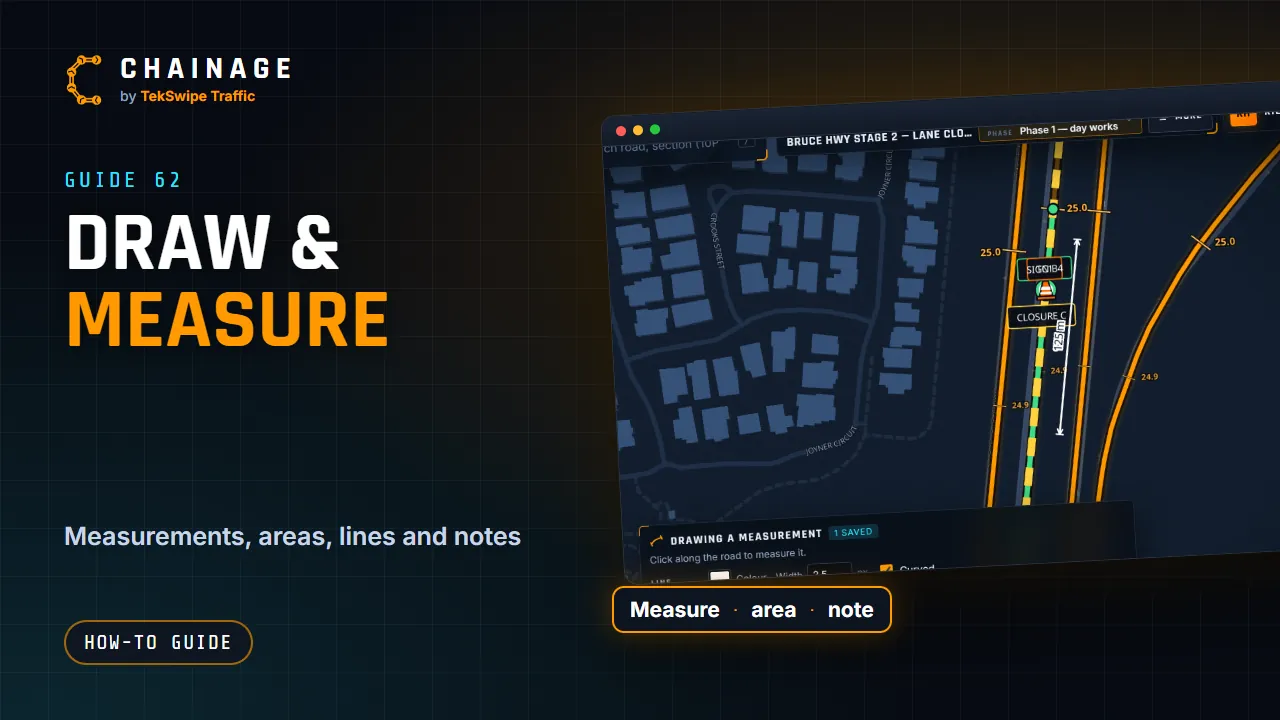 ▶ 1:08
Draw measurements, areas, lines and notes
-
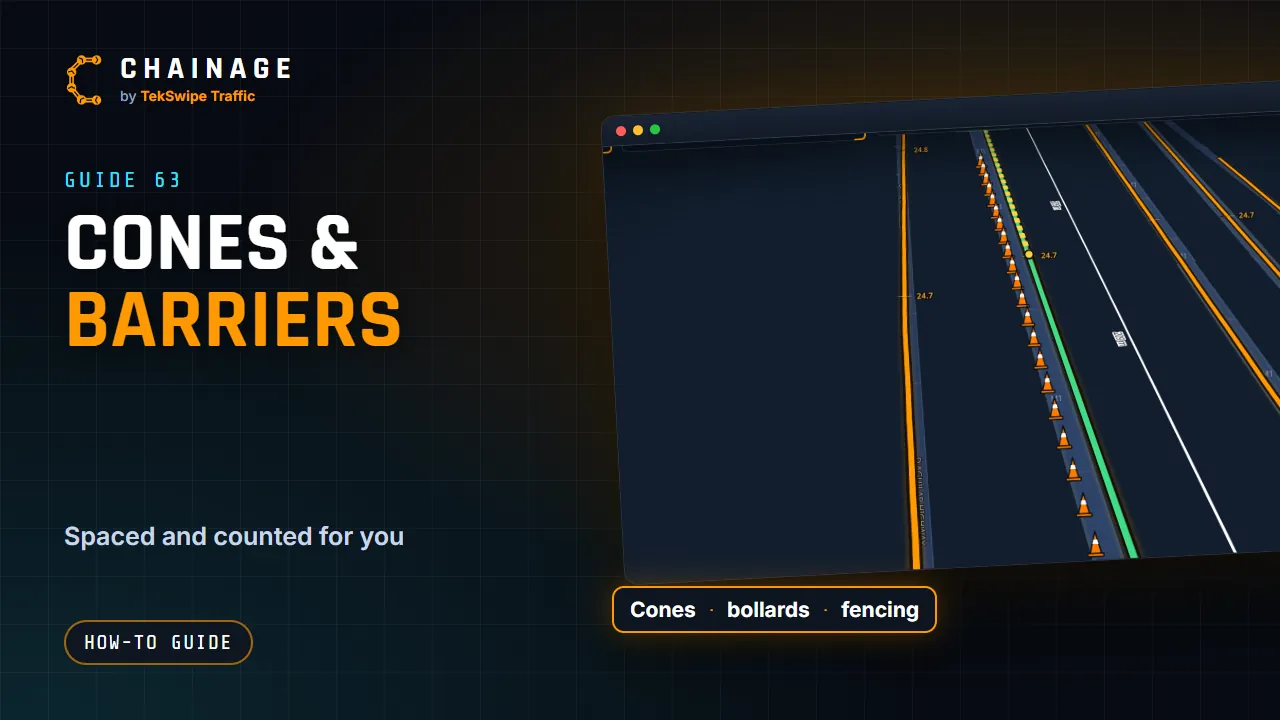 ▶ 0:41
Cones, bollards, barriers and fencing
-
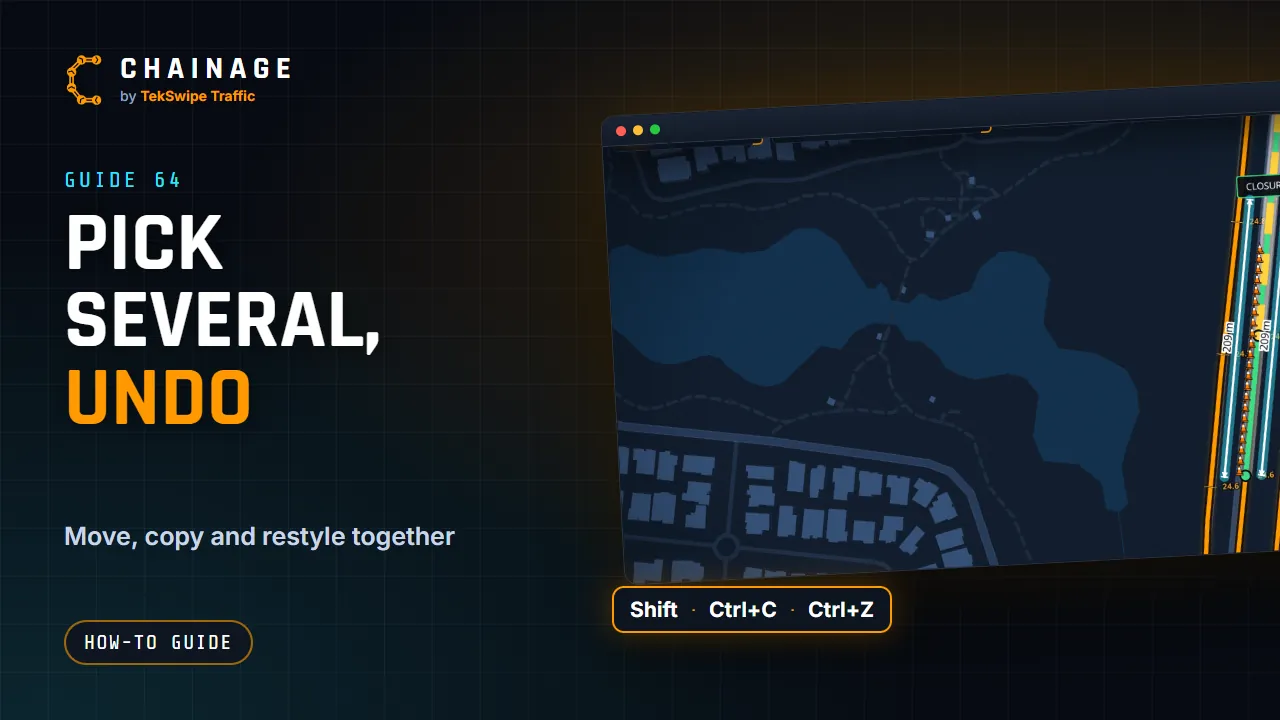 ▶ 0:52
Pick several items, copy and undo
-
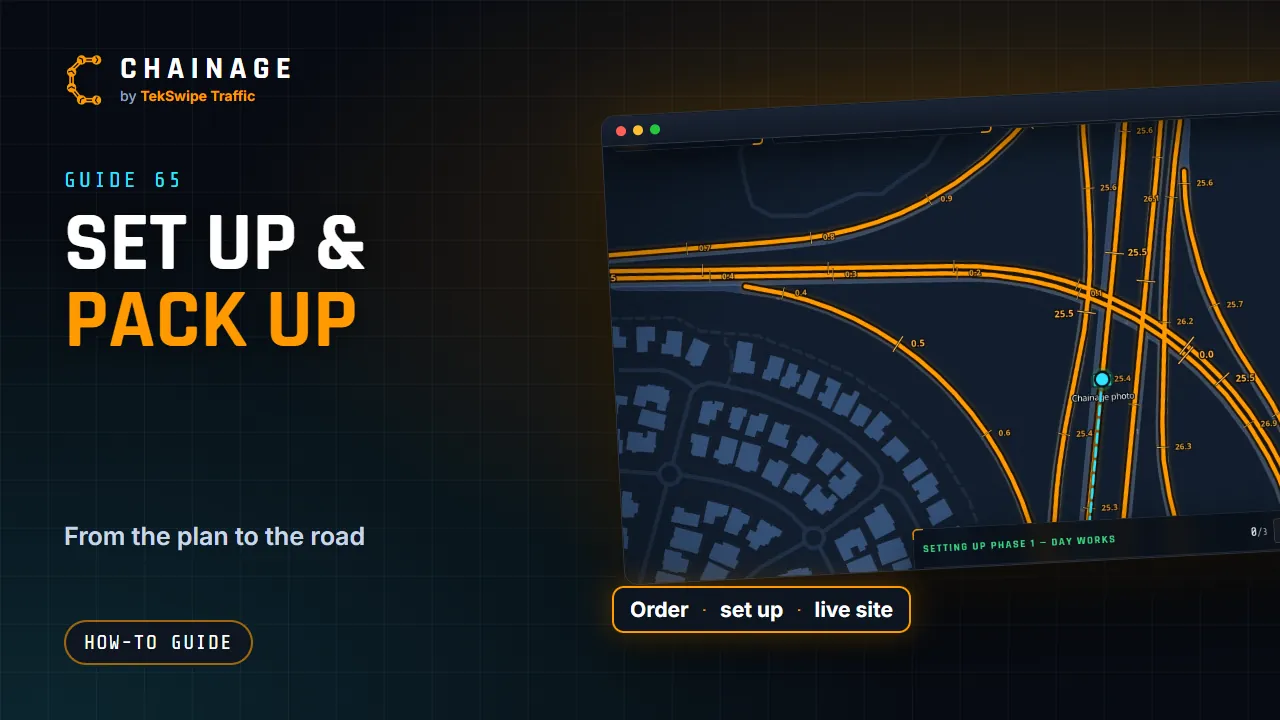 ▶ 1:08
Set up and pack up a site
-
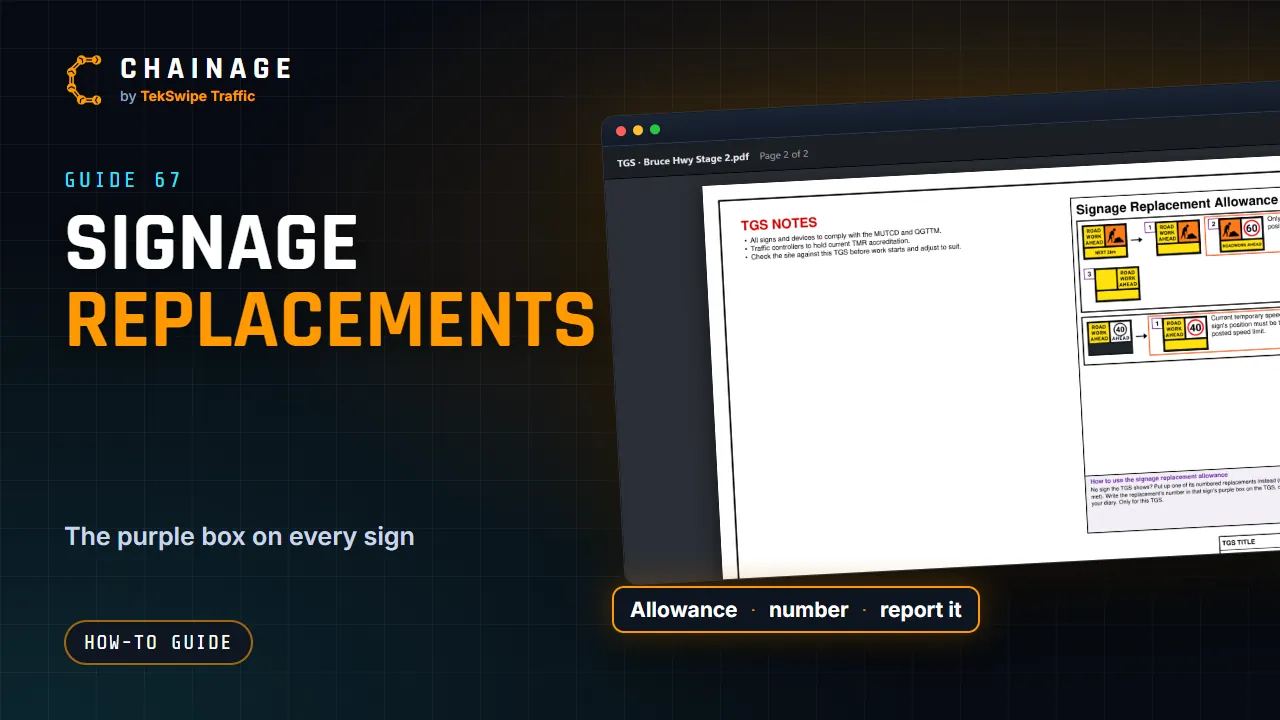 ▶ 1:09
Signage replacement allowances
-
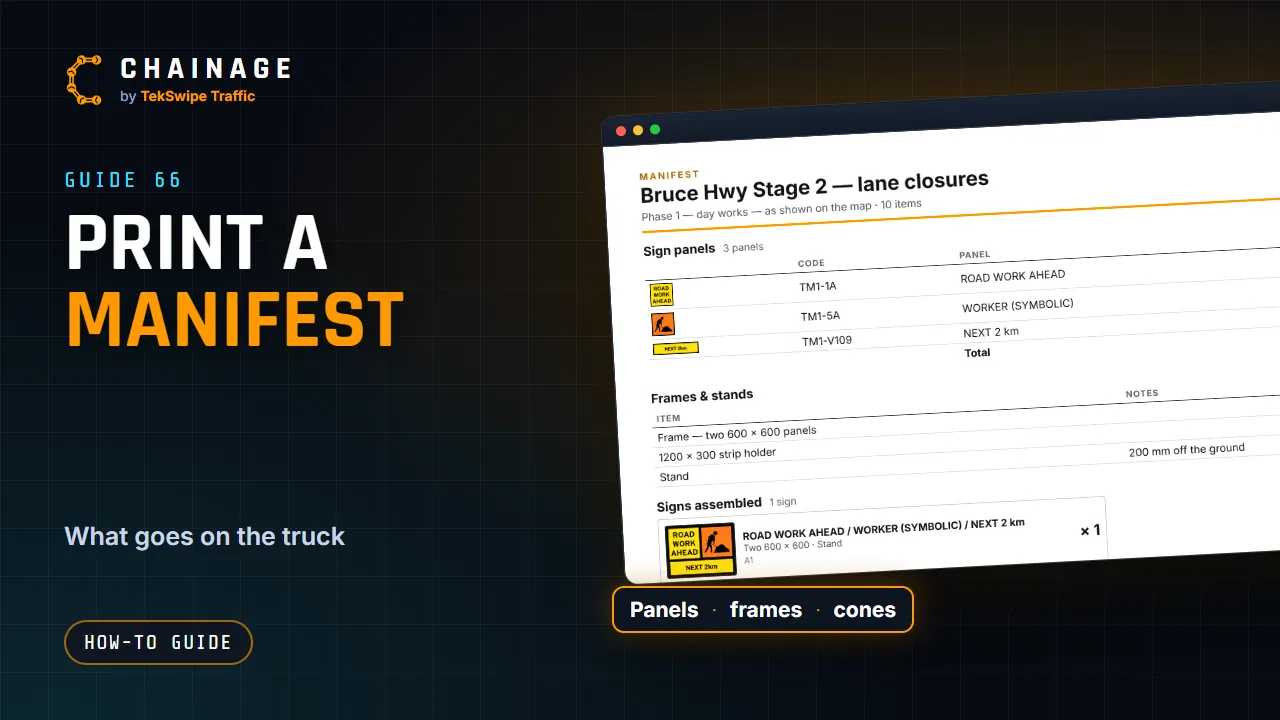 ▶ 0:48
Print a manifest