Signage replacement allowances
What a TGS's signage replacement allowance is, how a TMI or TMD uses it when a sign isn't available, how to mark the sign's purple box on the TGS, and how to report a replacement in Chainage while setting up.
Transcript
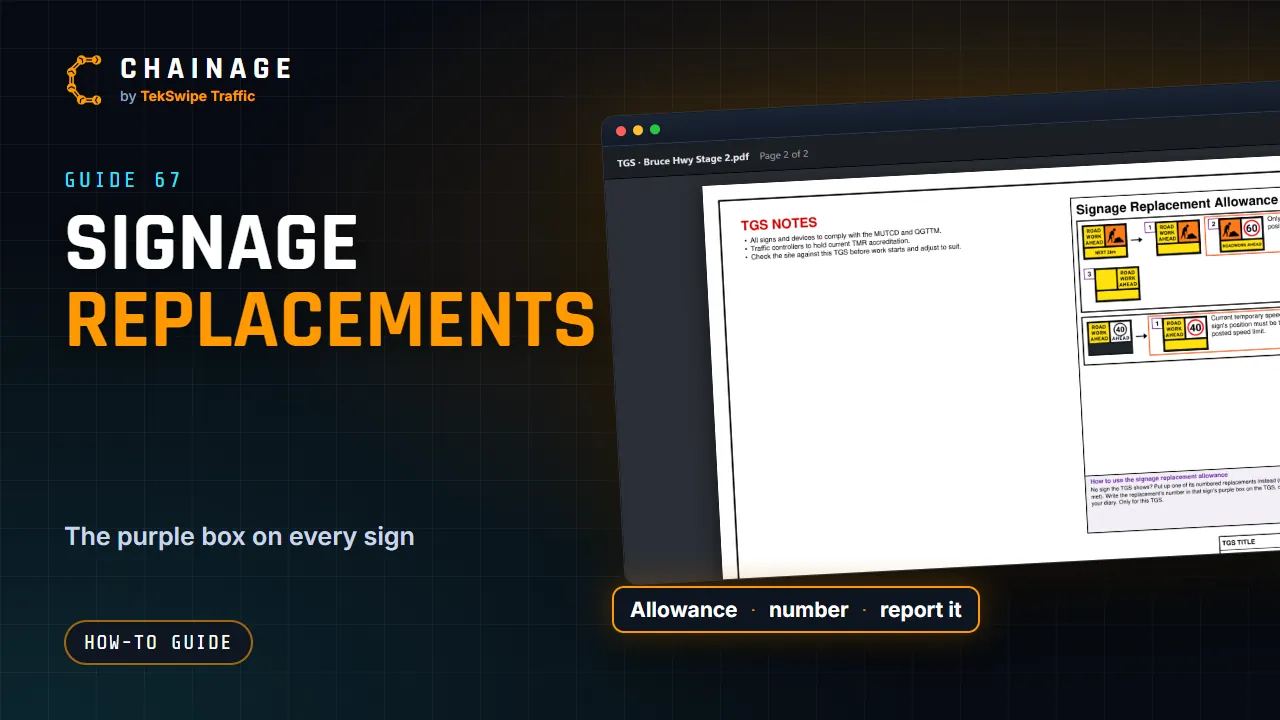
Every sign on a TGS made with Chainage has a small purple box, touching its picture. And near the end, the signage replacement allowance lists signs a crew can put up instead, when they don't have the one the TGS shows. Find the sign in the allowance. Each of its replacements has a number. A replacement in an orange box can only be used when the conditions beside it are met.
Put the replacement up, write its number in the sign's purple box on the TGS, and note it in your diary. Setting up with Chainage? When it shows that sign next, tap More options, then Put up a replacement sign. Pick its number. If it has conditions, confirm they're met, then set it up as normal. The sign's card shows the replacement, it's in the set-up log, and the TGS puts its number in the purple box for you.
The full guide: Signage replacement allowances