Download your data or delete your account
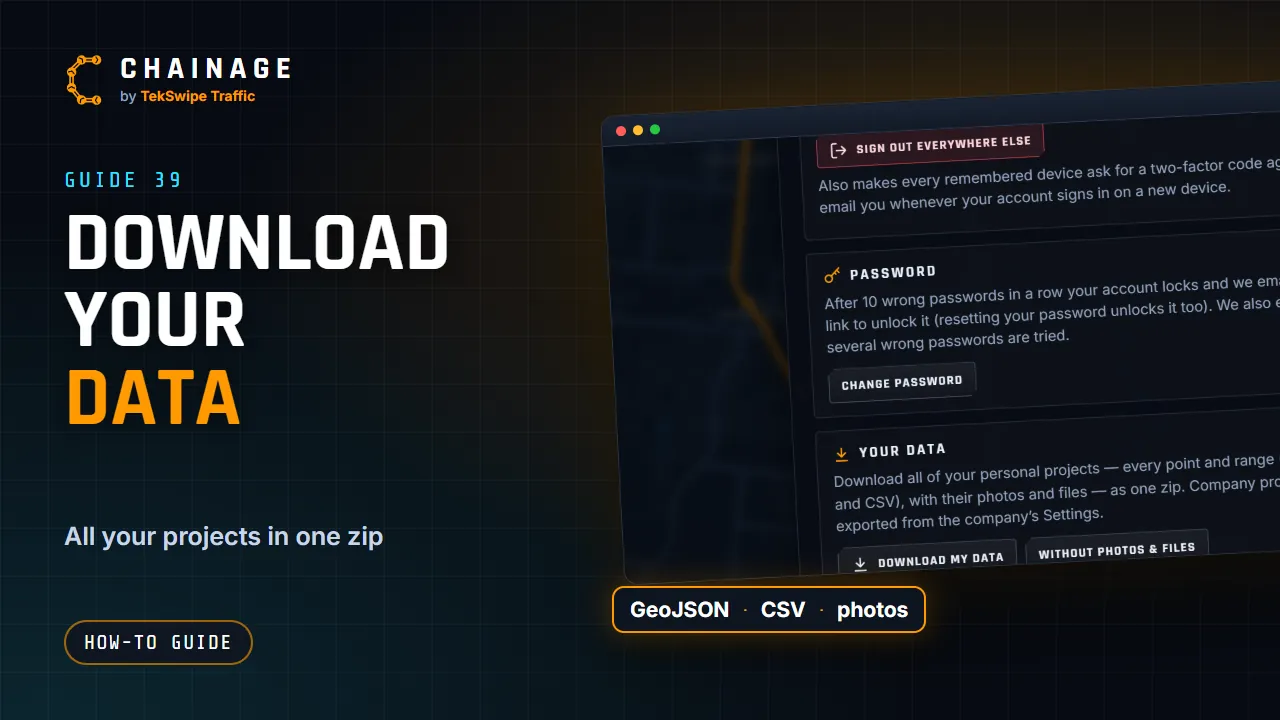
Download all your personal projects as one zip file, and find out how to delete your account and how inactive accounts are removed.
Transcript
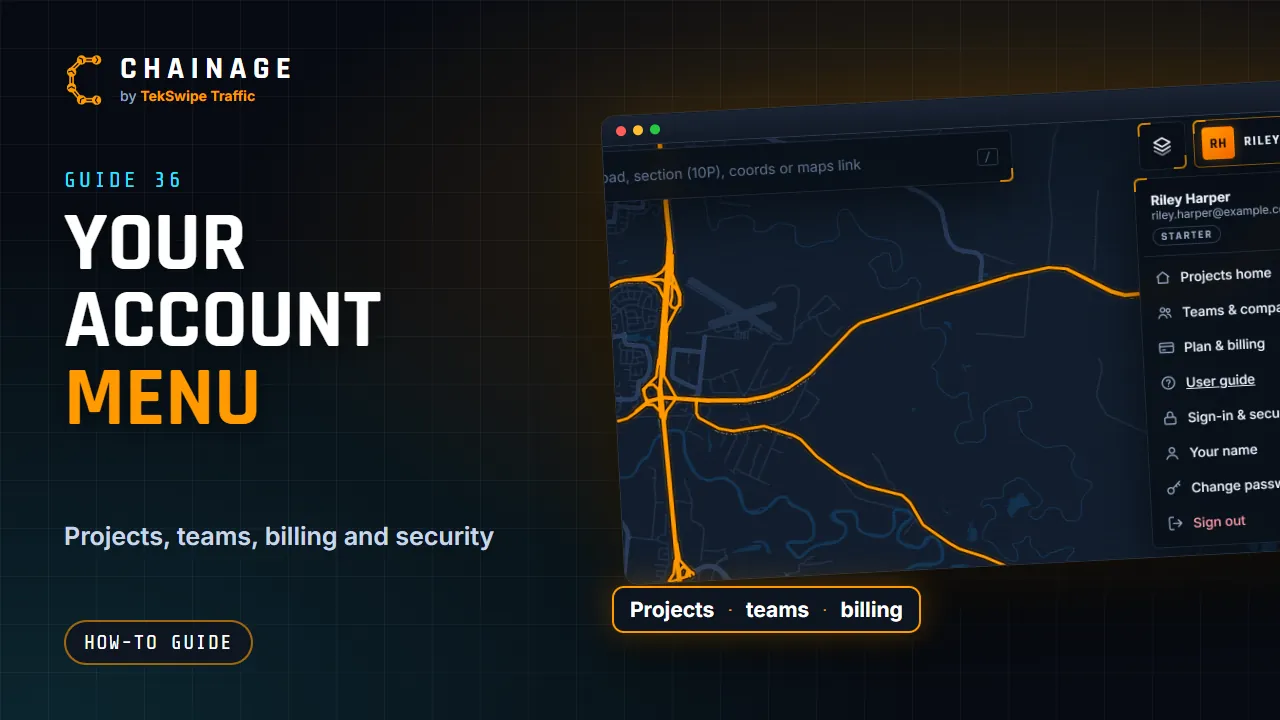
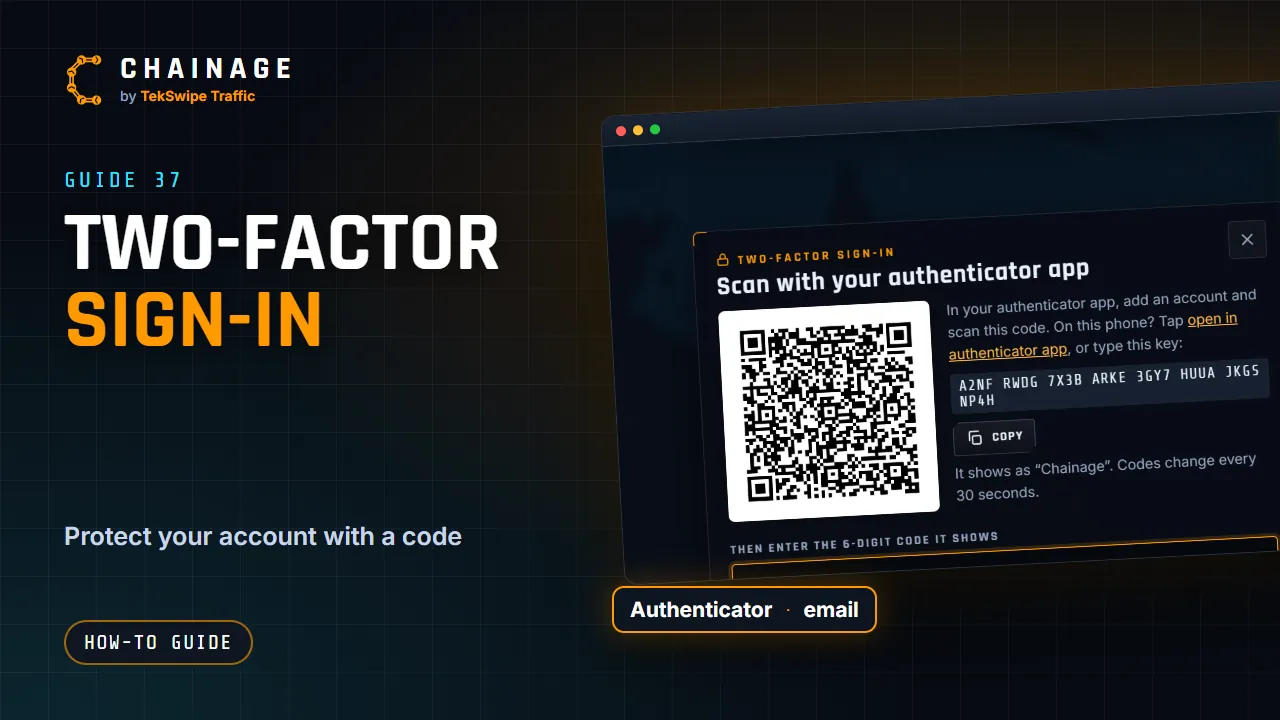
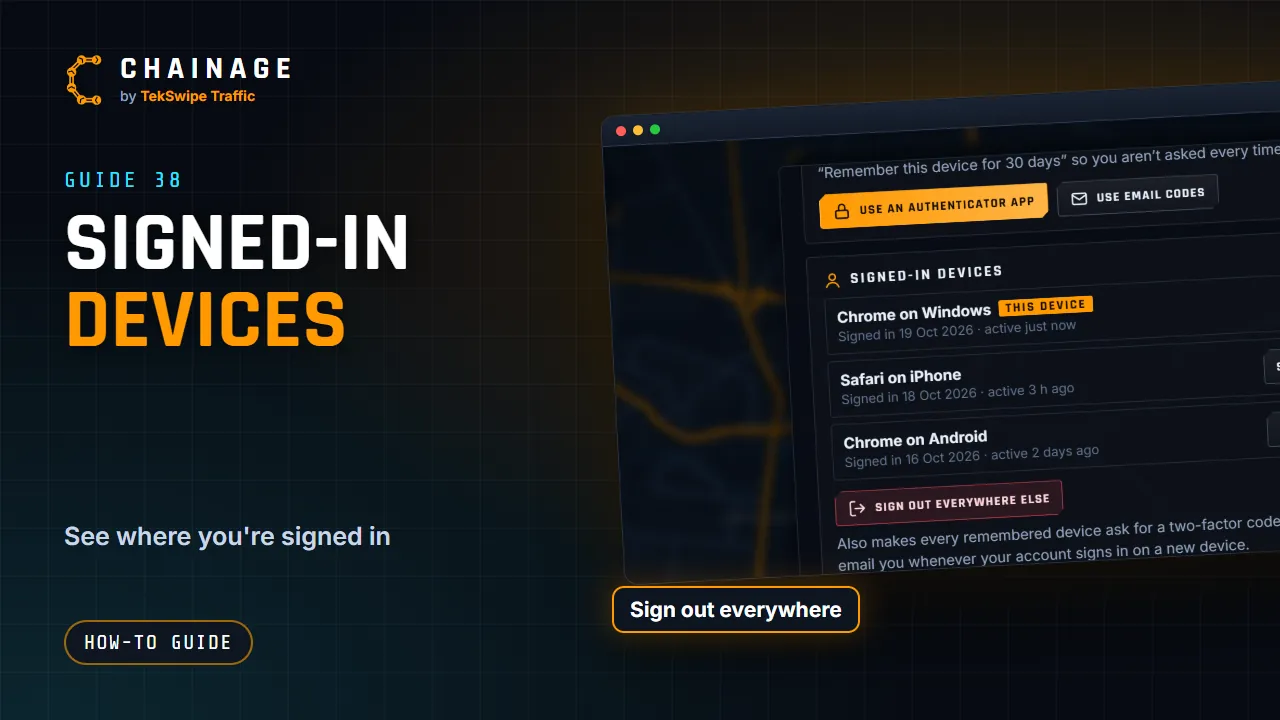
Your data is yours. In Sign-in and security, under Your data, tap Download my data. You get one zip file with all your personal projects: their items as GeoJSON and CSV, with their photos and files. Without photos and files makes a smaller download. To delete your account, email support at tekswipe dot com dot au. Accounts that aren't used for two years are removed automatically, after reminder emails.
The full guide: Download your data or delete your account