Sign in, reset your password and stay signed in
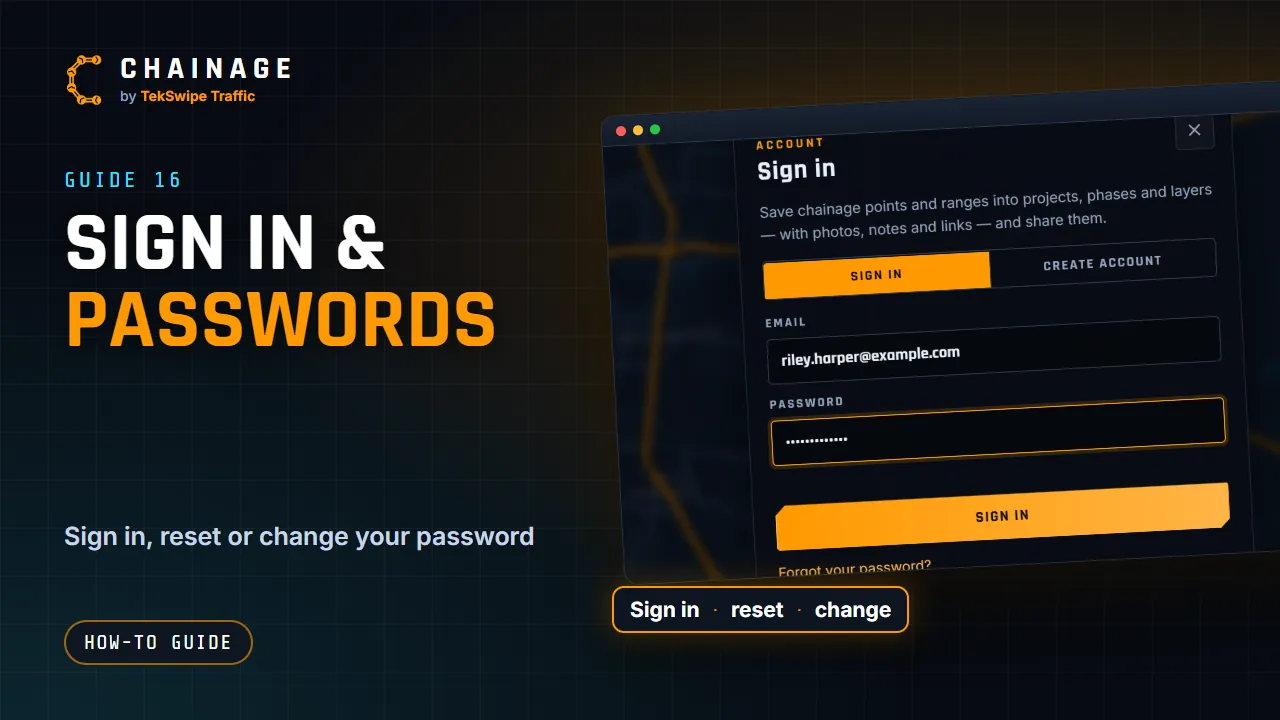
How to sign in, reset a forgotten password, change your password, and unlock your account after too many wrong attempts.
Transcript
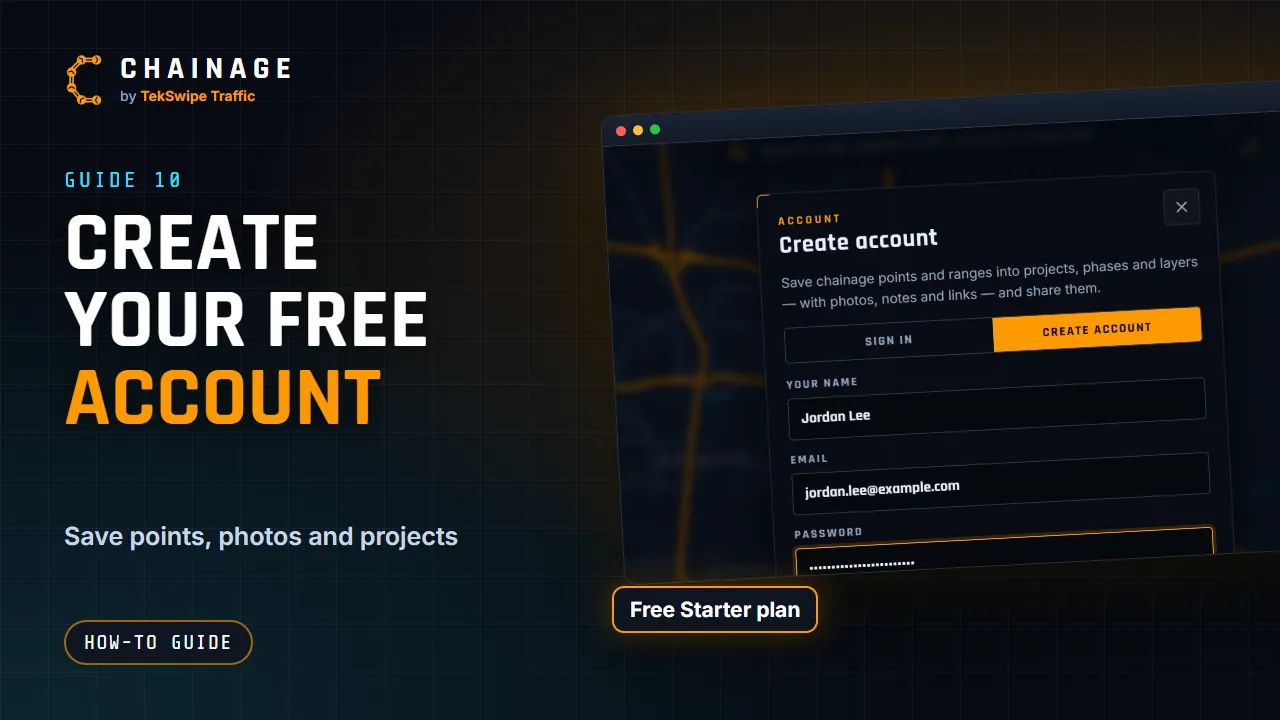
Already have an account? Tap Sign in at the top right, and enter your email address and password. You stay signed in for thirty days, and that renews whenever you use Chainage. Forgotten your password? Tap Forgot your password, and enter your email address. We email you a reset link that works for one hour. Then choose a new password of at least ten characters.
To change your password, open the account menu and choose Change password. Enter your current password and the new one, and your other devices are signed out. After too many wrong passwords, the account locks, and we email you a link to unlock it.
The full guide: Sign in, reset your password and stay signed in