PTSS lights, VMS boards and hazard markers
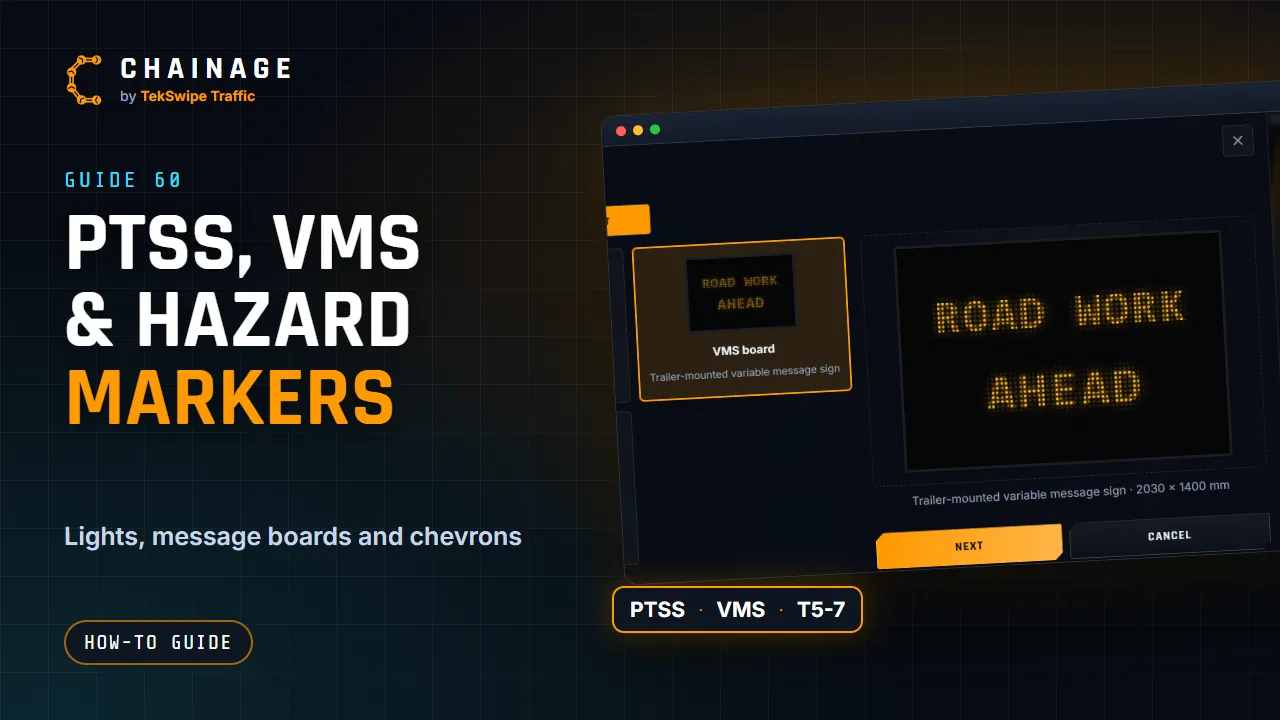
Place a portable traffic signal, a VMS board with its message, or a T5-7 hazard marker on the map, and see them stand up in 3D and Street View.
Transcript
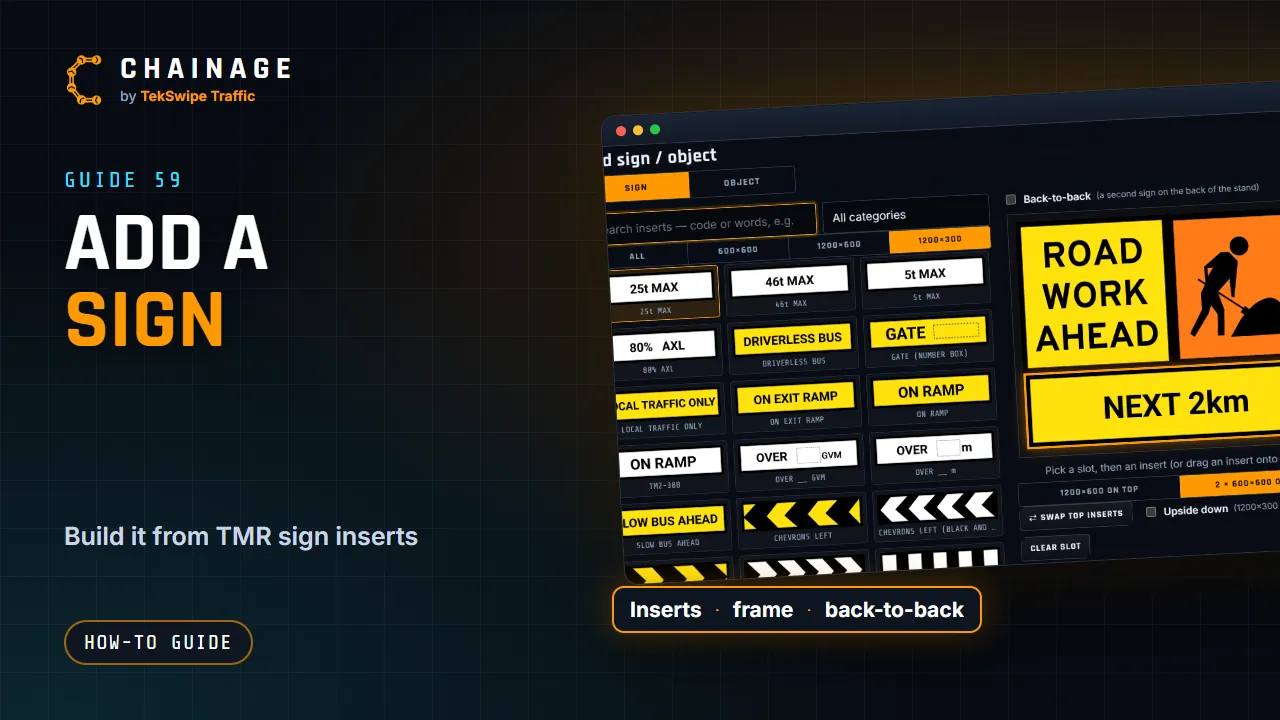
As well as signs, you can place a portable traffic signal, a VMS board, or a hazard marker. Open Add sign or object, and switch to Object. A PTSS shows red, amber or green. Pick the light it's showing. A VMS board takes up to three lines of twelve characters. Type your message, or tap a ready-made one, and choose size B or C.
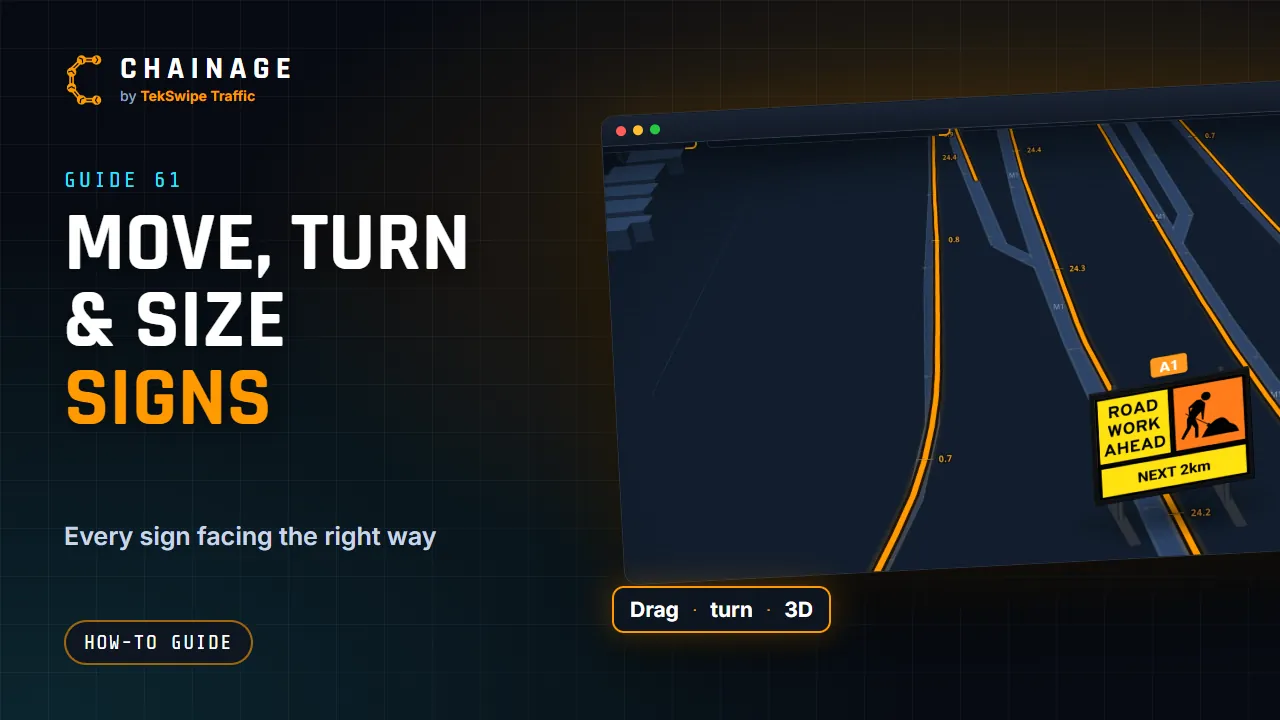
And a T five dash seven hazard marker's chevrons point left or right. Save it like a sign. It shows on the map with its own symbol, and stands up when you tilt the map in 3D, and in Street View.
The full guide: PTSS lights, VMS boards, hazard markers, utes and traffic controllers