
Tips and keyboard shortcuts
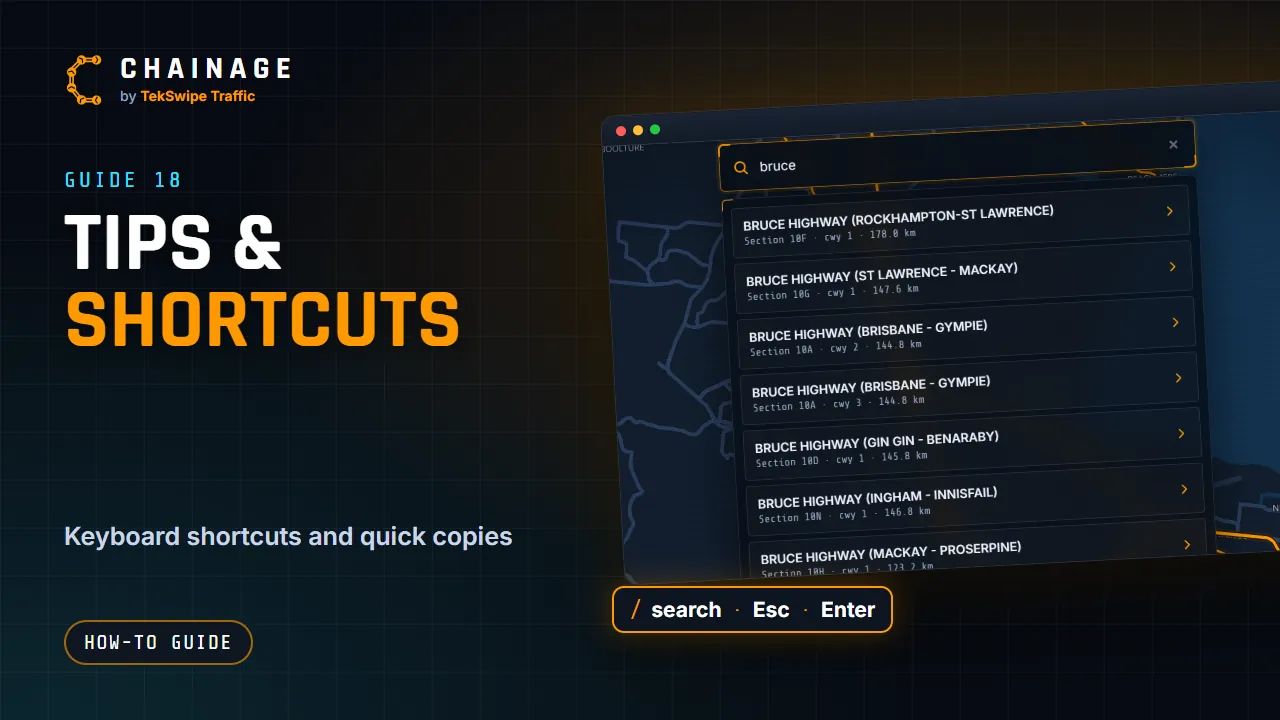
Keyboard shortcuts, quick copy buttons, and what Chainage remembers on your device between visits.
Transcript
A few shortcuts make Chainage quicker. On a keyboard, press slash to jump to the search bar, and Escape to close whatever's on top. In search, Enter picks the first result. In a project, shift-click picks several items, and control Z undoes your last change. Control shift Z redoes it. Control C and control V copy and paste items, and control D duplicates the one that's open.
Tap the copy button beside a chainage to copy it, or Copy coords for the latitude and longitude. Chainage also remembers your recent searches and pins, your day or night map, and the overlay setting, on each device.
The full guide: Tips and keyboard shortcuts
More video guides
-
 ▶ 2:19
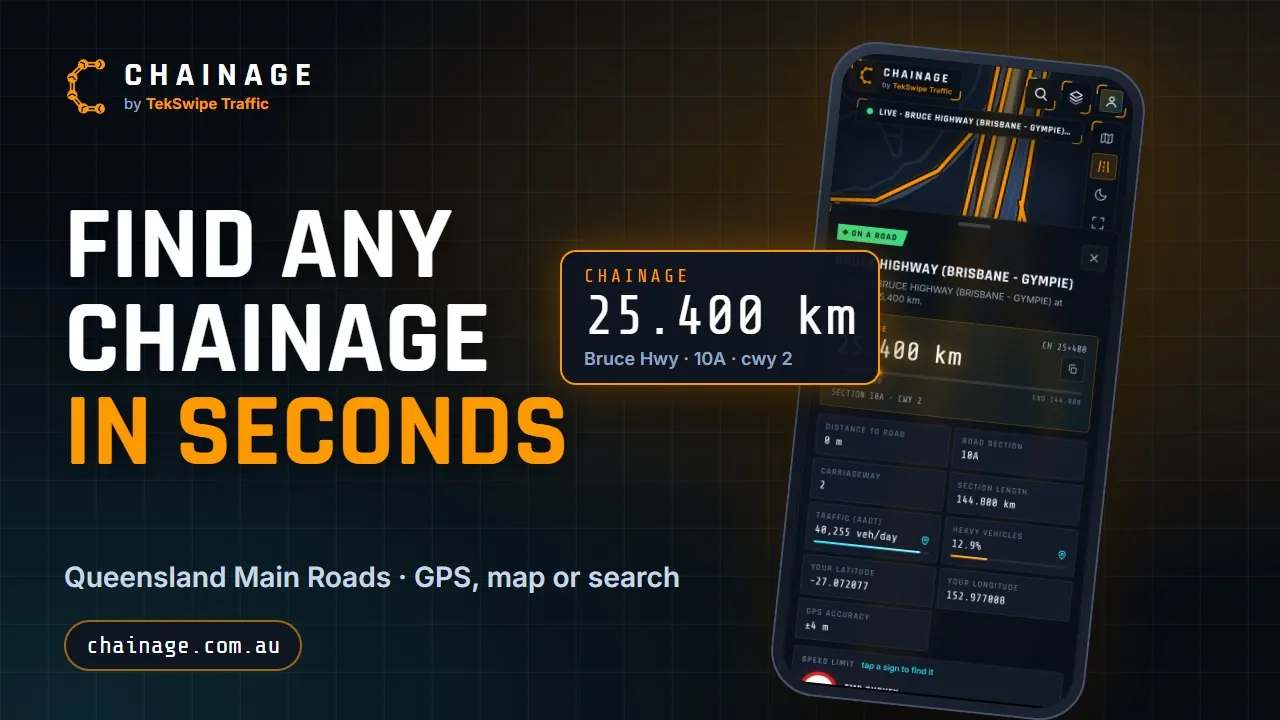
Chainage: find any Queensland Main Roads chainage in seconds
-
 ▶ 0:55
Create your free account
-
 ▶ 0:58
Sign in, reset your password and stay signed in
-
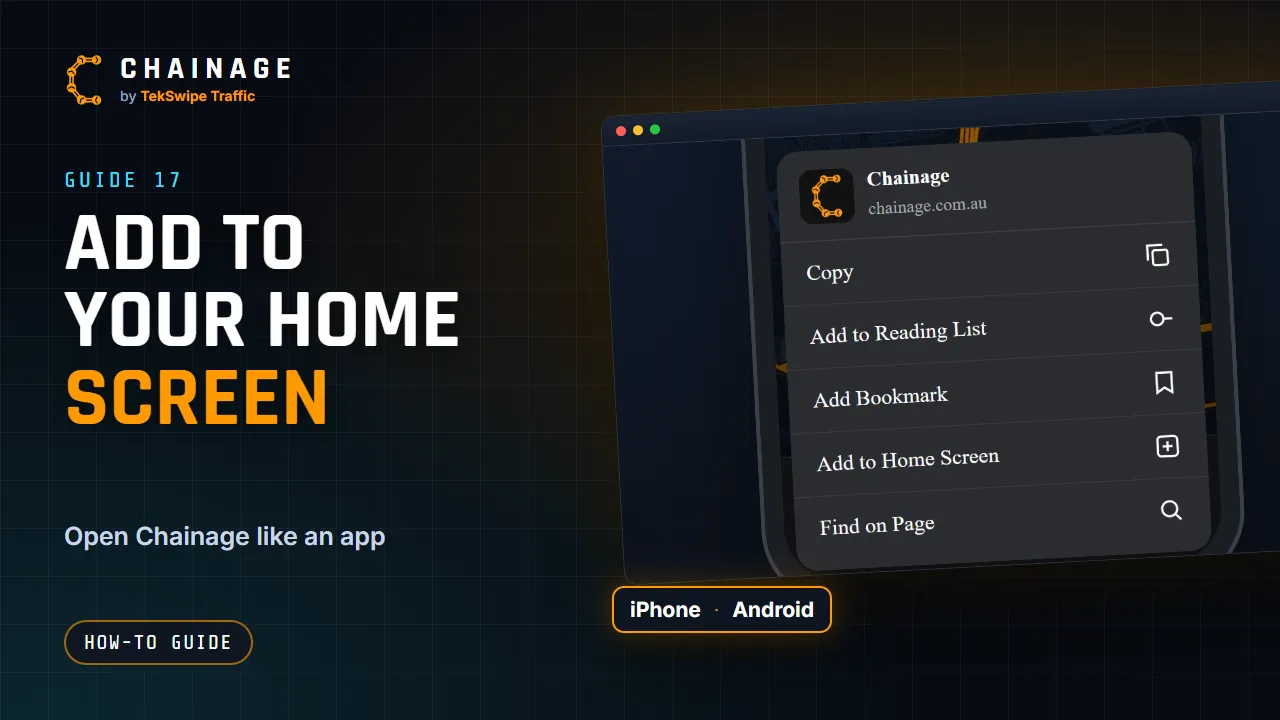 ▶ 0:44
Add Chainage to your phone's home screen
-
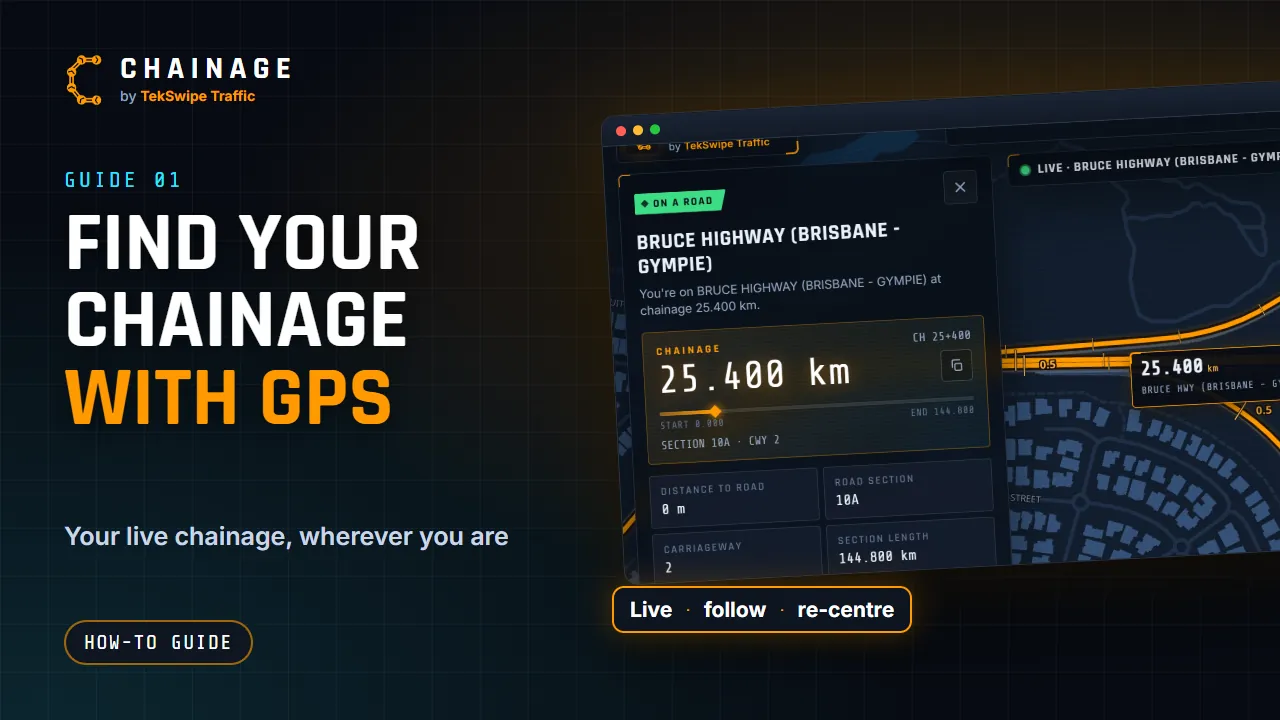 ▶ 1:23
Find your chainage with GPS
-
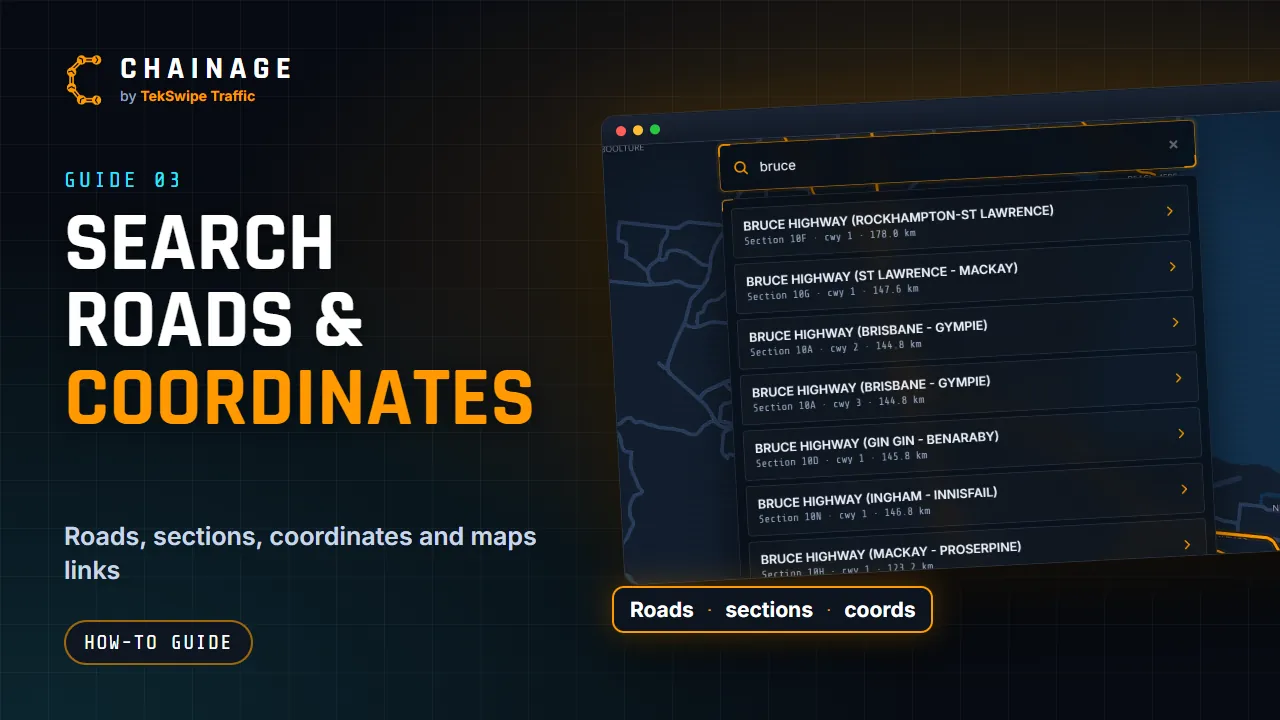 ▶ 1:04
Search by road, section, coordinates or a Google Maps link