Turn on location access
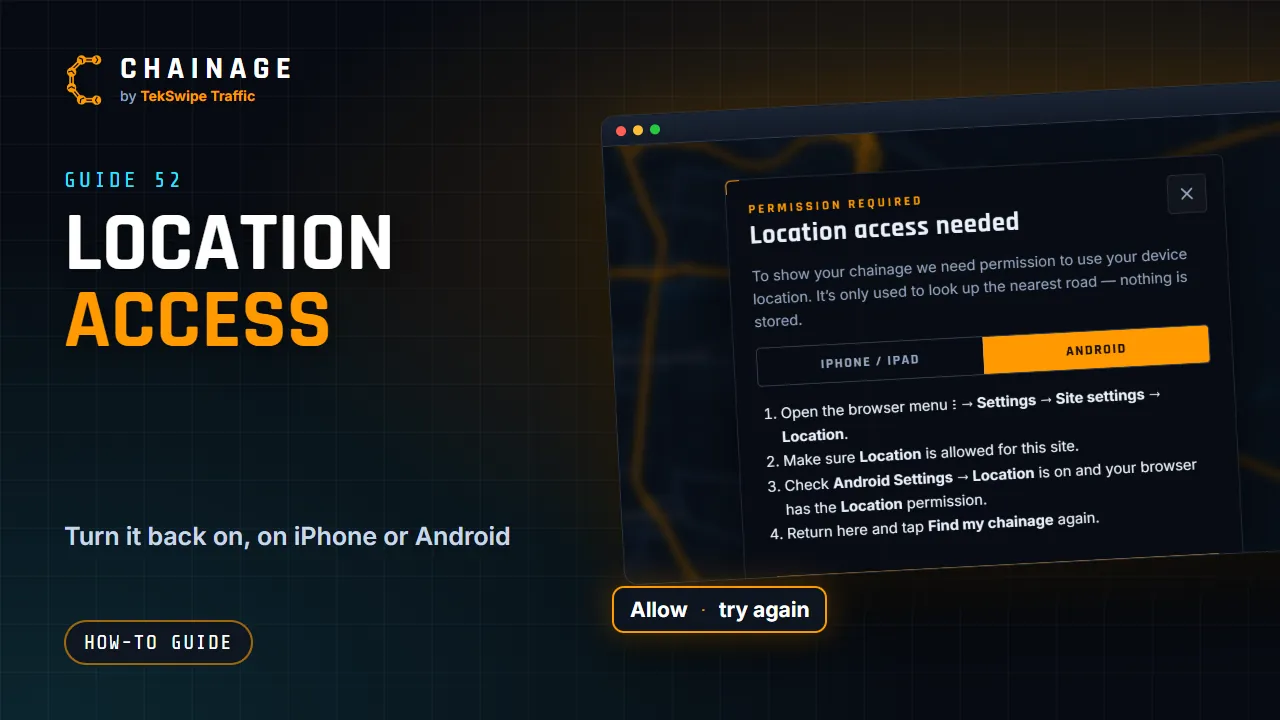
Fix “Location access needed” and other GPS problems on iPhone, iPad, Android and computers so Find my chainage can use your position.
Transcript
To find your chainage, Chainage needs your location. The first time, your browser asks. Choose Allow. If location is turned off, Chainage shows how to turn it back on, with steps for iPhone and Android. Follow the steps, then tap Try again. If your location is slow, or unavailable, move to open sky, and give your phone a moment.
The full guide: Turn on location access