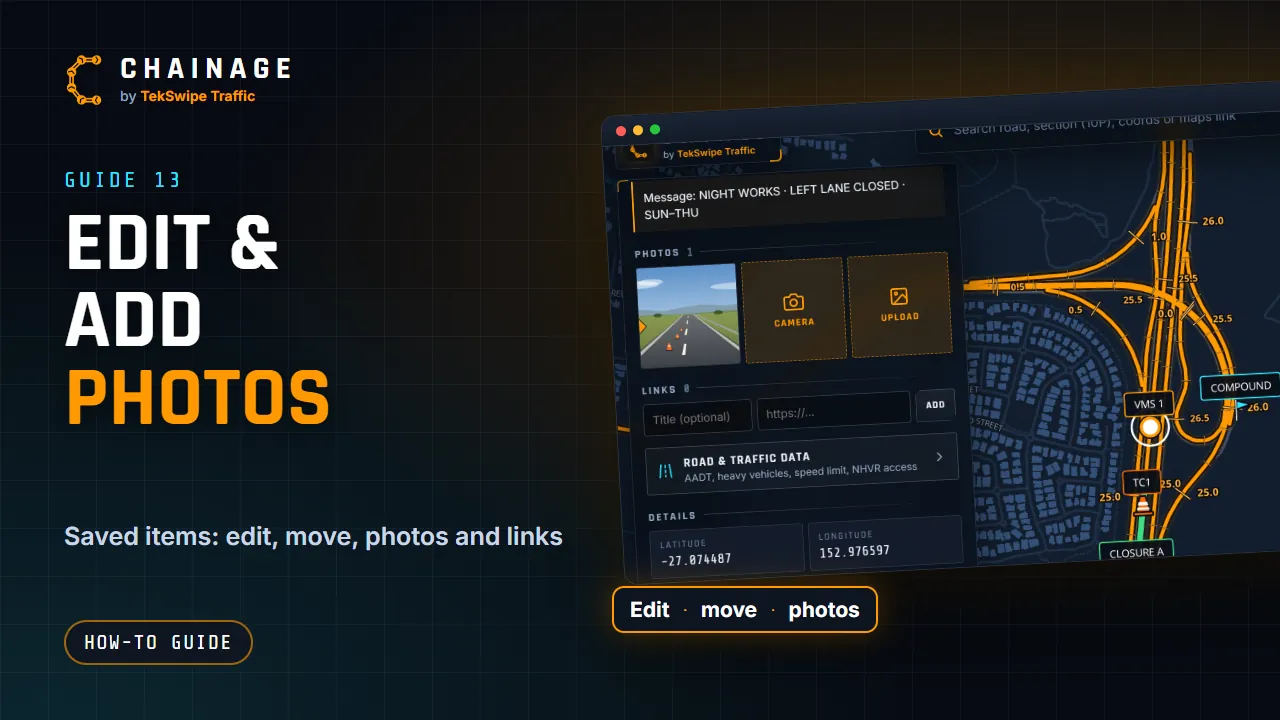
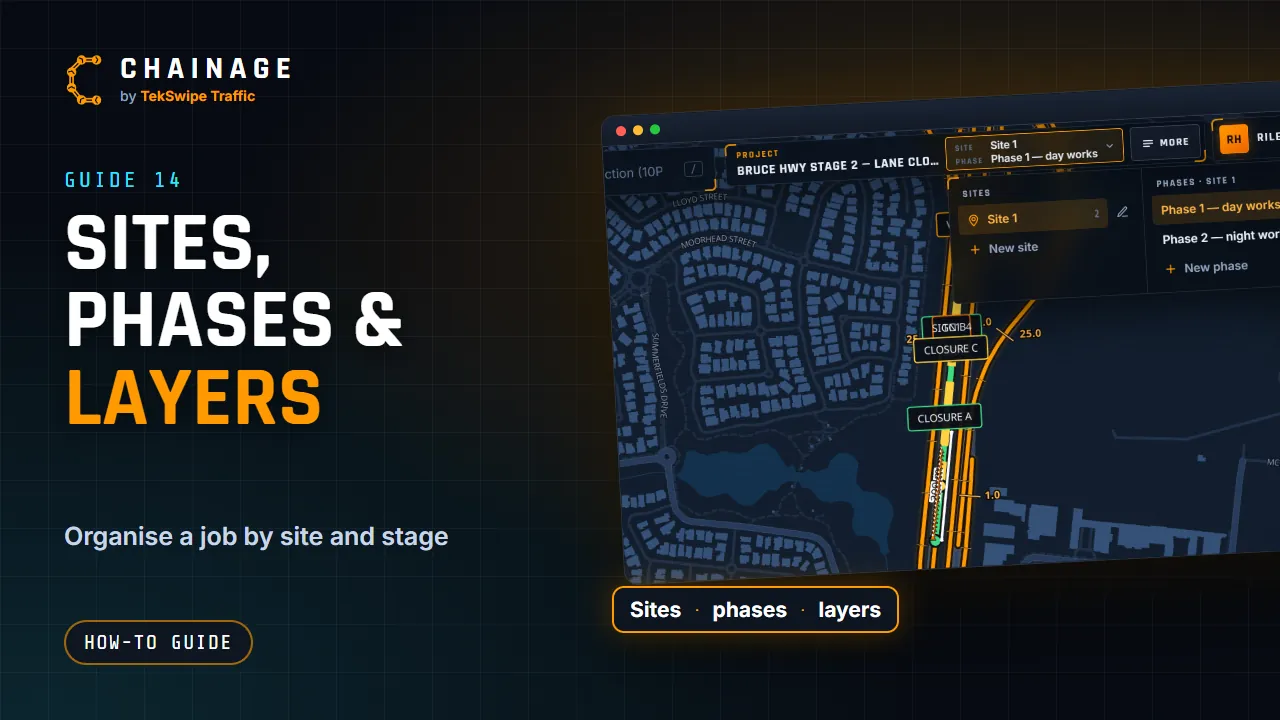
Export a project to GeoJSON or CSV
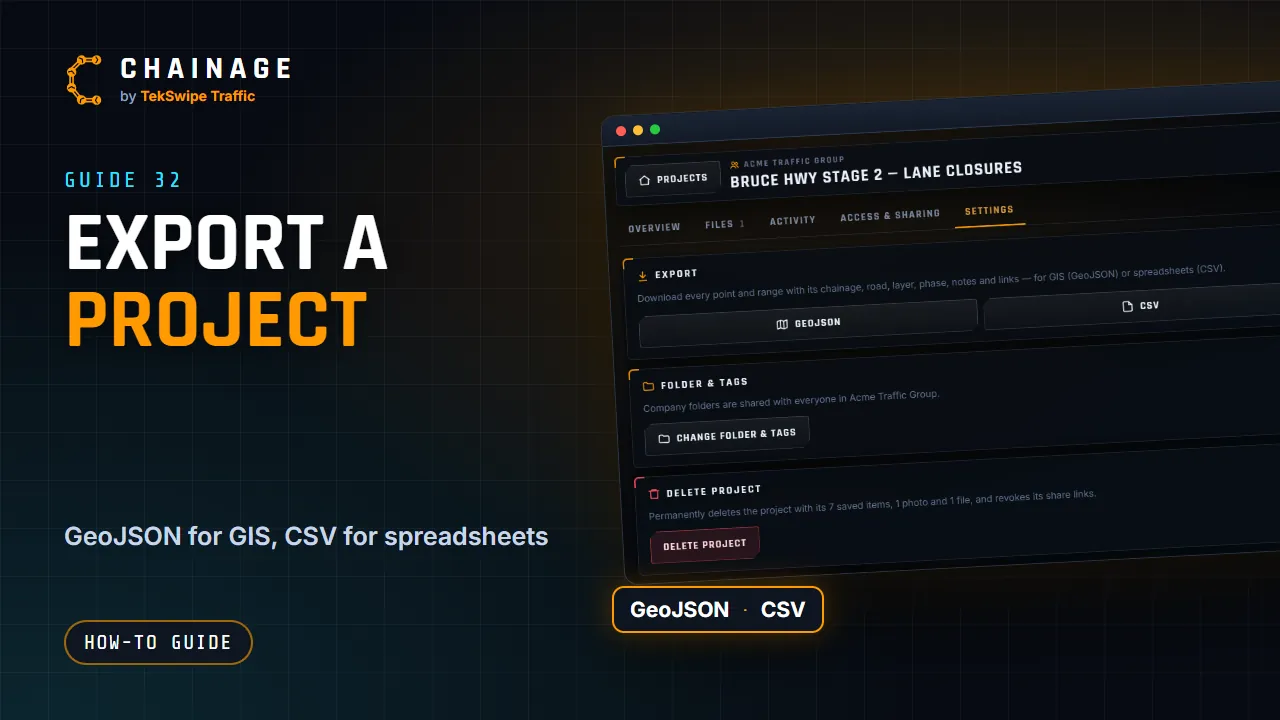
Download a project's points and ranges as GeoJSON for GIS tools or CSV for spreadsheets, or download all your data at once.
Transcript
You can take a project's data out of Chainage at any time. In the project hub, open Settings. Under Export, choose GeoJSON for GIS tools, or CSV for spreadsheets. To download all your own projects at once, use Download my data, in Sign-in and security. Company owners can export all of the company's data from its Settings tab.
The full guide: Export a project to GeoJSON or CSV