Take chainage-stamped photos
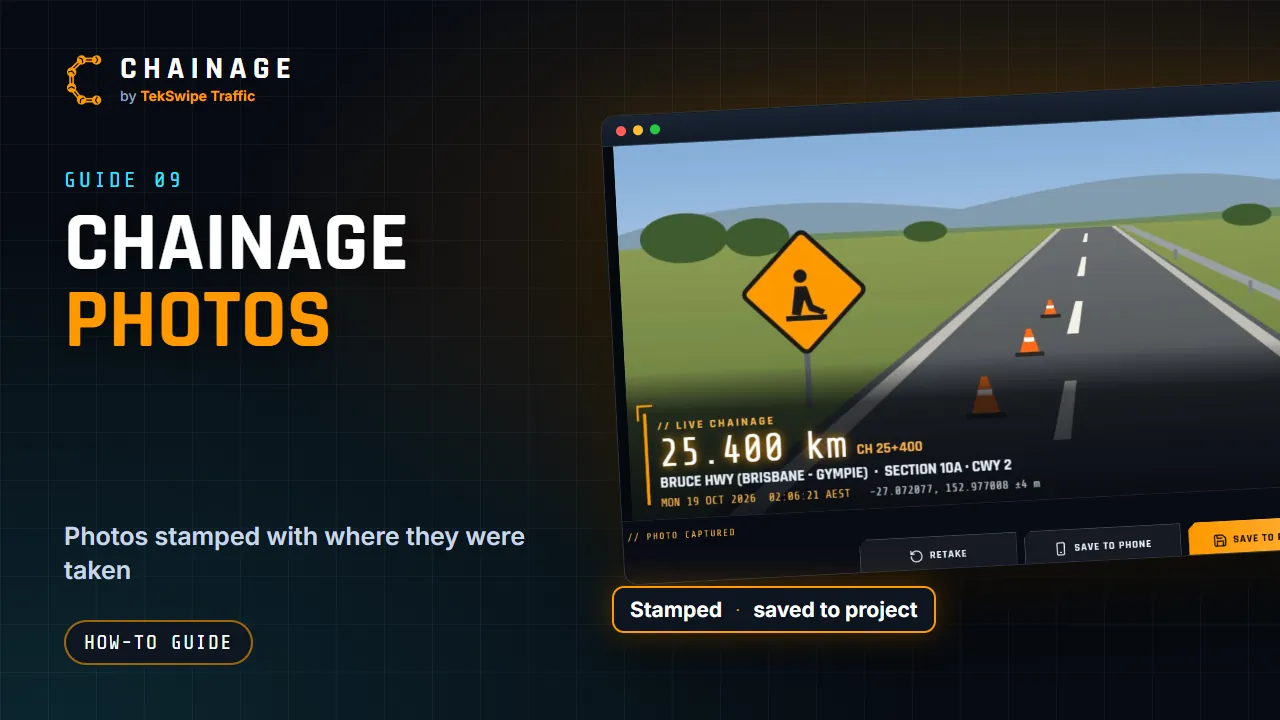
Take photos stamped with the chainage, road, date, time and GPS position, then save them to your phone or a project.
Transcript
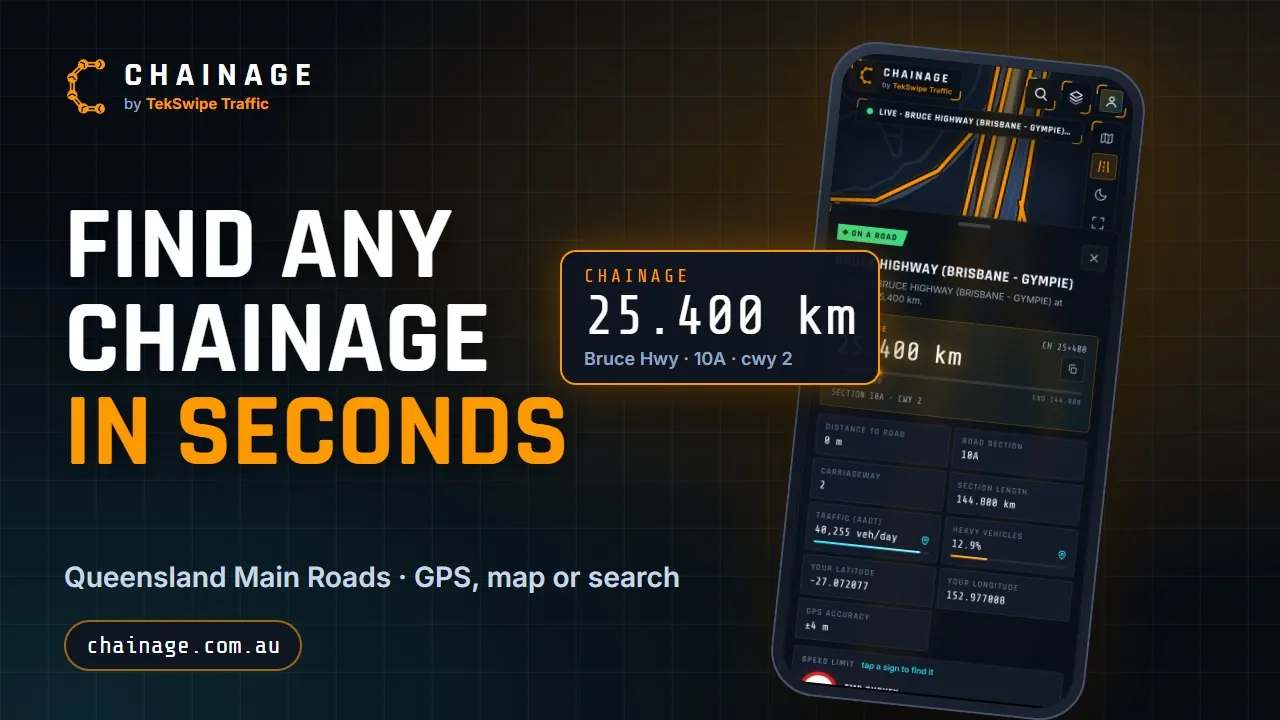
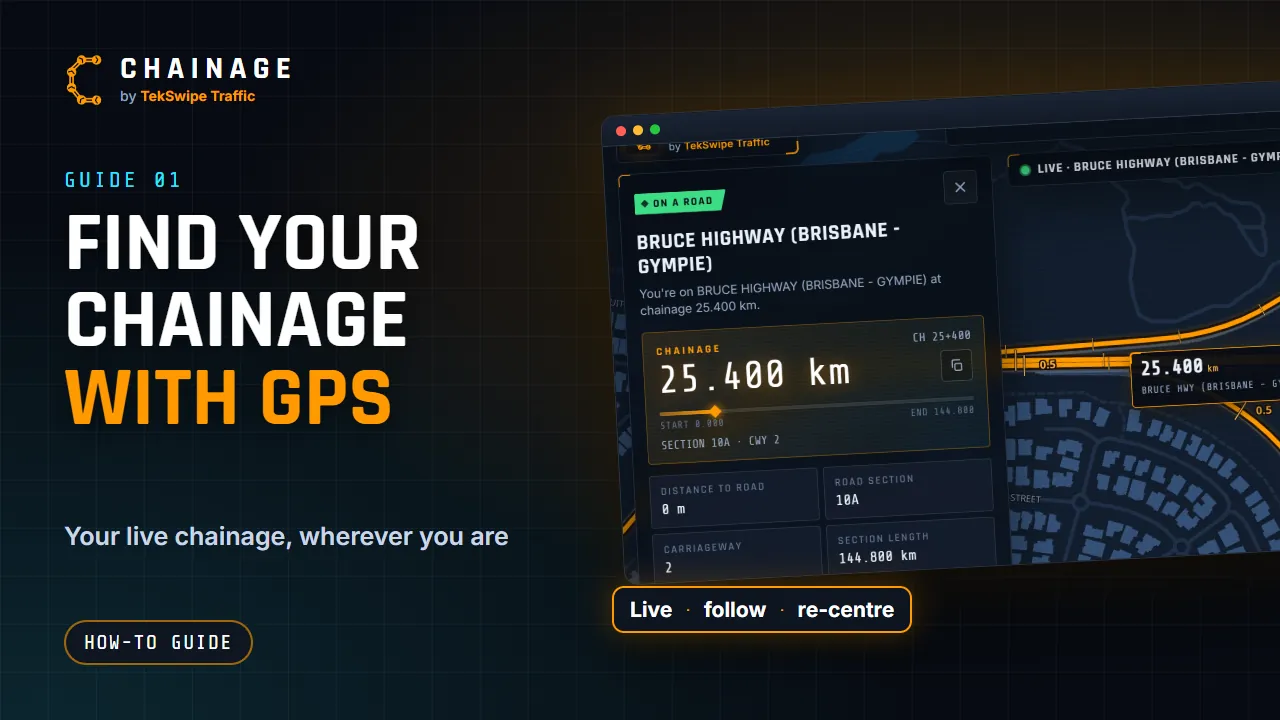
Chainage can stamp every photo with exactly where it was taken. While Find my chainage is following you, a camera button appears beside it. You'll also find Chainage photo on the result card. The viewfinder shows your live chainage, the road, section and carriageway, the date and time, and your GPS position. Take the photo, and all of that is stamped right onto it.
Want full resolution? Phone camera uses your phone's own camera app, and adds the stamp when you come back. Then choose Save to phone, or Save to project, which saves a chainage point with the photo attached. You can also add photos to any saved point, with the Camera button on its card.
The full guide: Take chainage-stamped photos