See several projects on the map
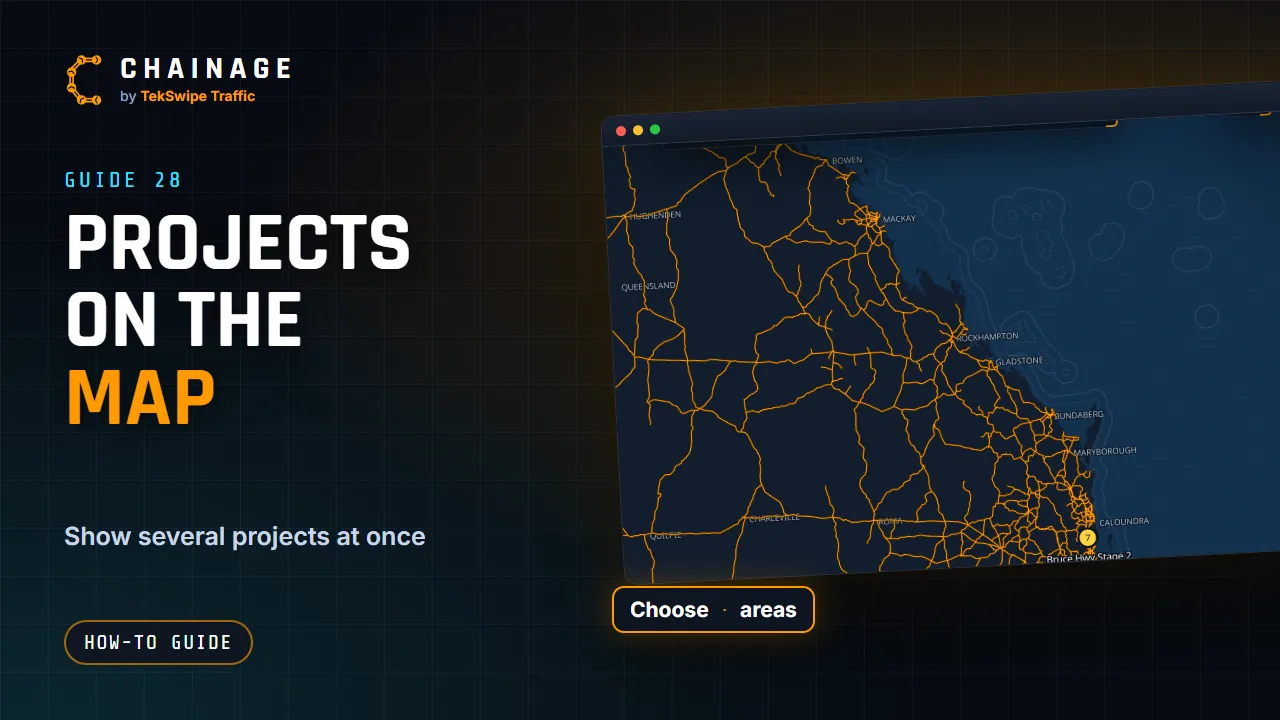
Show other projects on the map alongside the one you're editing, or see where all your projects are with the areas overview.
Transcript
You can show other projects on the map while you work on one. Tap the two-circle button on the right, open Choose projects, and tick the projects to show. Their items show faded and view-only. You only edit one project at a time. Areas overview shows where all your projects are, as coloured areas on the map. Tap an area, then Work on this project to switch to it.
The full guide: See several projects on the map