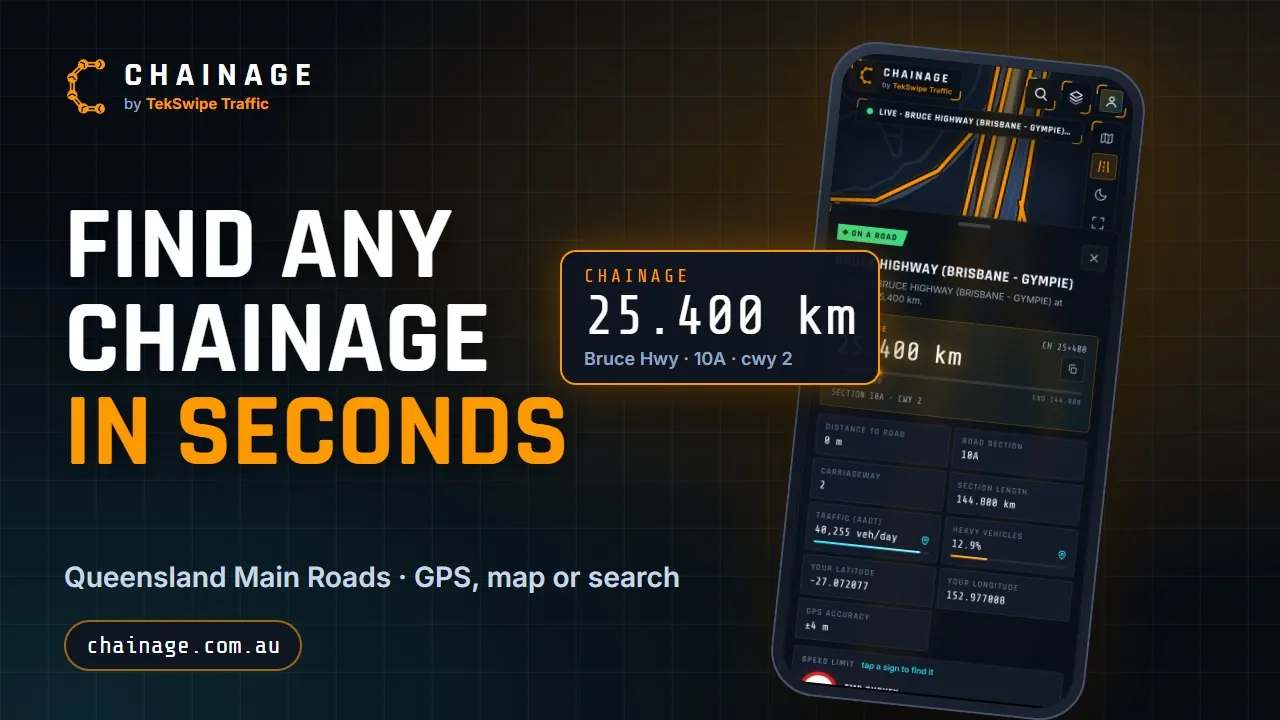
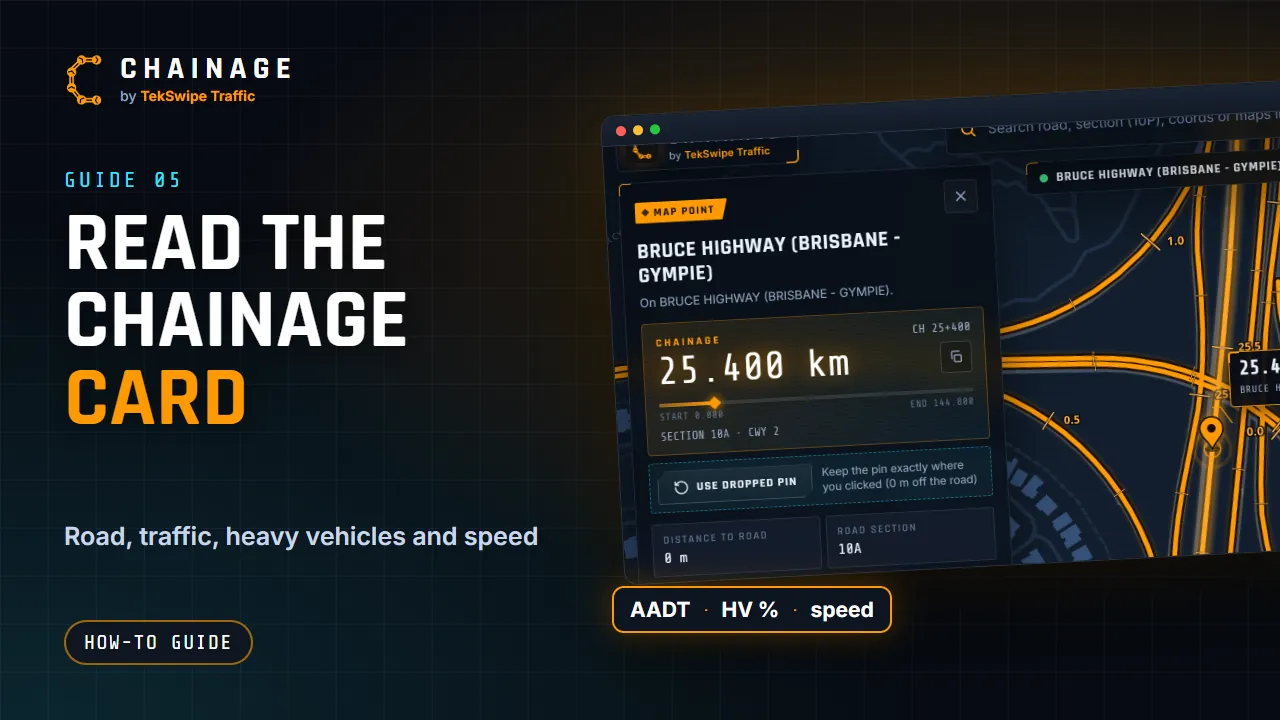
Tap the map: snapped points and dropped pins
Find the chainage anywhere by tapping or clicking the map, and learn when a pin snaps to the road or stays where you put it.
Transcript
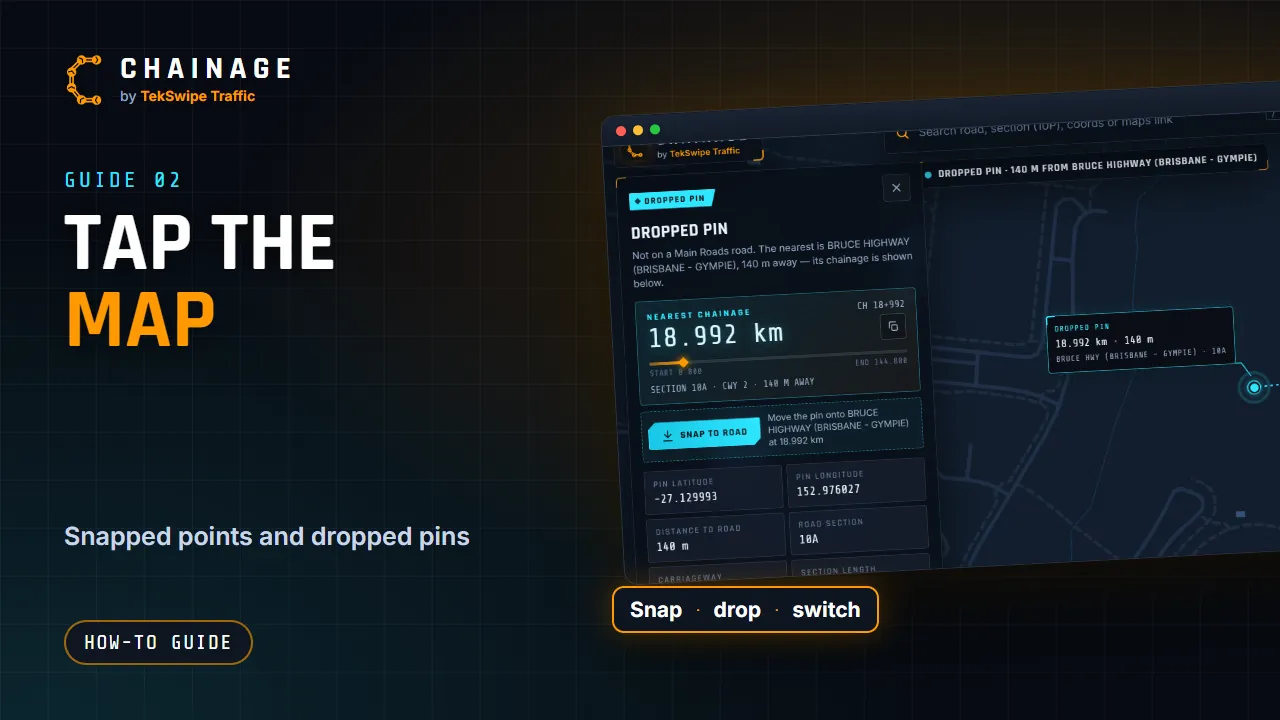
You can find the chainage of any spot just by tapping the map. On a computer, click the road, and the result card opens with its chainage. On a phone, a single tap drops a pin and shows its chainage. Tap the pin, double-tap, or press and hold to open the full card. Tap right on a Main Road, and the pin snaps onto the road.
Tap anywhere else, like a site compound or a driveway, and you get a dropped pin, exactly where you tapped. A dotted line joins it to the nearest road, with the distance, and the card shows the nearest chainage on that road. Changed your mind? Snap to road moves the pin onto the road, and Use dropped pin keeps it where it is.
Both kinds can be saved to a project.
The full guide: Tap the map: snapped points and dropped pins