Search by road, section, coordinates or a Google Maps link
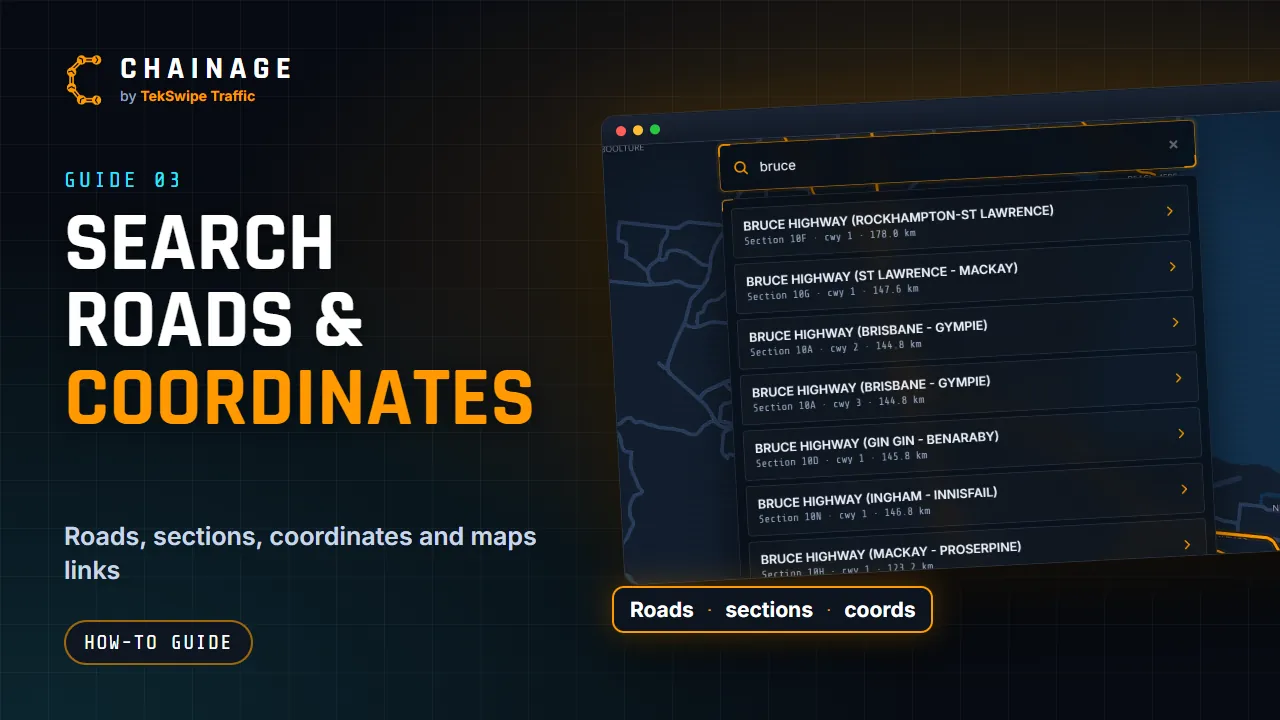
Use the search bar to find a road by name or section number, jump to coordinates, or open a Google Maps link someone sent you.
Transcript
The search bar finds roads, chainages and coordinates. Click it, or press the slash key. On a phone, tap the search button at the top. Your recent searches and pin drops are listed here, ready to use again. Type a road name, like Bruce Highway, or a road section number, like ten A. Each result shows the section, the carriageway and its length.
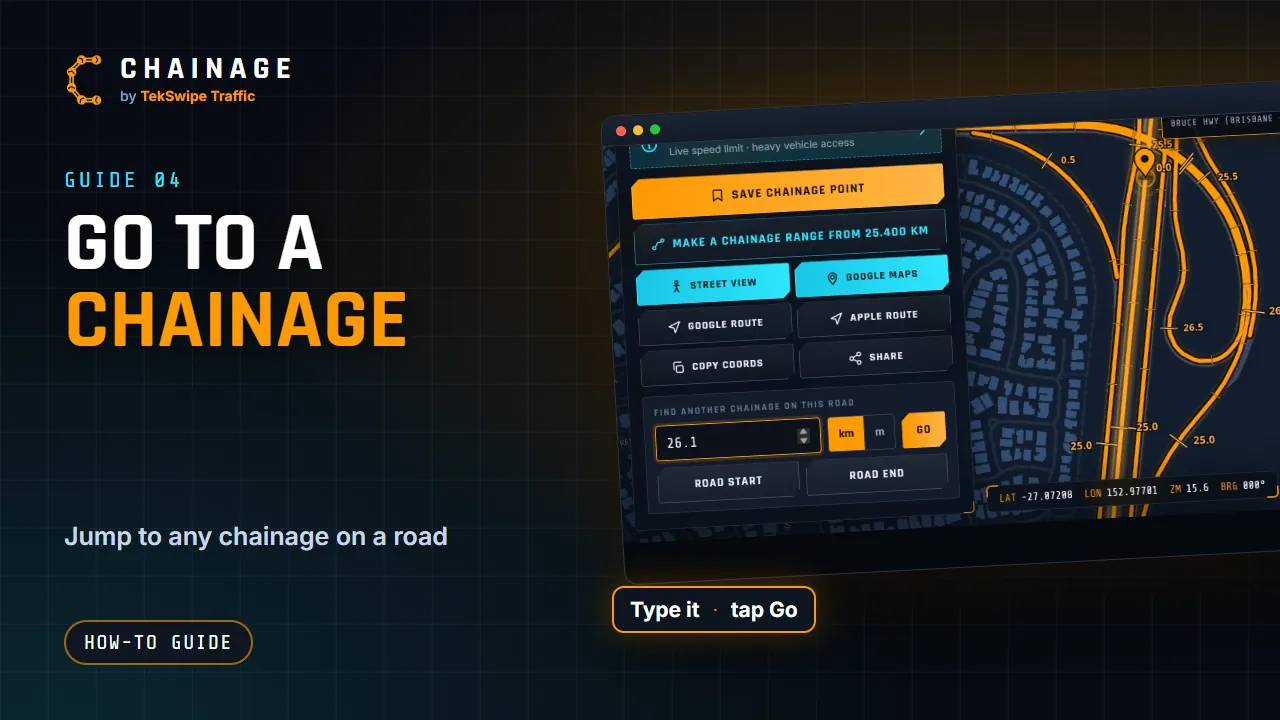
Pick the one you want. Type a chainage, and tap Locate. The map flies straight there. You can also paste coordinates, in decimal, or in degrees, minutes and seconds. Or paste a Google Maps link someone sent you, and Chainage reads the location from it. Street addresses and place names aren't supported, so use coordinates or a maps link for those.
The full guide: Search by road, section, coordinates or a Google Maps link