Set up and pack up a site
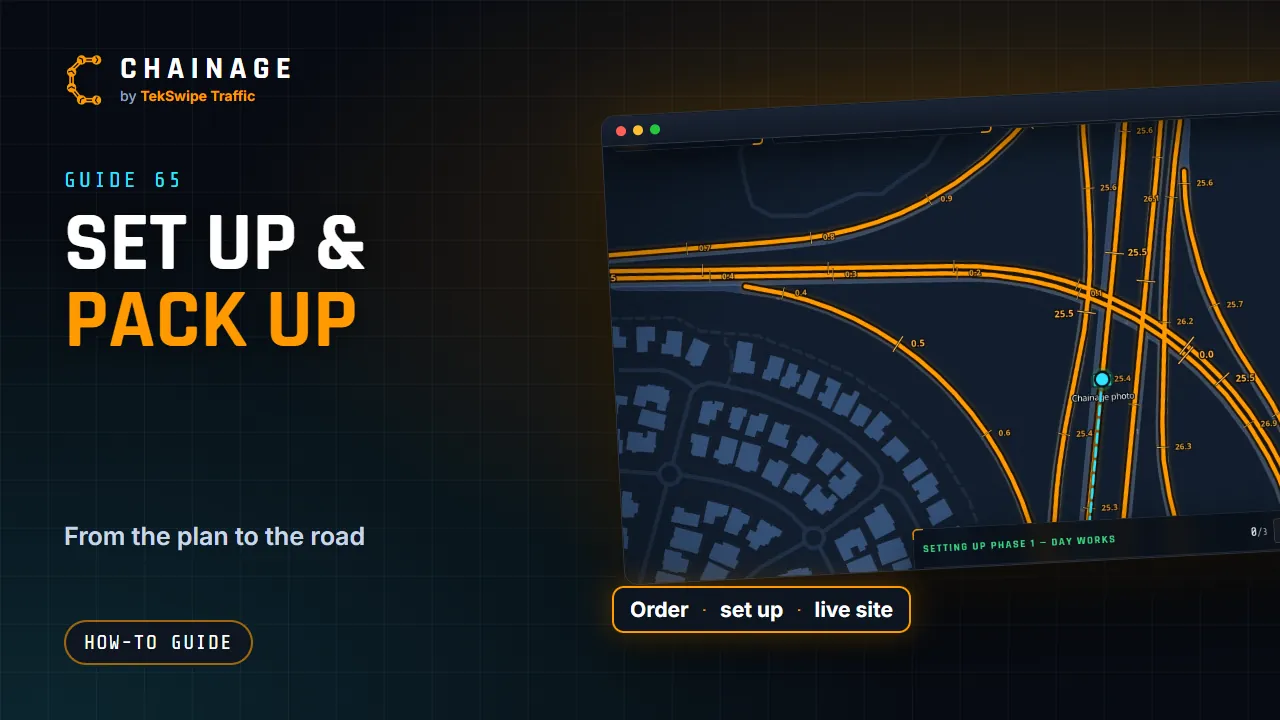
Set the order the signs go out, set up and pack up a site with Chainage leading the crew to each sign, give crews a set-up link, and watch it live from the office.
Transcript
The On site tab, under More, is where a job goes out on the road. First, set the order the signs go out. Tap Set, then Pick on the map, and click the signs in order. Or drag them in the list. On site, tap Set up slash pack up, then Setting up, and pick the phase. Chainage leads you to each sign in turn, with how far it is and which way.
Tap Set up as each one goes out, and add a photo if you like. Packing up works the same way, collecting every sign. Changing to the next phase? It shows what to add, change and remove. Crews don't need an account. A share link with Set-up link ticked lets whoever has it set up and pack up the site.
And Live site shows the office who's out there right now, what's out, and the set-up log and report.
The full guide: Set up and pack up a site