Share a project with a link
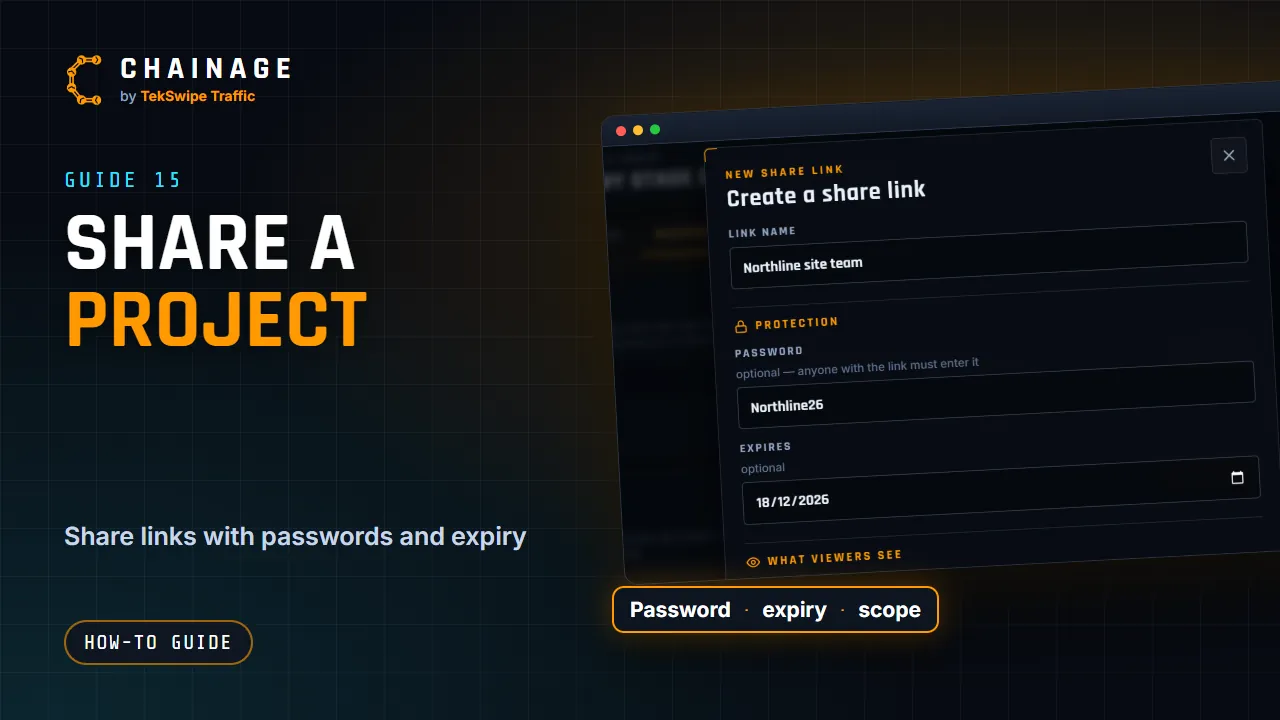
Create read-only share links for a project, choose what they show, protect them with a password and expiry date, and revoke them any time.
Transcript
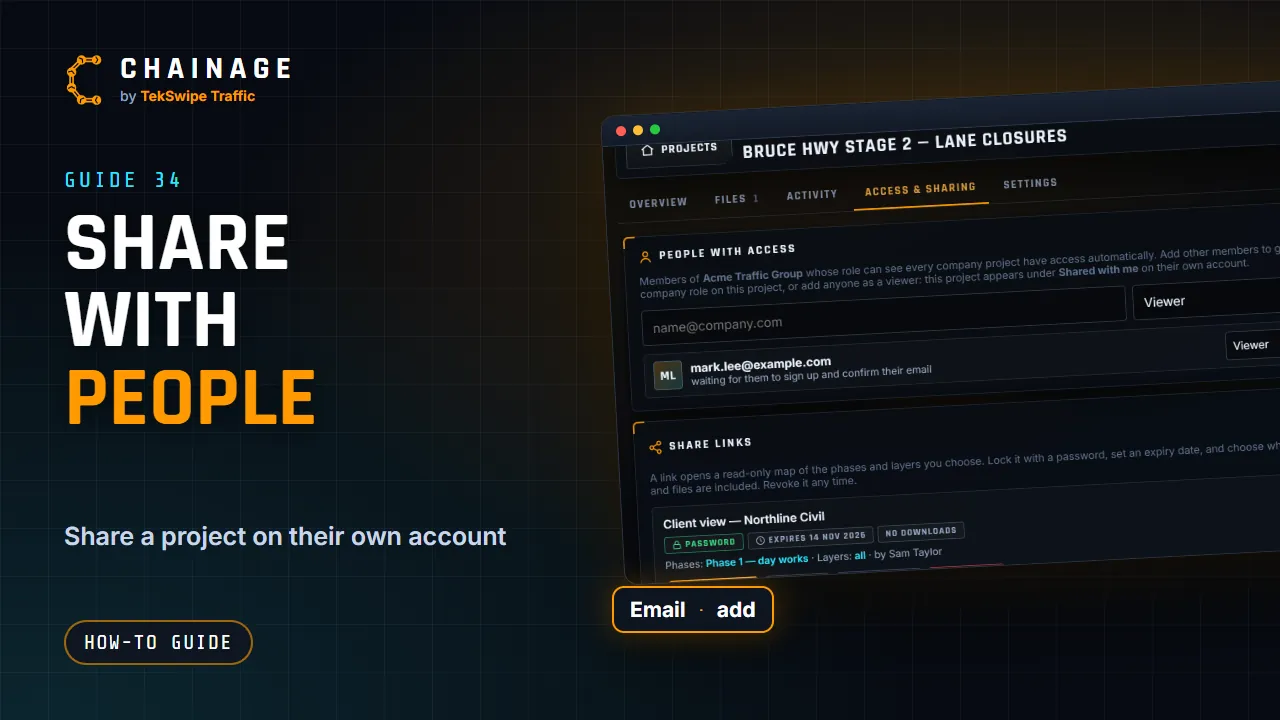
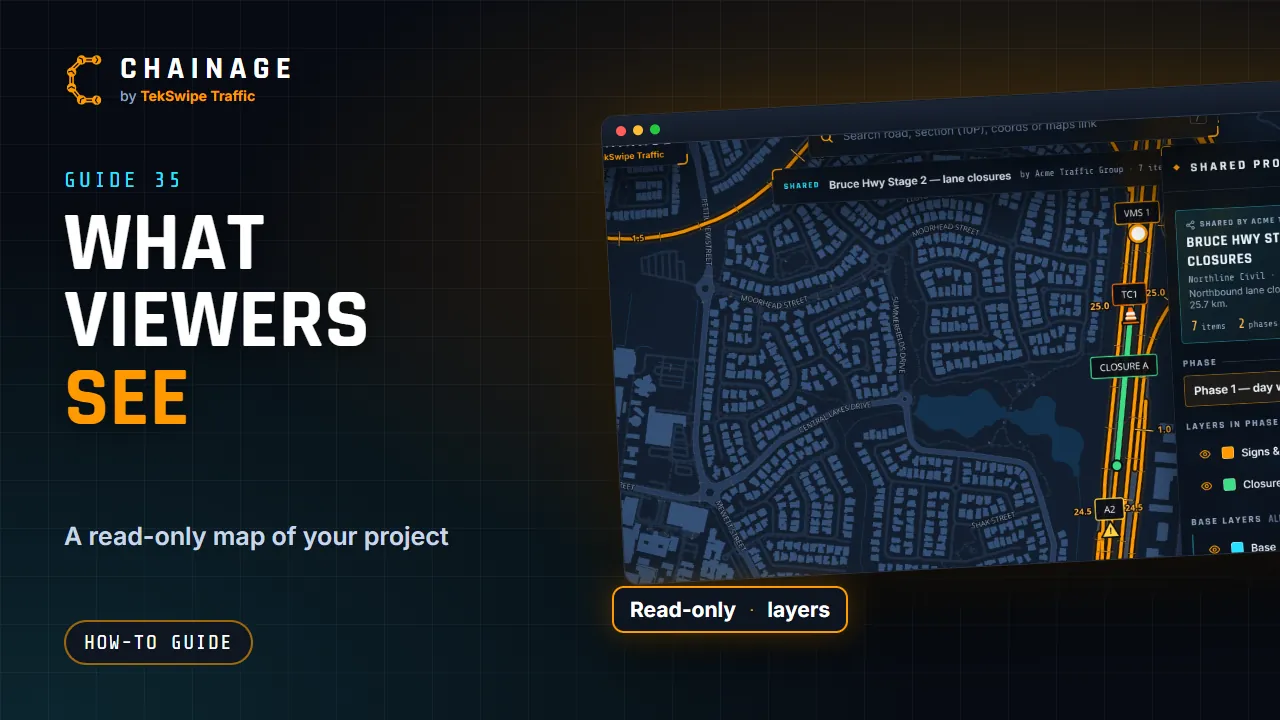
A share link gives anyone a read-only view of your project. No account needed. Open the project hub, go to Access and sharing, and tap New link. Name the link, and add a password if you like. Set an expiry date, and choose what viewers see: notes, photos, full-size downloads, and project files. You can share every phase and layer, or just some of them.
Tap Create link. It's copied, ready to send. You can copy it again, change its settings, or revoke it at any time. To give someone ongoing access on their own account, add their email under People with access instead. Once it's made, Starting view sets where the link opens. Turn and tilt the map, pick a base map, and tap Set.
Everyone who opens the link starts right there, at that angle, on that base map.
The full guide: Share a project with a link