Find your chainage with GPS
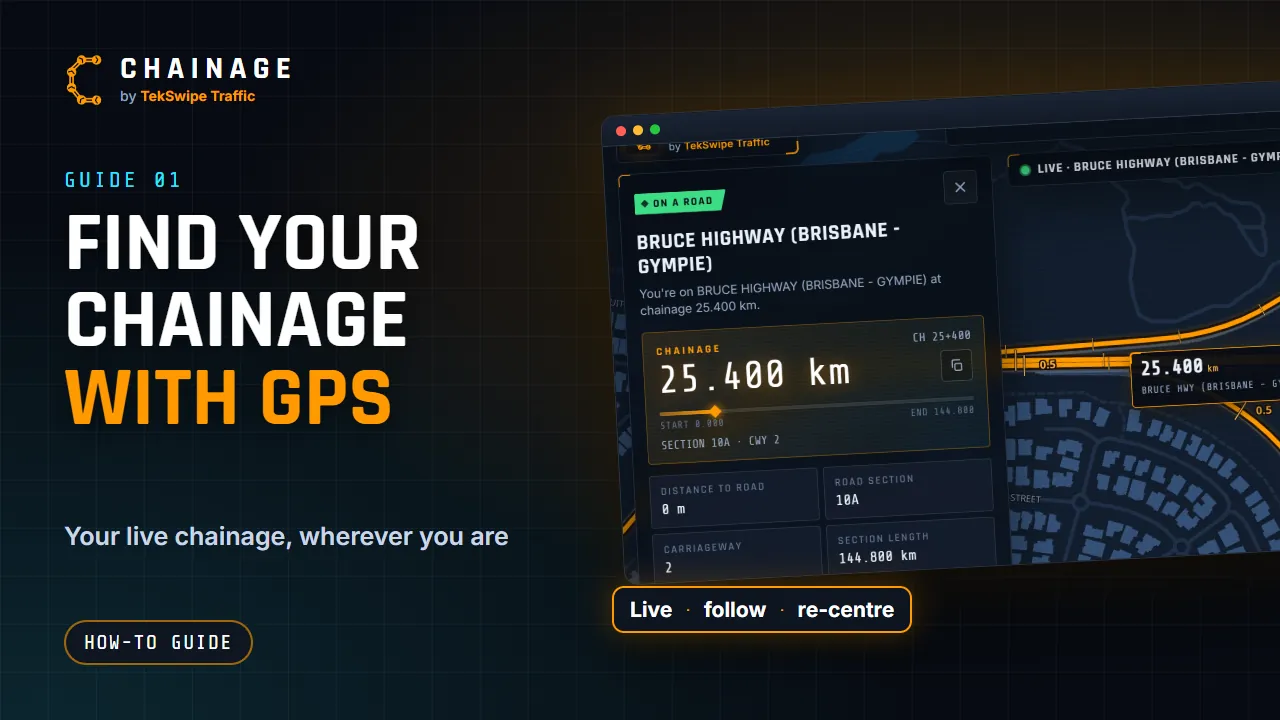
Use your phone's GPS to see your live chainage, follow your position along the road, and stop tracking when you're done.
Transcript
Here's how to find the chainage right where you are, using your phone or computer's location. Open Chainage, and tap Find my chainage at the bottom of the map. The first time, your browser asks to use your location. Choose Allow. Chainage zooms in to you, and the result card opens, with the road, the section, the carriageway and your chainage.
The badge tells you how close you are: on a road, near a road, or too far away. Your chainage also shows on the button, and it keeps updating as you move. Ideal for a passenger recording chainages on a drive-through. The map follows you. Drag it to look around, and following pauses. Tap Re-centre map to jump straight back to your position.
To stop live tracking, tap the live pill at the top of the screen. Said no to location by mistake? Chainage shows how to turn it back on, for iPhone and Android. Then tap Try again. And remember, if you're on the road, leave the app to your passenger.
The full guide: Find your chainage with GPS