Save a point to a project
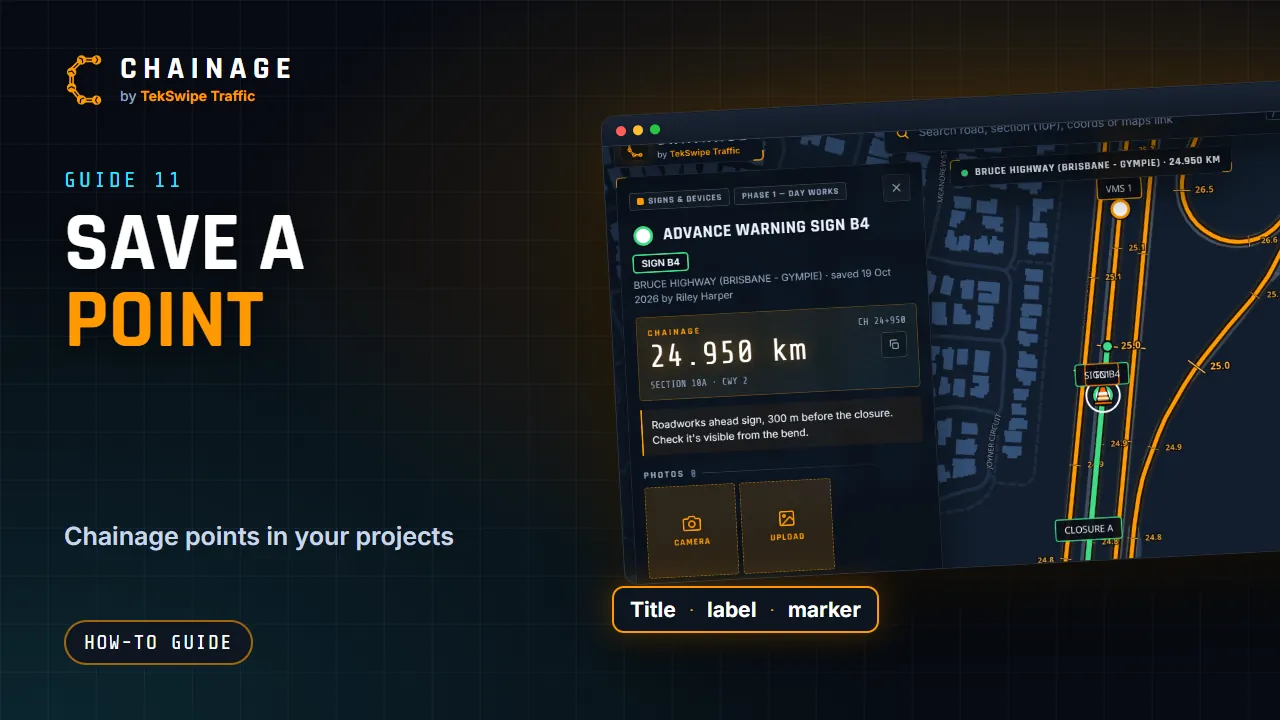
Save a chainage point or dropped pin into a project with a title, an always-on map label, a marker, a colour and notes.
Transcript
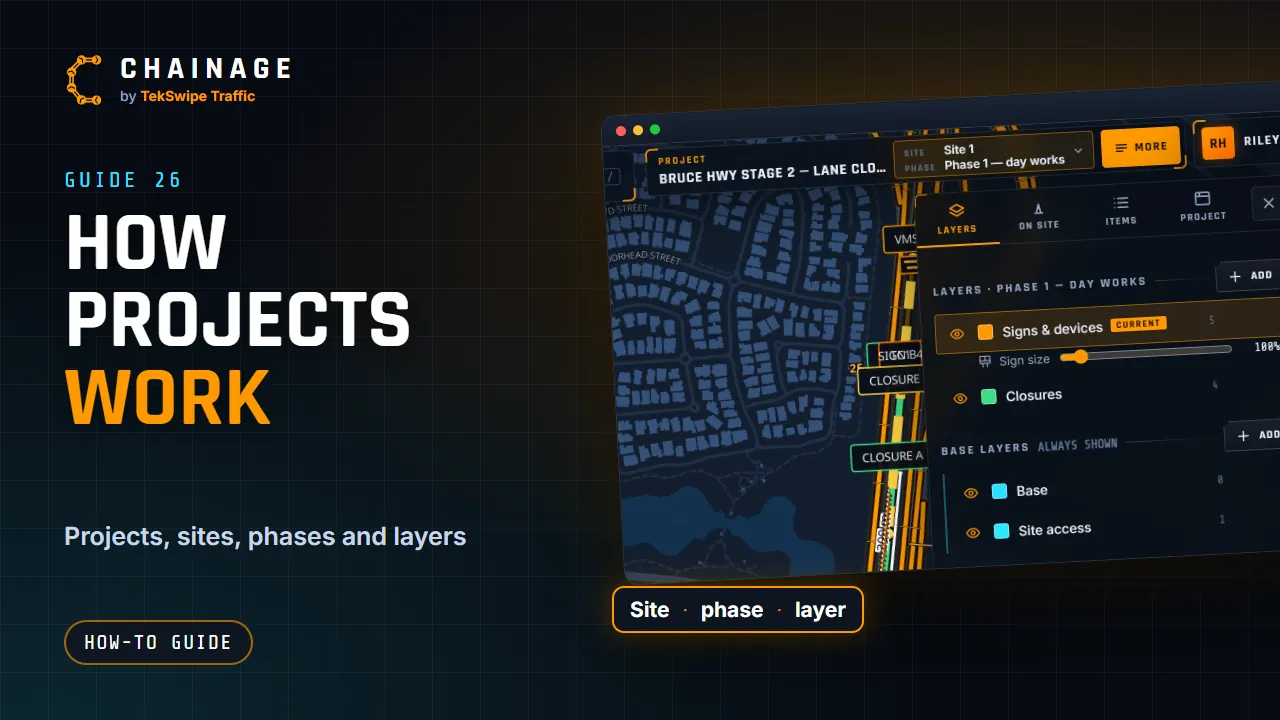
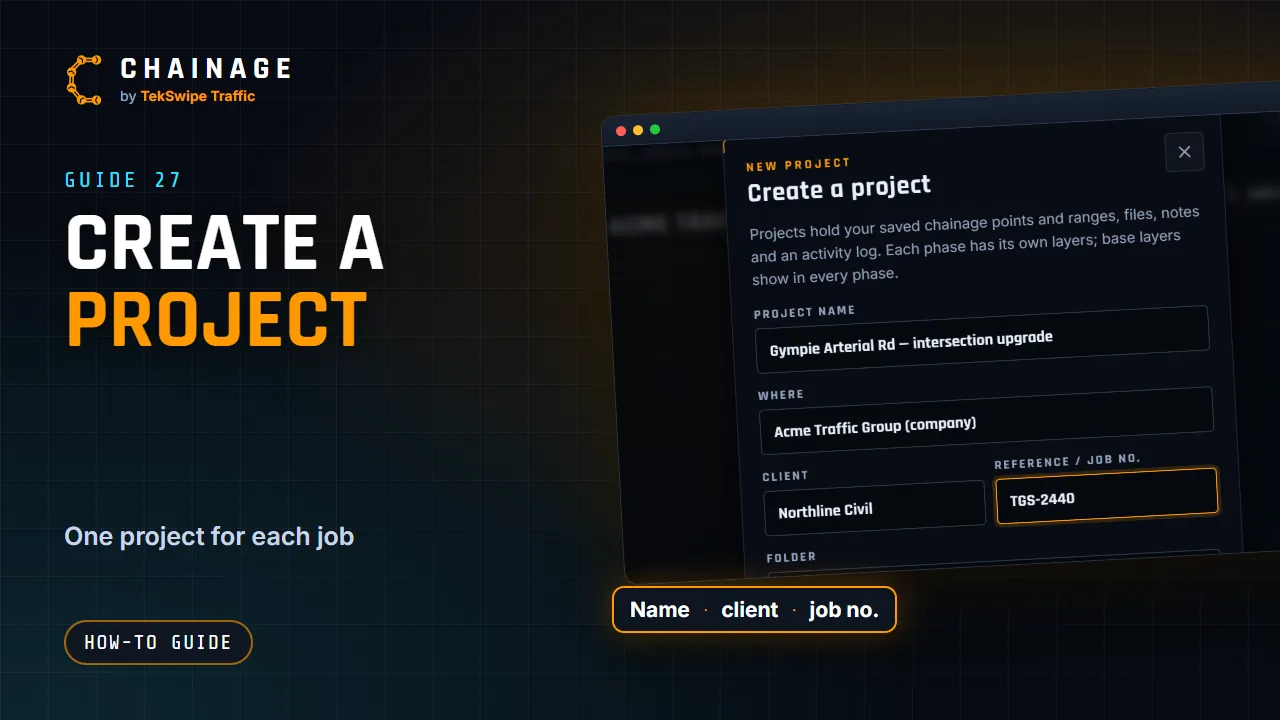
Here's how to save a chainage point to a project. Find the spot, then tap Save chainage point on the card. For an off-road pin, it's Save dropped pin. Choose the project and the layer. You can create a new one right here. Give it a title, and a map label if you like. The label always shows on the map, like Sign A1.
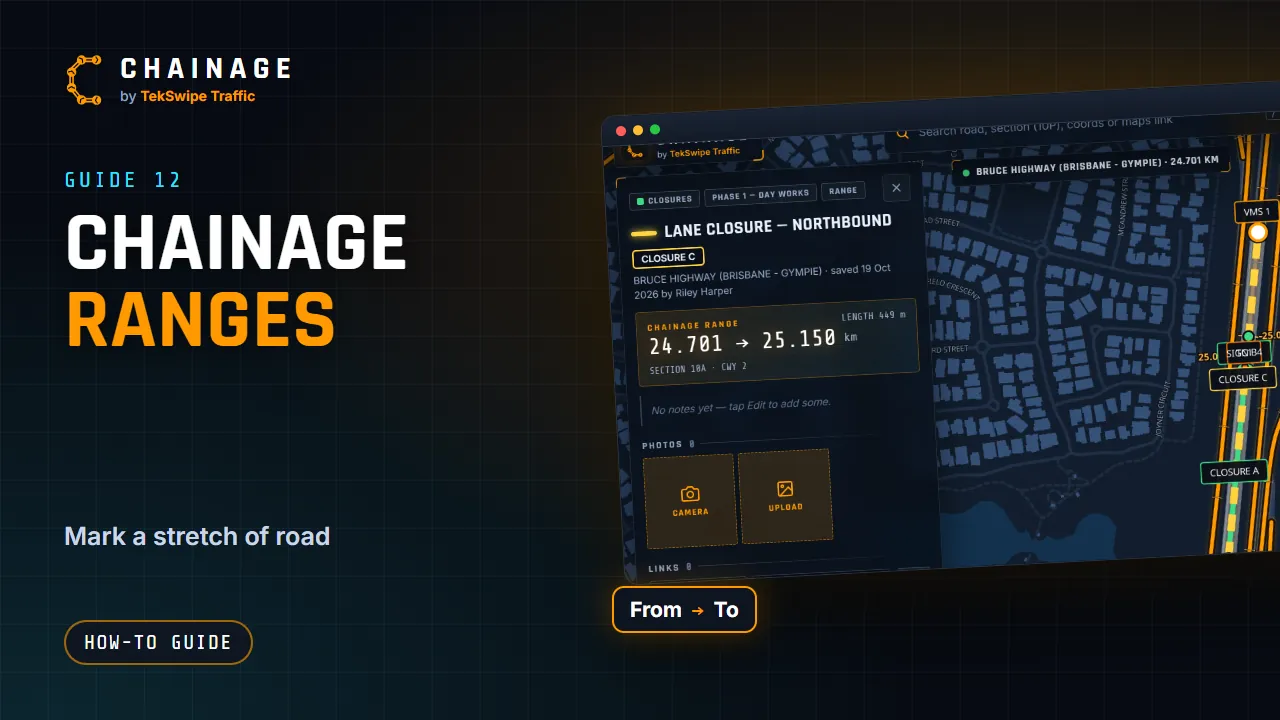
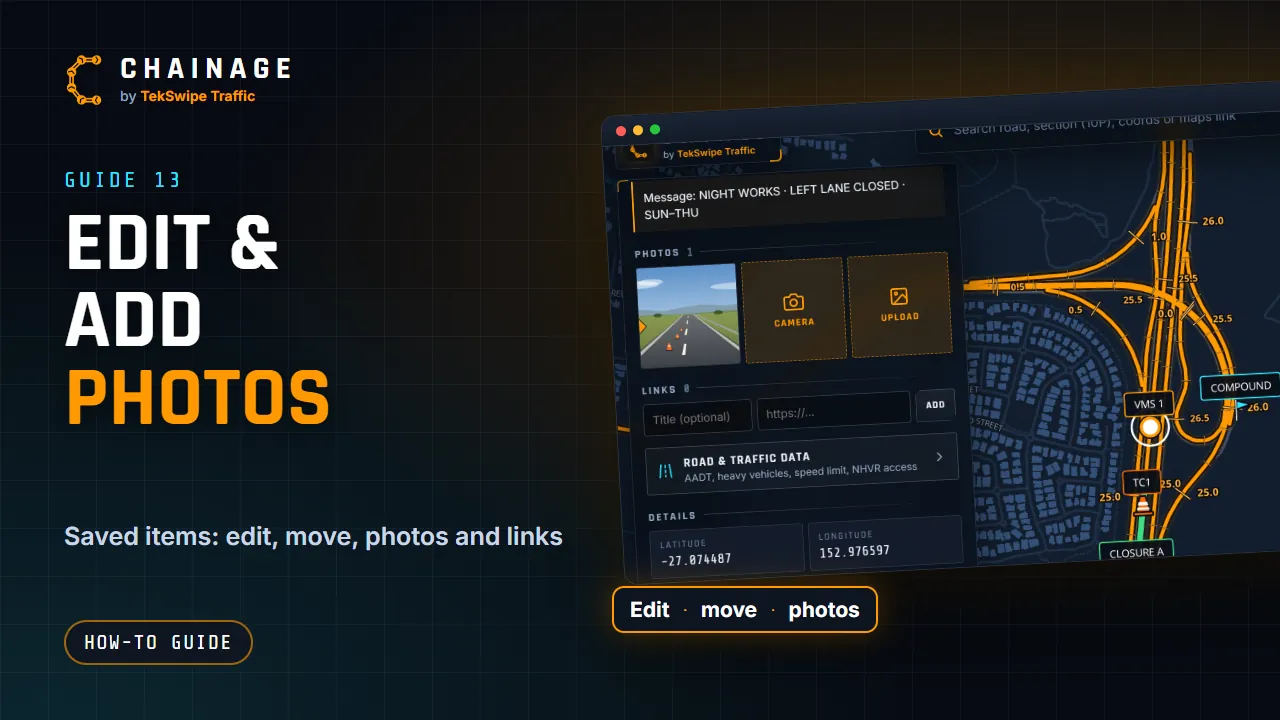
Pick a marker shape and a colour, and add any notes. Tap Save point. The project opens on the map with your new point, and its card shows the chainage, the road data, photos and links.
The full guide: Save a point to a project