Create a project
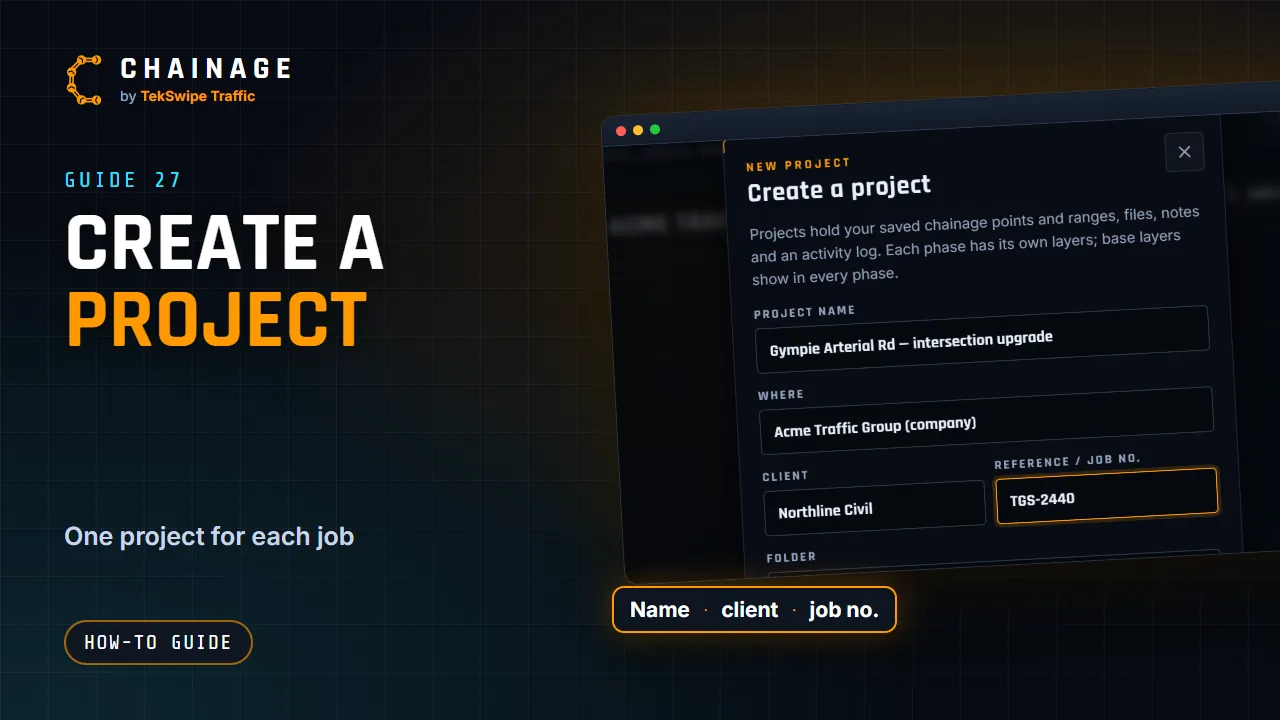
Start a new project from Projects home or while saving a point, choose personal or company, and add a client, reference, folder and tags.
Transcript
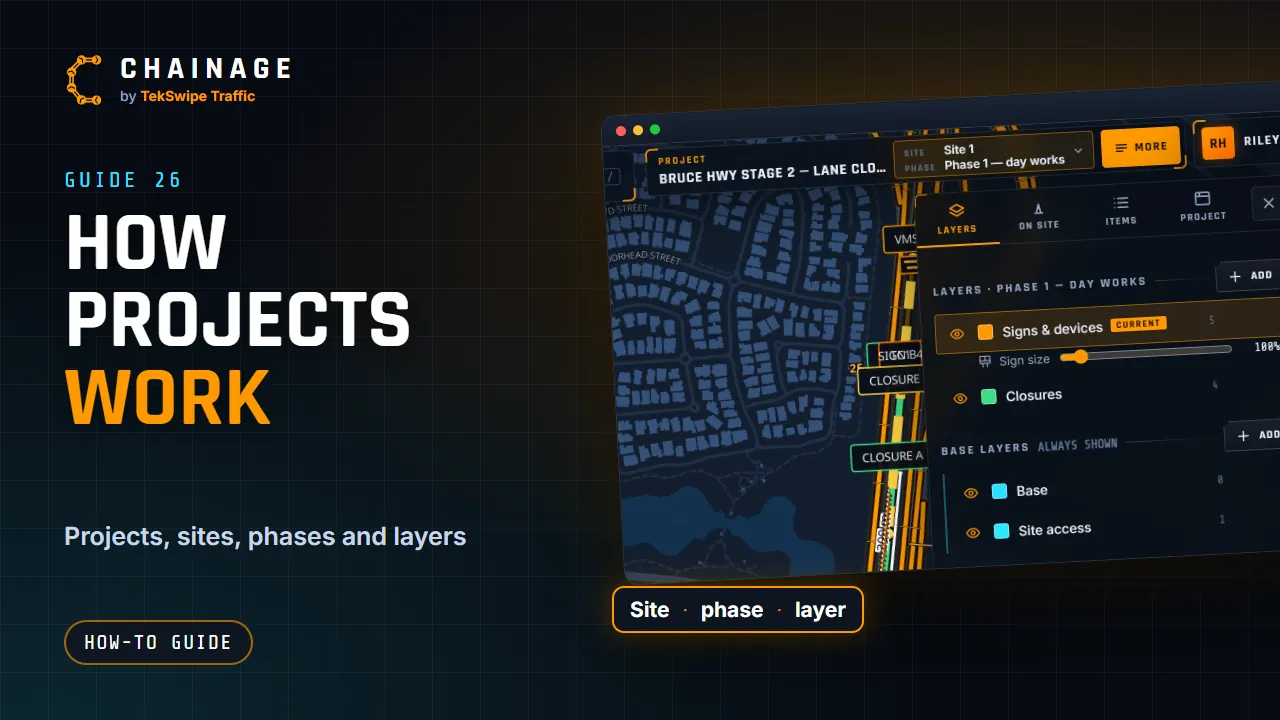
To start a project, open Projects home from the account menu, and tap New project. You can also make one while you save a point. Give it a name, and choose where it lives: your own projects, or your company. Add the client, a reference or job number, and a folder, if you like. Tap Create project. It starts with a base layer, and Site 1, with a first phase and a General layer.
The full guide: Create a project