Mark a stretch of road with a range
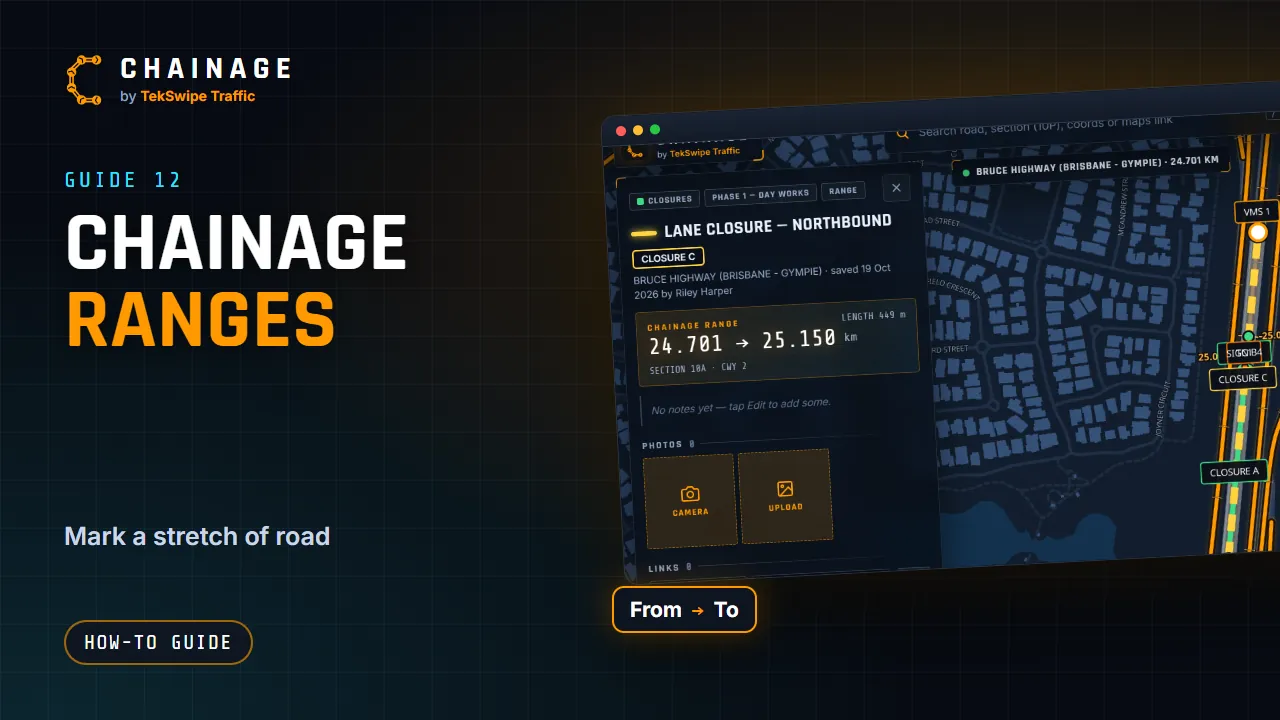
Save a stretch of road between two chainages, such as a lane closure or work zone, drawn along the carriageway.
Transcript
A range marks a stretch of road between two chainages, like a lane closure or a work zone. Find where it starts, then tap Make a chainage range. The range card shows From and To. Type the end chainage, or tap Pick the end on the map, and tap the road. The line follows the road itself, and the card shows its length.
Choose a colour, a line width, and a style: solid, dashed or dotted. Tap Save range, then pick the project and layer, like any other item. You can change its chainages any time, from the range's card.
The full guide: Mark a stretch of road with a range