Print a manifest
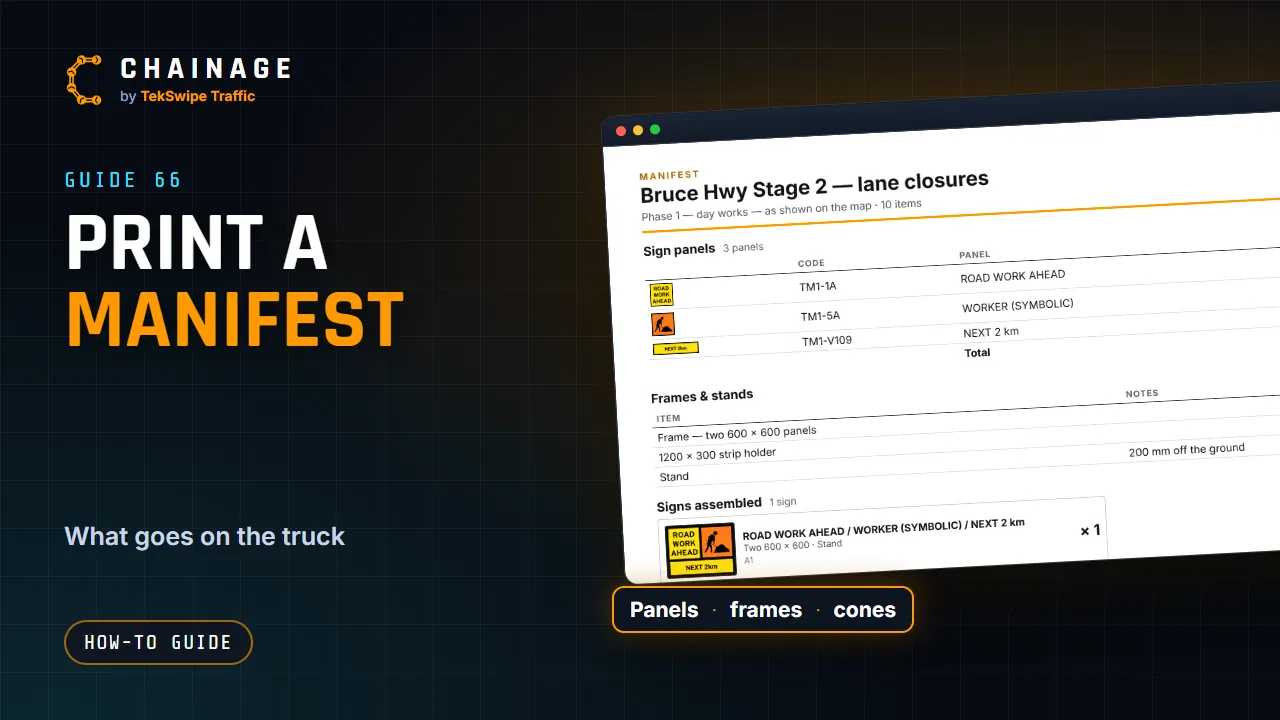
List everything a job needs (sign panels, frames and stands, signs as assembled, objects, cones and devices) and print it, save it as a PDF or download a CSV.
Transcript
A manifest lists everything the job needs on the truck. Open More, then Items, and tap Manifest. Choose what it covers: what's shown now, this site, or the whole project. Then tick the parts you want: sign panels, frames and stands, signs as assembled, objects, cones and devices, other items, and an item list. Untick any item to leave it out.
Print or save as PDF gives you a clean, printable manifest. Download CSV opens in a spreadsheet.
The full guide: Print a manifest